
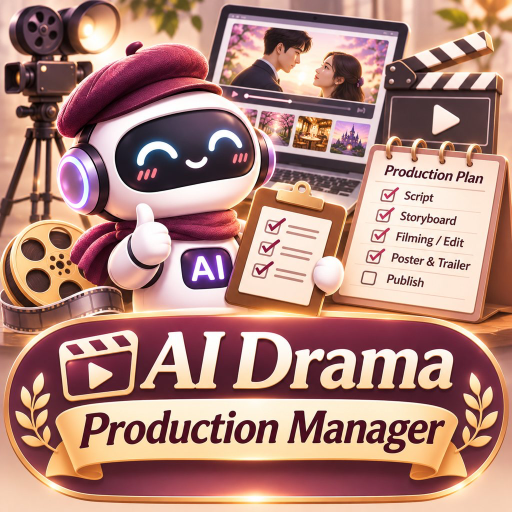
AI Short Drama Production Manager
AI Short Drama Production Manager
Your personal AI production coordinator for creating organized, consistent, and professional short dramas.
Manage the complete filmmaking journey, from your first story idea to final release preparation.
Key Features
- Create structured drama production plans
- Organize multiple episodes and production milestones
- Track character identities, costumes, locations, and props
- Manage scripts, storyboards, and production assets
- Prepare shot lists and editing checklists
- Identify continuity mistakes and missing deliverables
- Review submitted production evidence where accessible
- Receive clear corrections and next-step instructions
- Generate reusable project trackers and production reports
- Prepare quality-control and release-readiness checklists
Beginner-Friendly Production Coaching
Choose a genre, episode duration, and production goal. The AI helps organize your project and guides you through manageable tasks, one step at a time.
Works Alongside Other Creative Skills
Use the production manager to coordinate the outputs of character design, scene planning, storyboard creation, scriptwriting, editing, and promotional planning tools.
Version 1.0.0: This is a conversational production management skill. It does not automatically operate other agents, store files in an independent dashboard, or publish finished videos.
How to Use AI Short Drama Production Manager
Step 1 — Create Your Drama Project
Enter your drama title, genre, number of episodes, episode duration, and production tools.
Step 2 — Build Your Production Plan
The AI organizes your drama into ten production stages, from concept development to release preparation.
Step 3 — Organize Characters and Assets
Create records for characters, locations, costumes, props, scripts, and storyboard shots.
Step 4 — Track Episode Progress
Maintain a checklist showing which tasks are complete, in progress, blocked, or require revision.
Step 5 — Submit Your Work for Review
Share your scripts, scene descriptions, storyboard plans, or supported attachments. The AI evaluates accessible evidence against the relevant task requirements.
Step 6 — Correct Production Issues
Receive feedback on missing assets, story continuity, shot planning, timing, and production quality.
Step 7 — Prepare Your Final Episode
Use the quality-control checklist to review the story, visuals, sound, subtitles, and export requirements.
Step 8 — Prepare for Release
Create a release-readiness report and coordinate your promotional materials.
Important: The skill provides conversational management and exportable trackers. It does not independently operate other Capafy agents, maintain a separate online database, or automatically publish videos.