

Amazon Listing Image Maker
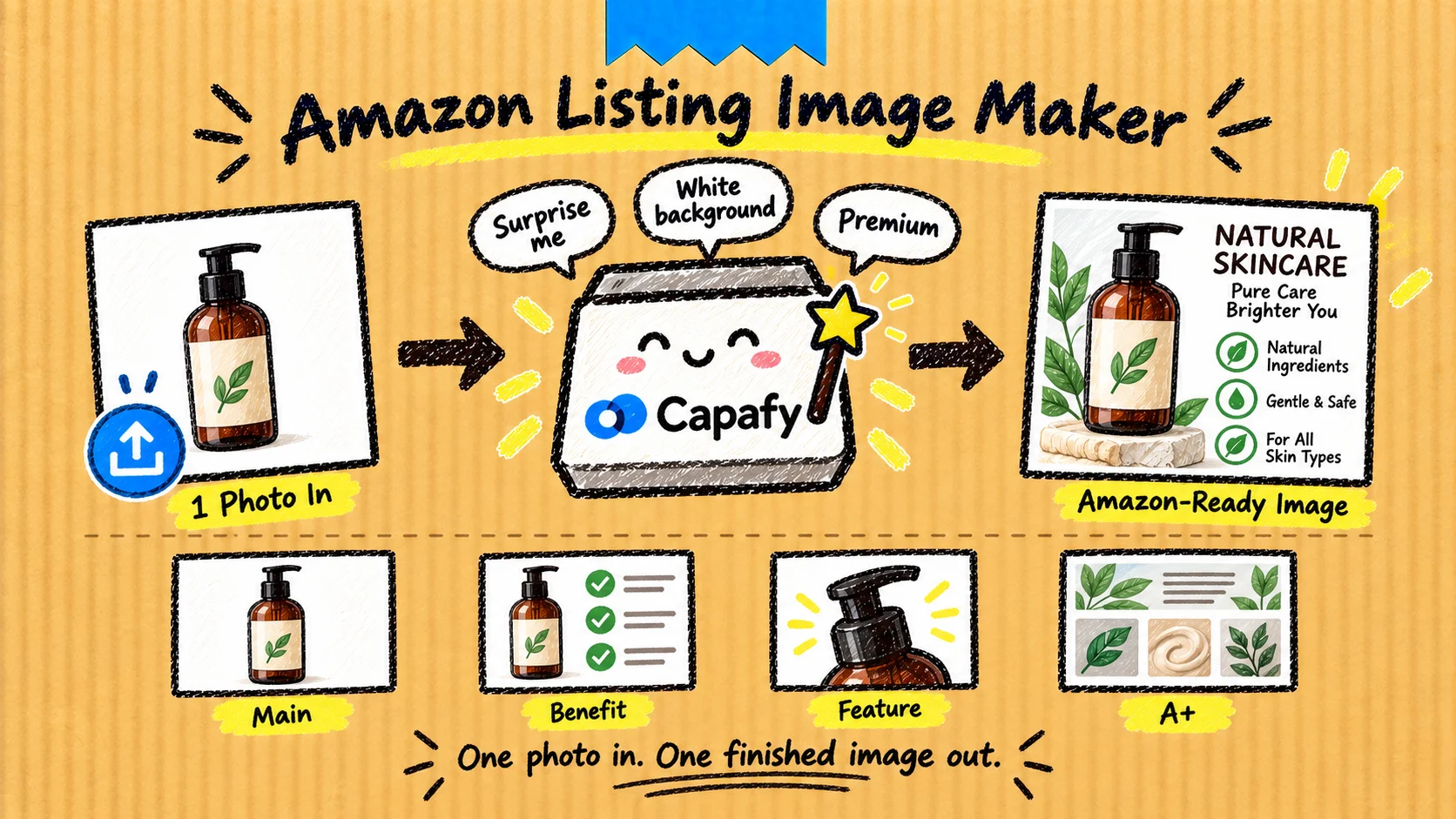
Stop Writing Prompts. Start With One Product Photo.
Amazon Listing Image Maker turns a product photo into a finished Amazon listing visual—not another prompt, brief, or list of suggestions.
Upload your product photo and type a short request:
- “Surprise me”
- “White background”
- “Make it premium”
- “Show the main benefit”
- “Create the next image”
The Agent handles the visual direction and produces the image for you.
One Photo In. One Finished Image Out.
You do not need to write a detailed creative brief.
Start with:
- One product photo or Amazon listing URL
- An optional visual look
- A short request—or no instructions at all
If you provide only a photo, Auto mode selects a suitable direction and starts immediately.
Choose a Look—or Let Auto Decide
Available looks:
- Auto
- Clean
- Premium
- Natural
- Bold
- Technical
The selected look affects the complete visual treatment—not simply the background color.
Amazon main images remain clean and product-focused. Visual styling is primarily used for secondary listing images and A+ Content.
Create the Images Your Listing Needs
Use it for:
- Main product images
- Benefit images
- Feature highlights
- Lifestyle scenes
- Dimensions and fit
- Package contents
- Product comparisons
- A+ Content visuals
Not sure which one to make first? Upload your photo and let Auto choose.
Fix Only What You Want Changed
You do not have to start over when one detail needs adjustment.
Continue with instructions such as:
- “Fix the text only”
- “Change the background only”
- “Make the product larger”
- “Show another version”
- “Change style to Premium”
- “Create the next image”
The Agent keeps the approved product details and visual direction while updating the requested part.
Built for Faster Amazon Image Production
Amazon Listing Image Maker is designed for sellers who:
- Need actual image output instead of creative advice
- Do not want to learn complicated prompting
- Want a consistent visual style across their listing
- Need quick variations without rewriting the entire brief
- Want to move from one product photo to a complete image sequence
What to Upload
For the most accurate result, provide a clear product photo that you own or are authorized to use.
You may also include:
- An Amazon listing URL
- Additional product angles
- Brand colors or existing brand visuals
- Exact text, dimensions, or product facts you want shown
Unverified product claims or specifications will not be invented.
Start Now
Attach one product photo and type:
Surprise me. Make the first image now.
You will receive an actual visual output and can continue building the rest of the listing one image at a time.
Images should be reviewed by the seller before publishing. Amazon marketplace and category requirements may vary, so confirm current requirements in Seller Central.

