Color Koala: Coloring Books for Adults & Kids
Color Koala – AI Coloring Book Maker
Have an idea for a coloring book? Color Koala helps you turn it into something you can actually print, share, or sell.
Create coloring pages, matching covers, and complete PDF coloring books with AI. No drawing skills, design software, or API setup required.
Whether it's a weekend activity with your kids, a thoughtful gift, or your first coloring book to publish, you can start with just an idea.
What Can You Create?
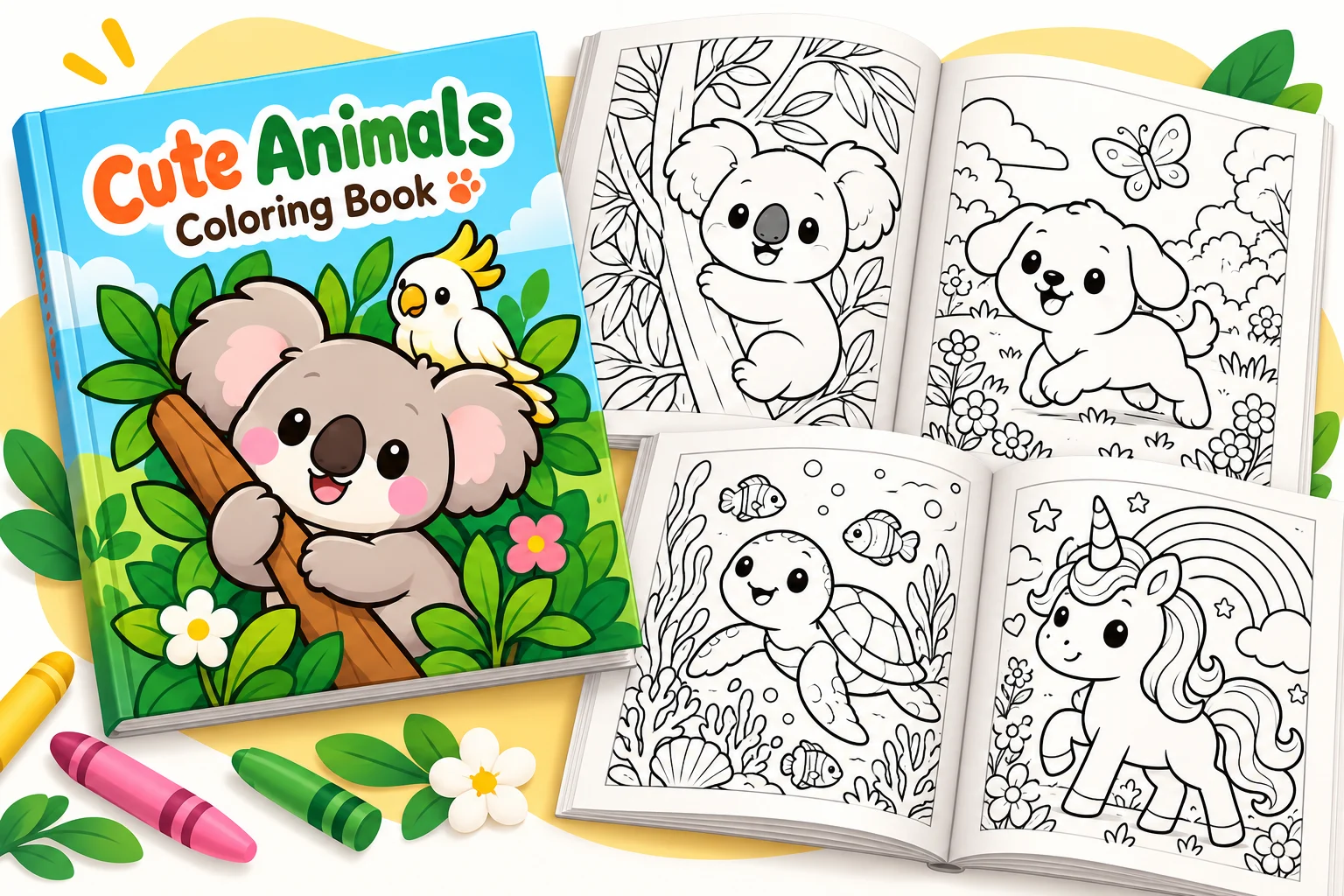
- Coloring Books for Kids & Adults – Cute animals, simple cartoons, detailed flowers, mandalas, and just about anything you can imagine.
- Custom Coloring Pages – Describe what you have in mind or upload a reference image to guide the style.
- Complete Coloring Books – Put together a full book with consistent illustrations, a matching cover, and a printable PDF.
- Story Coloring Books – Bring your own stories to life, one coloring page at a time.
- Books for Publishing – Prepare coloring books to sell on Amazon KDP, IngramSpark, Lulu, B&N Press, or Etsy.
Three Ways to Make Your Coloring Book
Not every coloring book needs the same approach. Maybe you just want a few fun pages for your kids, or maybe you're working on something you'd like to publish. Color Koala has three modes to help you get there.
Standard Mode
For everyday coloring books, big ideas, and little projects.
This is where most people start. Have a favorite animal, a holiday theme, or a particular illustration style in mind? Describe it, and Color Koala will help you turn it into a complete coloring book.
You can preview the pages, tweak anything that doesn't look quite right, and add a matching cover before downloading your PDF.
Great for family activities, classroom projects, homemade gifts, or just making something for fun.
Estimated usage: 2–5 conversation turns per book. Longer books or additional revisions may take more.
Publishing Mode
Thinking about selling your coloring books?
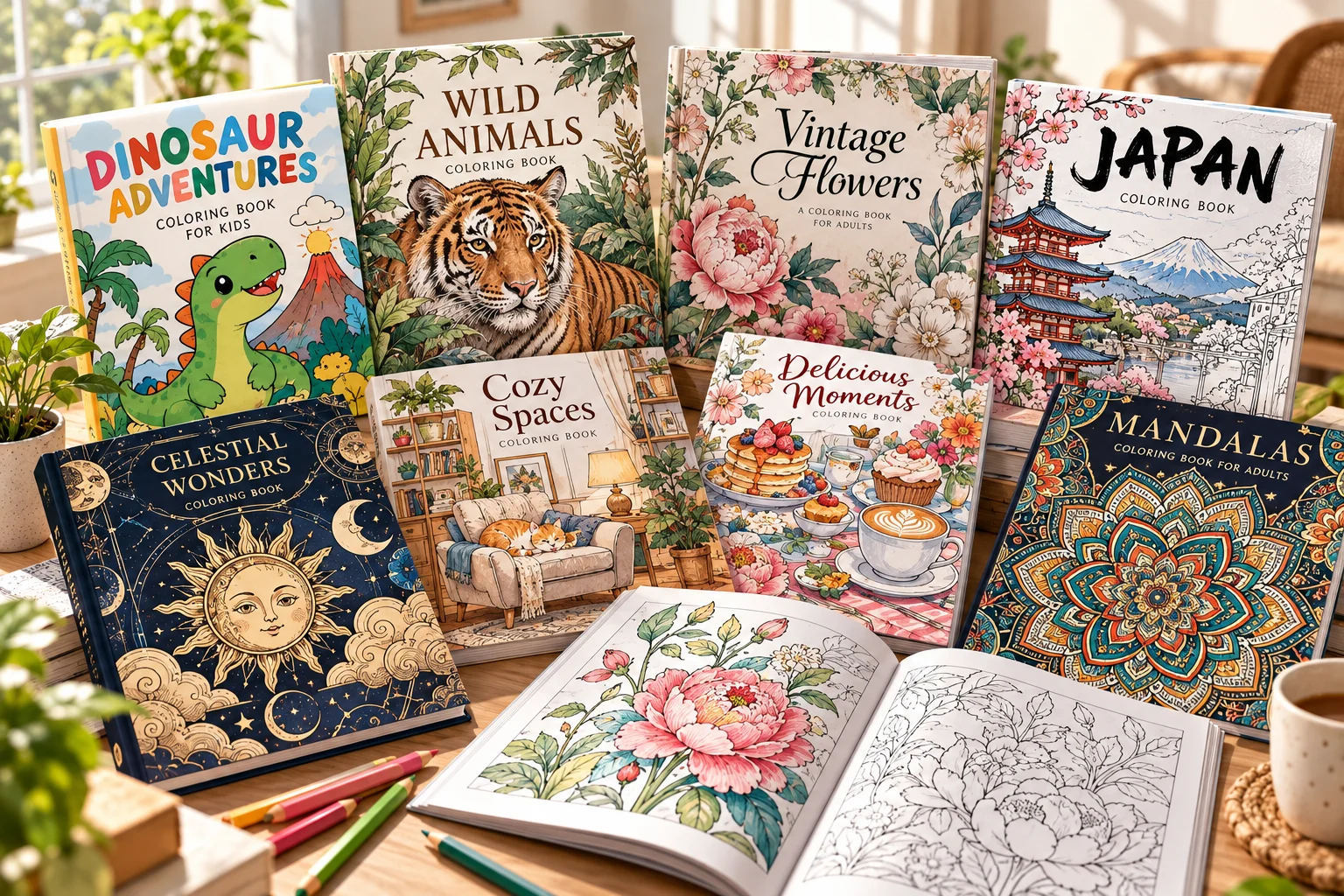
You don't need to figure out every printing detail on your own. Publishing Mode helps you create a properly formatted book, from the interior pages to the cover, based on where you plan to sell it.
Whether you're putting your first book on Amazon or adding something new to your shop, you can spend more time on your ideas and less time adjusting layouts.
You can create books for:
- Amazon KDP – Paperback coloring books for Amazon.
- IngramSpark – Bookstore and online distribution.
- Lulu – Print-on-demand coloring books.
- Barnes & Noble Press – Books for B&N readers.
- Etsy – Downloadable coloring books customers can print at home.
Prefer single-sided coloring pages? You can leave the back of each illustration blank to help keep markers from bleeding onto the next design.
Estimated usage: 3–7 conversation turns per book. Longer books or additional revisions may take more.
Storybook Mode
Got a story you'd love to turn into a coloring book?
It could be a bedtime story you made up for your child, a little adventure with their favorite characters, or a longer story you've been meaning to do something with.
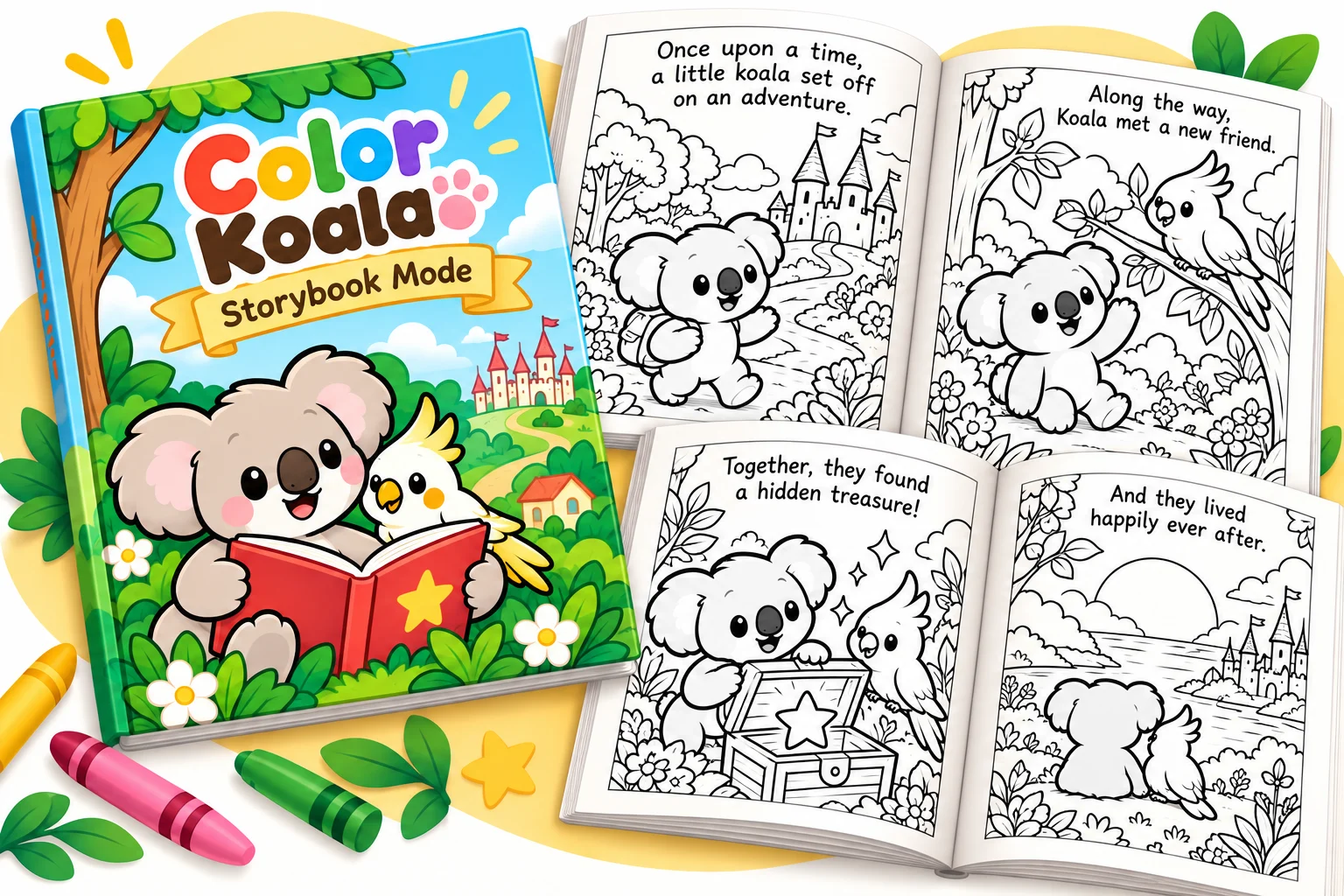
You don't have to get every word right. Just share what you've got, and Color Koala will help shape it into a story that works page by page, with engaging scenes, consistent characters, and short captions that fit naturally into the illustrations.
Kids get a story they can read and color along with, and you get something a little more personal than an ordinary coloring book. It's also a fun way to create original storybooks to publish.
Estimated usage: 6+ conversation turns per book. Longer stories or additional revisions may take more.
How to Use Color Koala
You don't need to know anything about illustration or book design to get started.
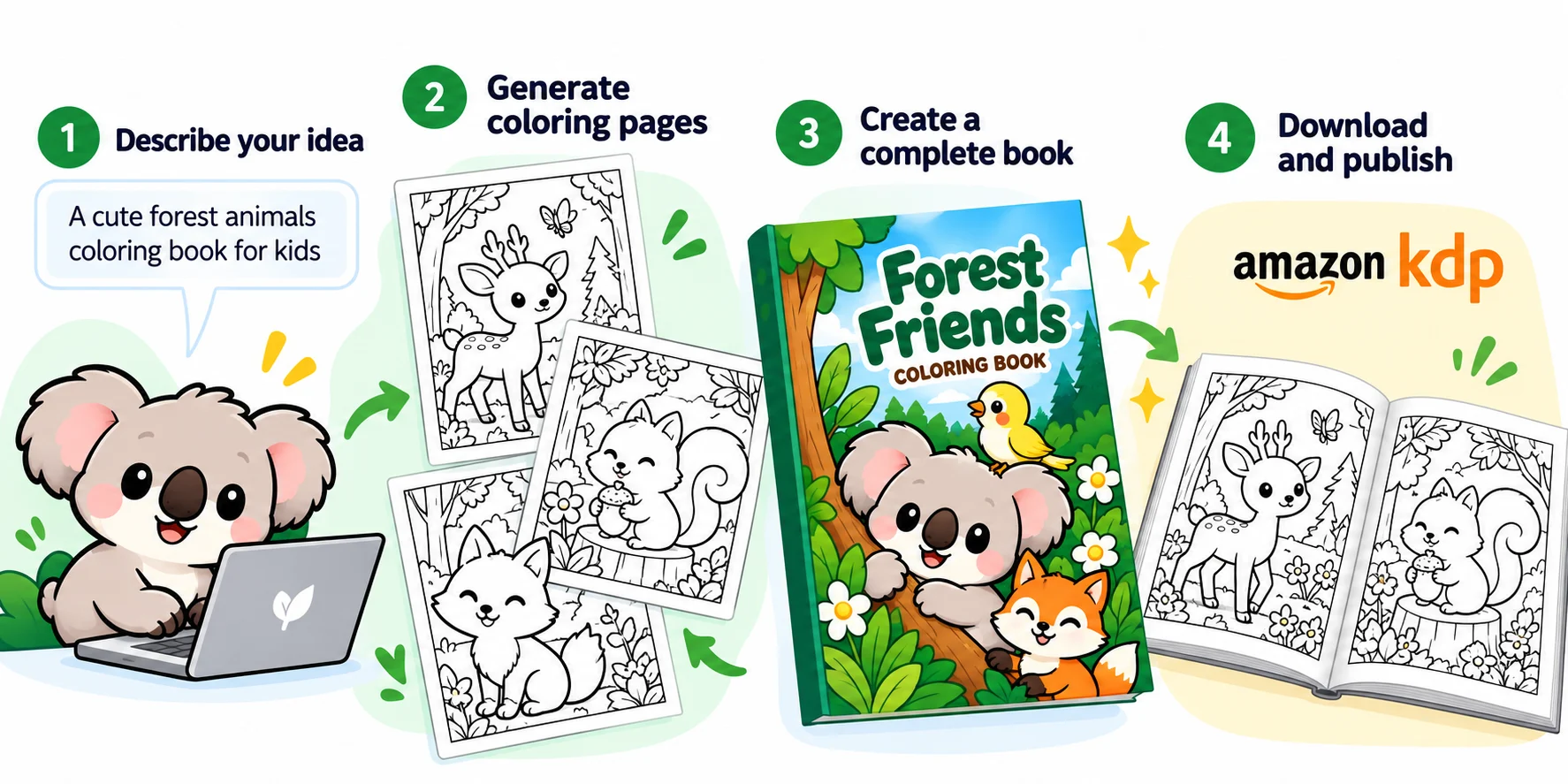
1. Tell Color Koala your idea
Start with something simple, like:
Create a cute animal coloring book for kids ages 4–8, with simple shapes and bold outlines.
2. Find a style you like
Take a look at the sample pages. Want thicker lines, simpler backgrounds, or a different look? Just ask.
3. Put your book together
Once you're happy with the style, Color Koala helps create the rest of the pages and a matching cover.
4. Download your book
Get your finished PDF, ready to print, share, or prepare for publishing.
Commercial Use & Disclaimer
Color Koala uses AI to create illustrations and coloring books. AI-generated content may contain errors or inconsistencies.
You can use and sell your creations, but you're responsible for respecting third-party copyrights, trademarks, and other rights. Please review your work and check your chosen platform's requirements before publishing or selling.
Color Koala is an independent tool, not affiliated with or endorsed by Amazon KDP, Etsy, or other publishing platforms. Publication approval is not guaranteed.
Have questions or need a Commercial Use License Confirmation for your coloring books?
Visit colorkoala.cc for FAQs, licensing information, and support.