Full-Pipeline Data Analysis Agent
Main Purpose
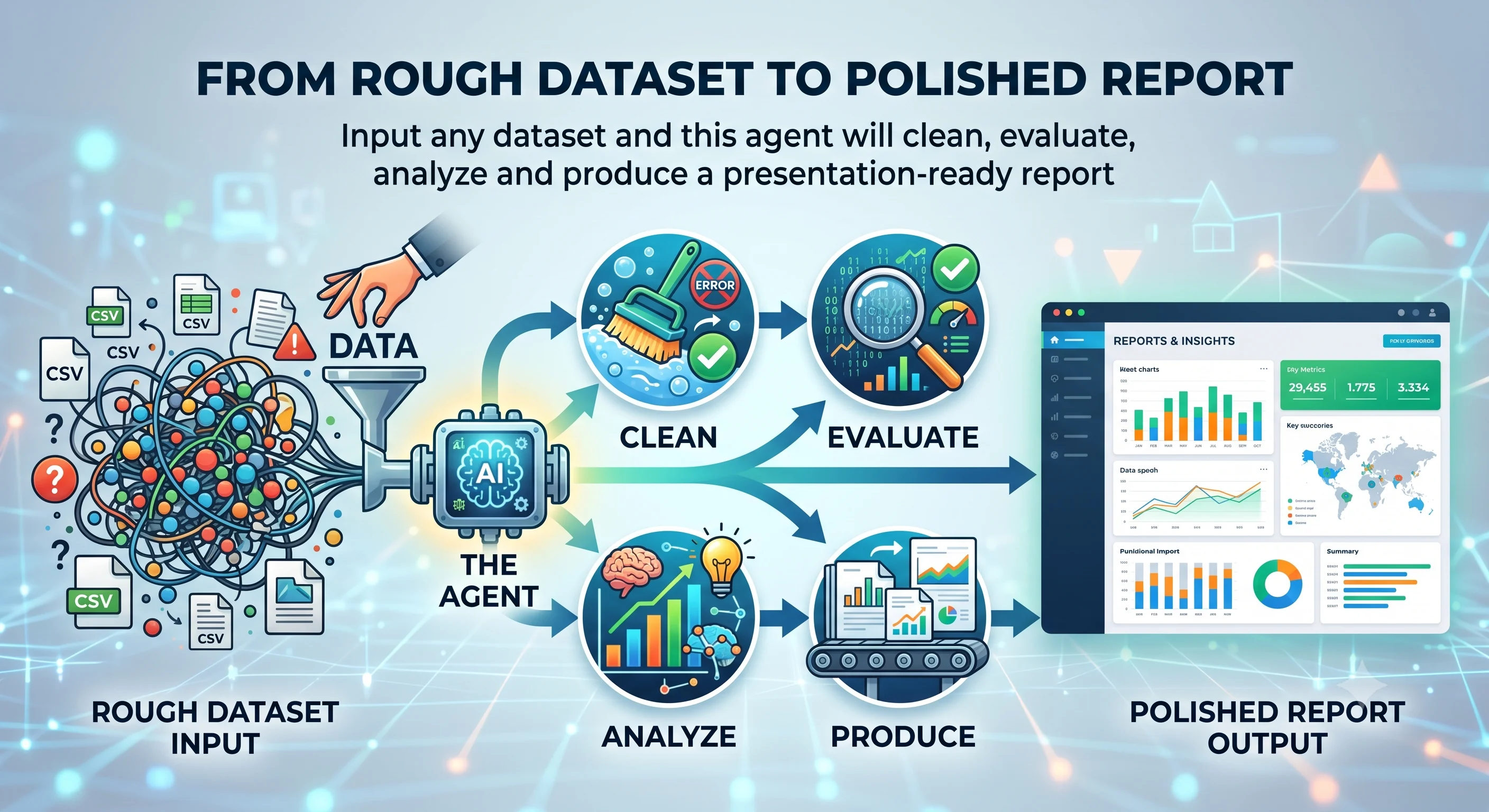
This agent turns a raw dataset into a decision-ready analysis package. It runs a fixed
nine-stage pipeline over your data and produces polished reports in three formats, along
with machine-readable output for anyone who wants to wire the results into something
else. Unlike tools that have a language model narrate over your spreadsheet, the analysis
here is done by code. Cleaning, statistics, model training, feature attribution, and
forecasting all run as deterministic steps, so the figures in the report are reproducible
and are never generated text.
Use this agent for tasks such as:
- Turning a CSV or Excel file into a written report
- Checking data quality before you trust a dataset
- Exploratory data analysis and correlation review
- Predicting an outcome column such as churn, conversion, or price
- Understanding which features actually drive a result
- Forecasting a metric forward over time, with a backtest
- Producing a Word, HTML, or PowerPoint deliverable from data
- Generating a machine-readable summary for a downstream workflow
How It Works:
The agent runs the same nine stages in order on every dataset. Stages that need a target
or a date column only run when you supply one, and any optional stage that cannot run is
skipped and logged rather than failing the whole job.
- Load: Reads CSV, TSV, Excel, Parquet, or JSON into a single table.
- Clean: Coerces types and handles missing values, and logs every change it makes.
- Data quality scorecard: Runs on the raw, pre-clean data so that real missing rates, duplicate counts, and skew are reported instead of being hidden by cleaning.
- Exploratory analysis: Profiles distributions and relationships and generates the supporting figures.
- Tabular modeling: When you give it a target column, it trains a classification or regression model and reports holdout performance.
- Driver analysis: Explains that model with SHAP, so you see which features move the outcome and in which direction.
- Forecasting: When you give it a date column and a value column, it projects the metric forward over your chosen horizon and backtests the forecast.
- Synthesis: Scores the trustworthiness of the data, tags every finding by severity, and writes the executive summary and recommended actions.
- Report: Assembles the interactive HTML report and the Word document, and an optional PowerPoint deck, then writes the machine-readable summaries.
Typical Outputs
- report.docx: formatted Word report
- report.html: interactive HTML report with figures, tables, and ranked findings
- summary.pptx: optional PowerPoint summary deck
- summary.json: trust score, ranked findings, recommended actions, model metrics, and forecast
- run_status.json: per-stage status of ok, skipped, or error, with timings
- figures/: the charts generated during the run
What Makes It Different
- It is a real pipeline, not a prompt. Cleaning, modeling, SHAP attribution, and forecasting run as code.
- It returns three finished file formats, Word, HTML, and PowerPoint, not just a single HTML page.
- It reads five input formats out of the box: CSV, TSV, Excel, Parquet, and JSON.
- Data quality is scored on the raw data, so cleaning never quietly hides a problem.
- It produces a trust score and severity-ranked findings, not just a stack of charts.
- It emits machine-readable summary.json and run_status.json so the results can feed an automated workflow.
- Optional stages fail soft and are recorded, so a run always finishes and you always know what ran.
Quality and Trust Standards
- Numbers come from code and stay consistent across runs.
- It never fabricates figures.
- The data quality scorecard runs on the raw, pre-clean data.
- Forecasts include a backtest, not just a forward line.
- Per-stage outcomes are recorded for auditability.
- The pipeline is continuously regression-tested by an autonomous monitoring agent that runs scenarios, checks the output, and verifies fixes before keeping them.m.