HTML Slide Deck Builder
HTML Slide Deck Builder — Showcase
Turn a topic or outline into a finished, browser-navigable HTML slide deck — present
it full-screen, deep-link any slide, and export cleanly to PDF. No PowerPoint, no
design skills required.
Every image below is a real slide from a 46-slide deck ("AI-Augmented Software
Engineering — A Sharing Session") built with this skill. One shared design-tokenstyle.css, one file per slide, a 1920×1080 fixed canvas, and a menu of reusable
layout components — so a long deck stays visually consistent without hand-tuning each
page.
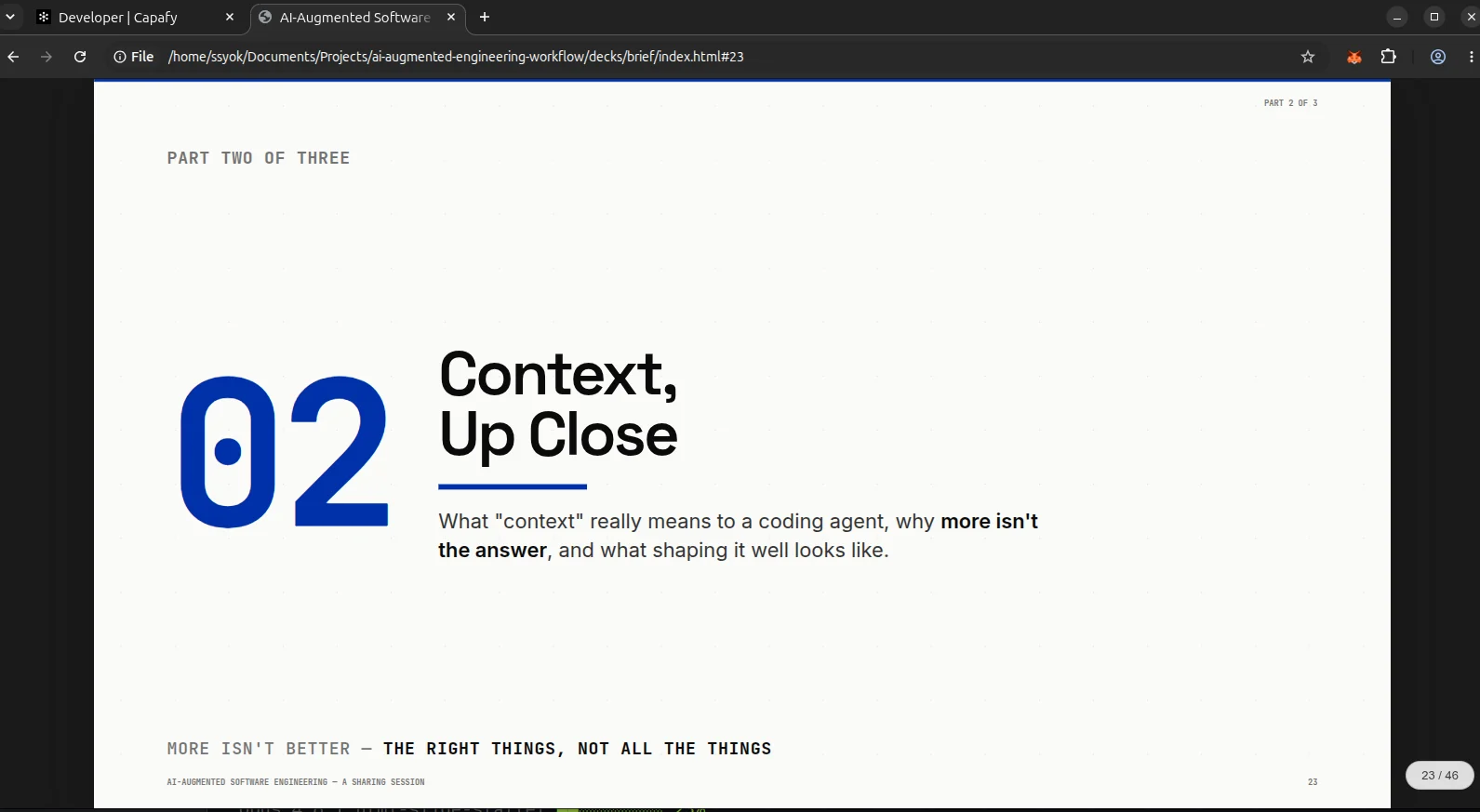
Section covers that set the rhythm
A dark-accent divider between chapters: one huge number, a Klein-blue accent rule, a
one-line summary, monospace metadata stamps. Every 3–4 slides one of these resets the
eye.
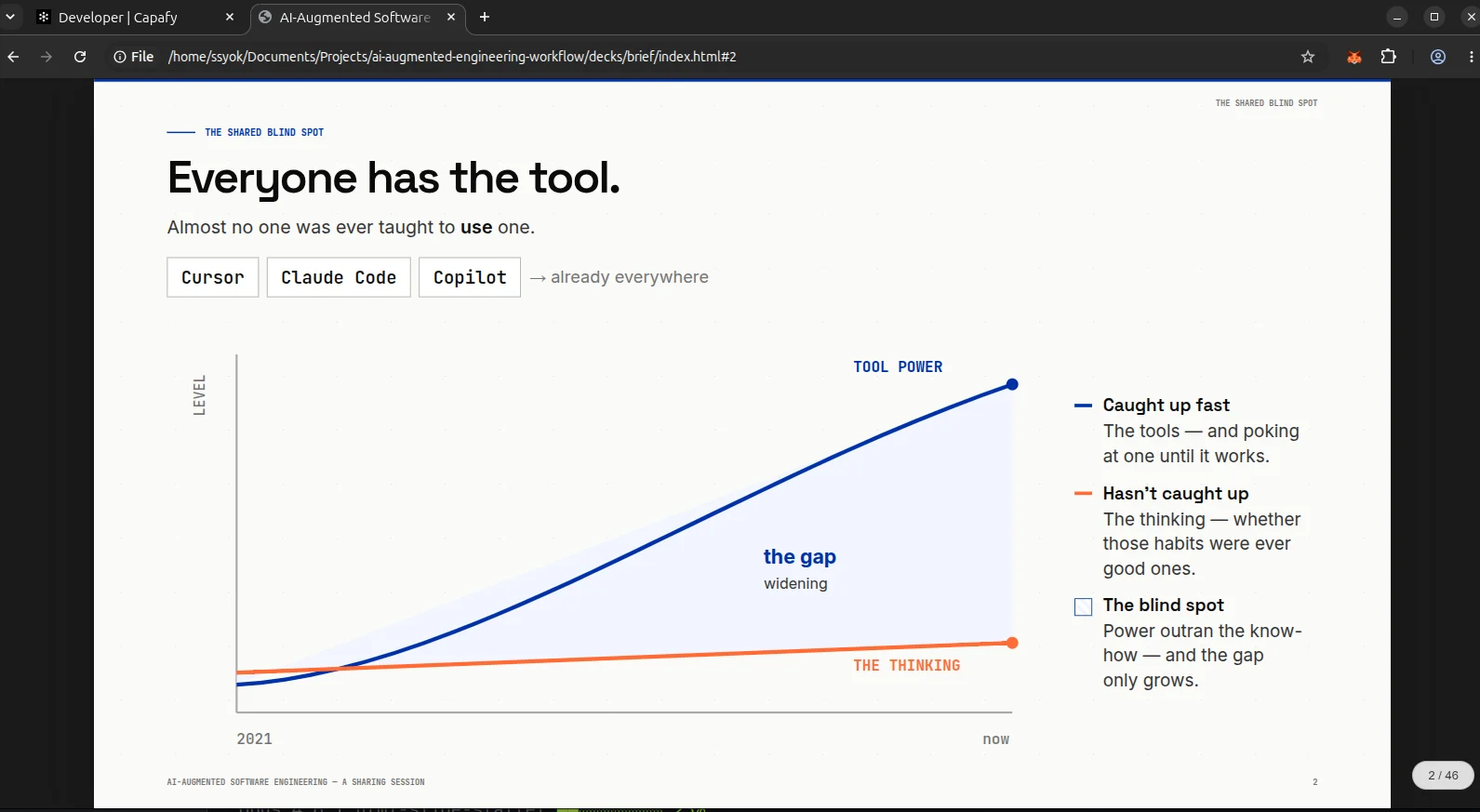
Hand-built charts — no charting library
When the story is the gap between two lines, the deck draws it directly in SVG:
diverging trends, a shaded wedge for the gap, a line-segment legend. Data becomes the
argument.
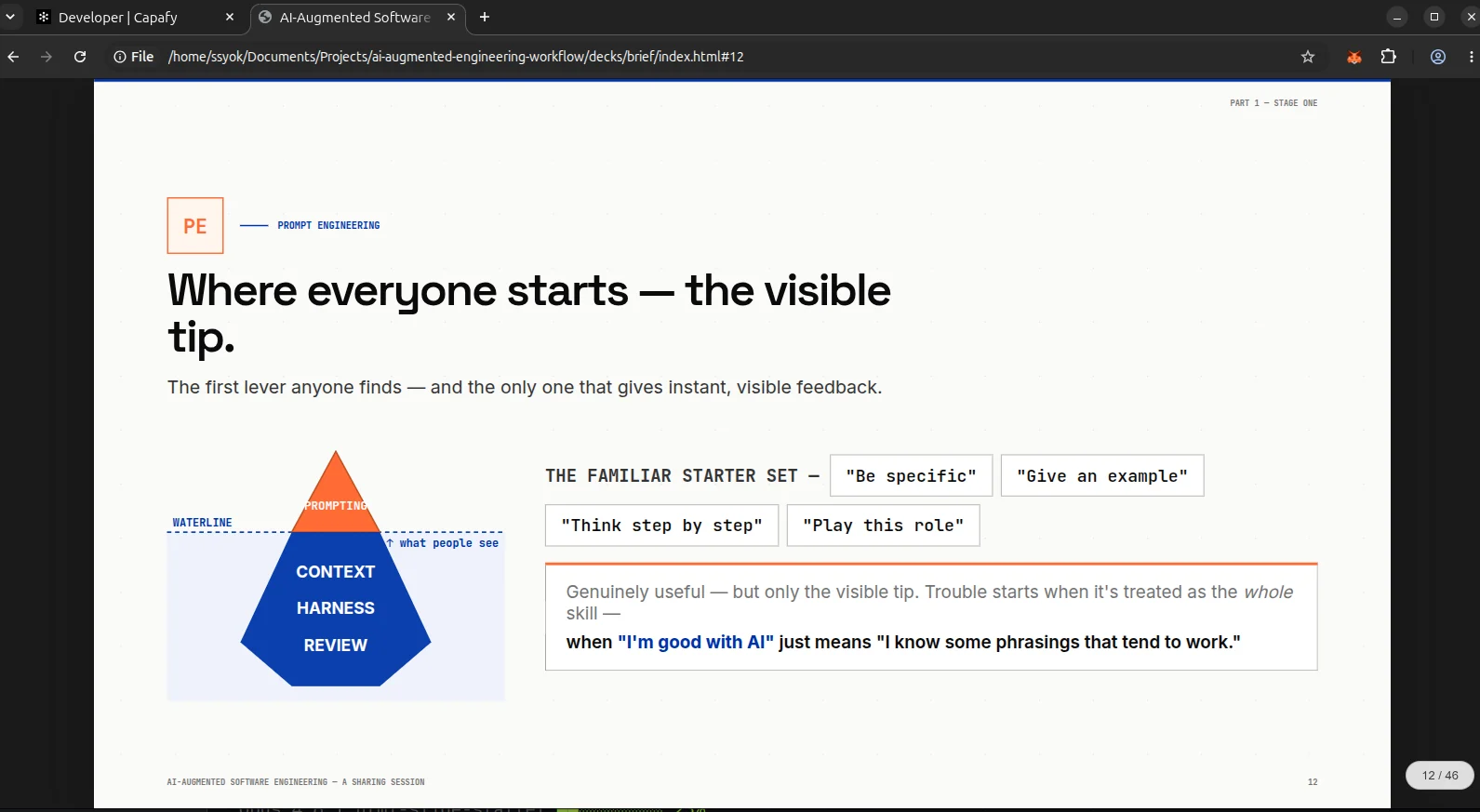
Concept diagrams that carry the point
Purpose-built components for the idea a slide is actually making:
Iceberg — a small visible tip over a large hidden mass. The size ratio is the
message.
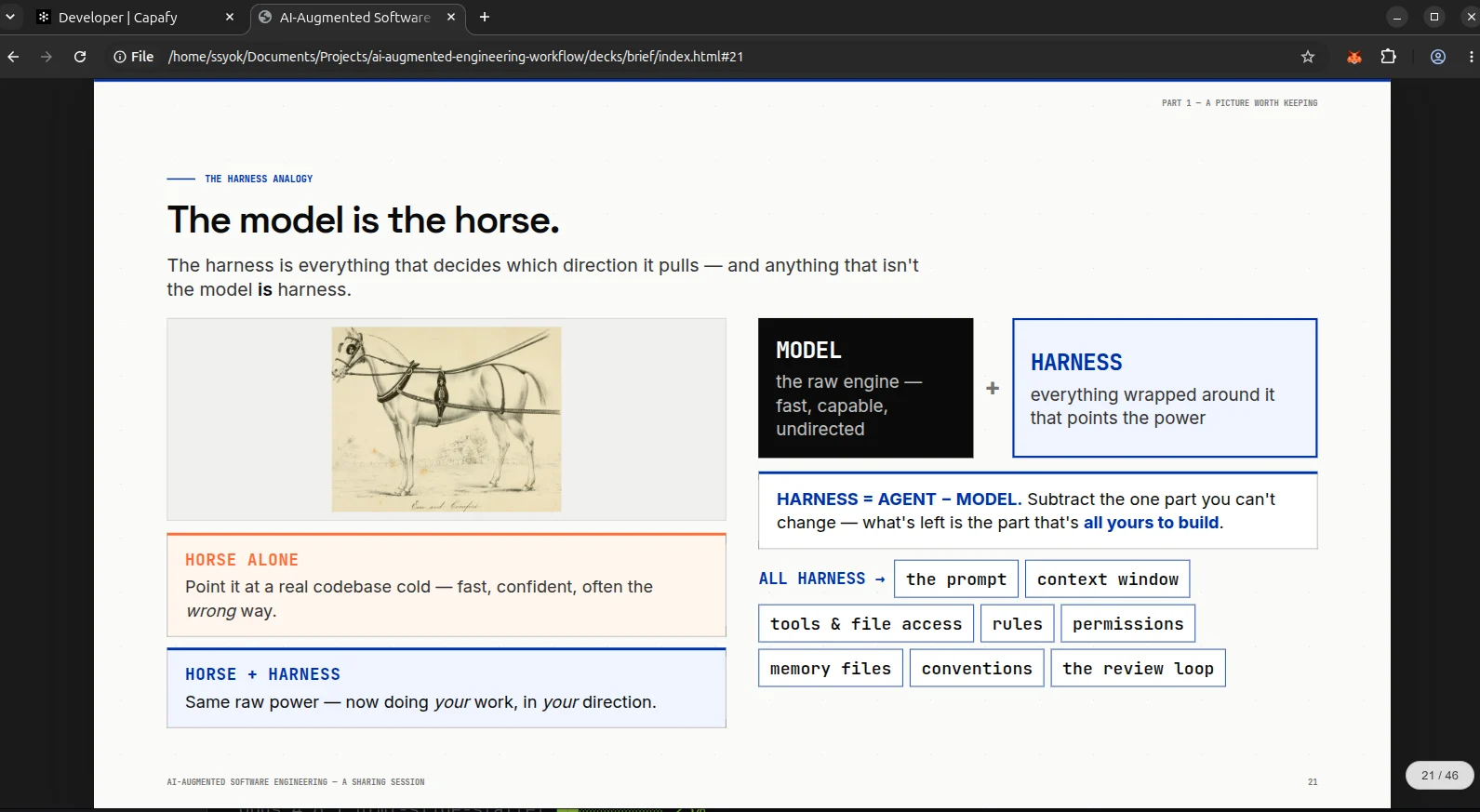
Real imagery, framed — a genuine archival image (not a hand-drawn SVG) sits inside
a fixed-height box with object-fit so it never crops or overflows, paired with
accent-card callouts.
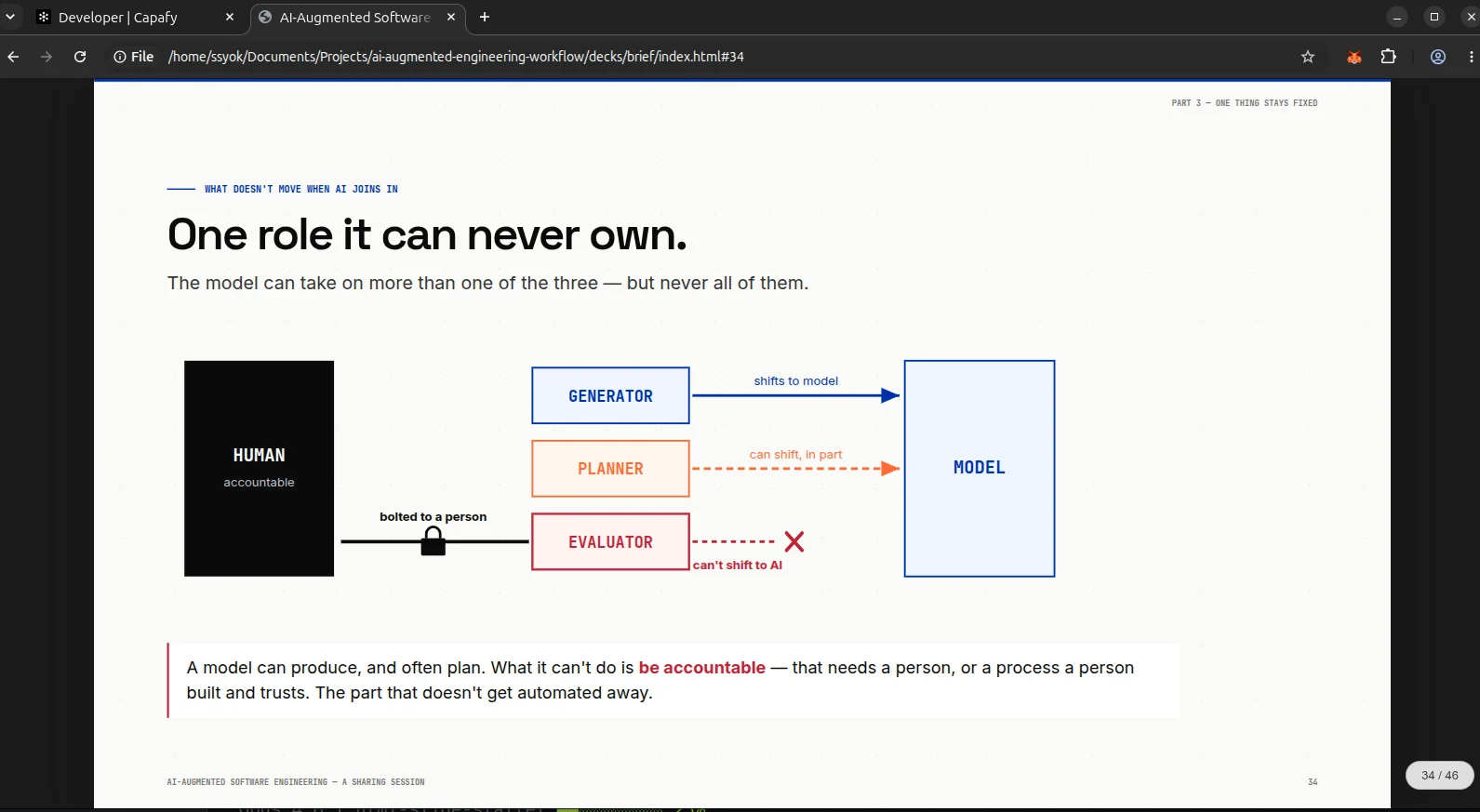
Relationship diagrams — boxes, labeled arrows, and a locked/accountable anchor,
all in the deck's color tokens, to show what can and can't move.
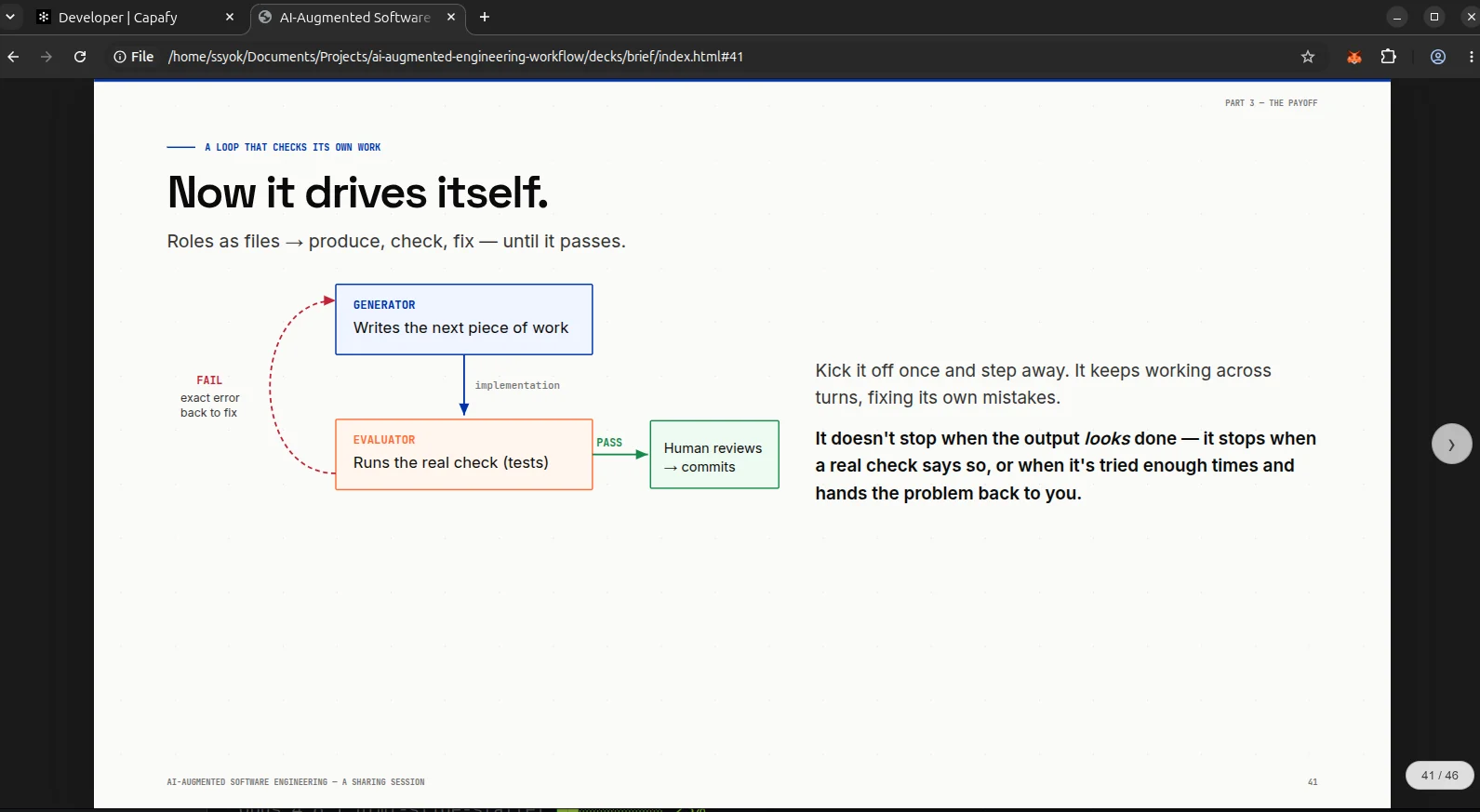
Feedback loops — a real return arrow with PASS / FAIL exits for anything that
cycles (generate → check → fix → repeat).
What you get
- 1920×1080 fixed canvas — auto-scaling deck viewer, keyboard navigation, and
hash-based deep links (index.html#23). - One shared design-token
style.css— change one CSS variable, the whole deck
updates. No hardcoded values drifting across slides. - A component menu — hero metrics, meter bars, flow stages, two-column
comparisons, timelines, line charts, donut stats, 2×2 matrices, code callouts,
iceberg/loop/ring diagrams, and more — read the one that matches the slide. - Clean PDF export —
print-color-adjustbaked in, so colored bars, meter fills,
and accent rules survive the export instead of vanishing. - Image and diagram best practices — fixed-height
object-fitcontainers that
never crop or overflow, plus bundled sub-skills to frame screenshots and pre-render
Mermaid diagrams to PNG.
How it works
Point Claude Code, Codex or any Agentic AI tools at the skill and describe the deck you want. It sets up the file architecture and design tokens, holds one visual style across the deck, applies the image and PDF fixes that normally cost several rounds of rework, and drops in the ready-made layouts that match your content.