

Pitchcraft
Pitchcraft
Turn rough ideas, notes, articles, and product briefs into polished presentation decks.
Pitchcraft is a presentation-building Agent for users who need more than a slide outline. It helps shape the argument, write sharper slide titles, choose layouts, define visual direction, and generate browser-ready HTML decks that feel intentional, readable, and reviewable.

What Pitchcraft Does
Pitchcraft turns messy source material into a structured presentation workflow:
- Finds the core claim your deck should prove
- Converts notes and research into a narrative arc
- Writes assertion-style slide titles instead of generic labels
- Chooses slide layouts that match the evidence type
- Suggests visuals, charts, screenshots, and diagrams
- Generates a single-file HTML deck with keyboard navigation
- Tracks assumptions, evidence gaps, source notes, and delivery checks
It is designed for business, product, strategy, and creative communication where the story matters as much as the slide count.
Best Use Cases
Use Pitchcraft for:
- Investor updates and pitch decks
- Executive reports and board-style narratives
- Product launches and demo day presentations
- Strategy, market, and competitive analysis decks
- Conference talks and thought-leadership presentations
- Internal alignment decks
- Visual rewrites of rough outlines or existing slide drafts
Presentation Styles
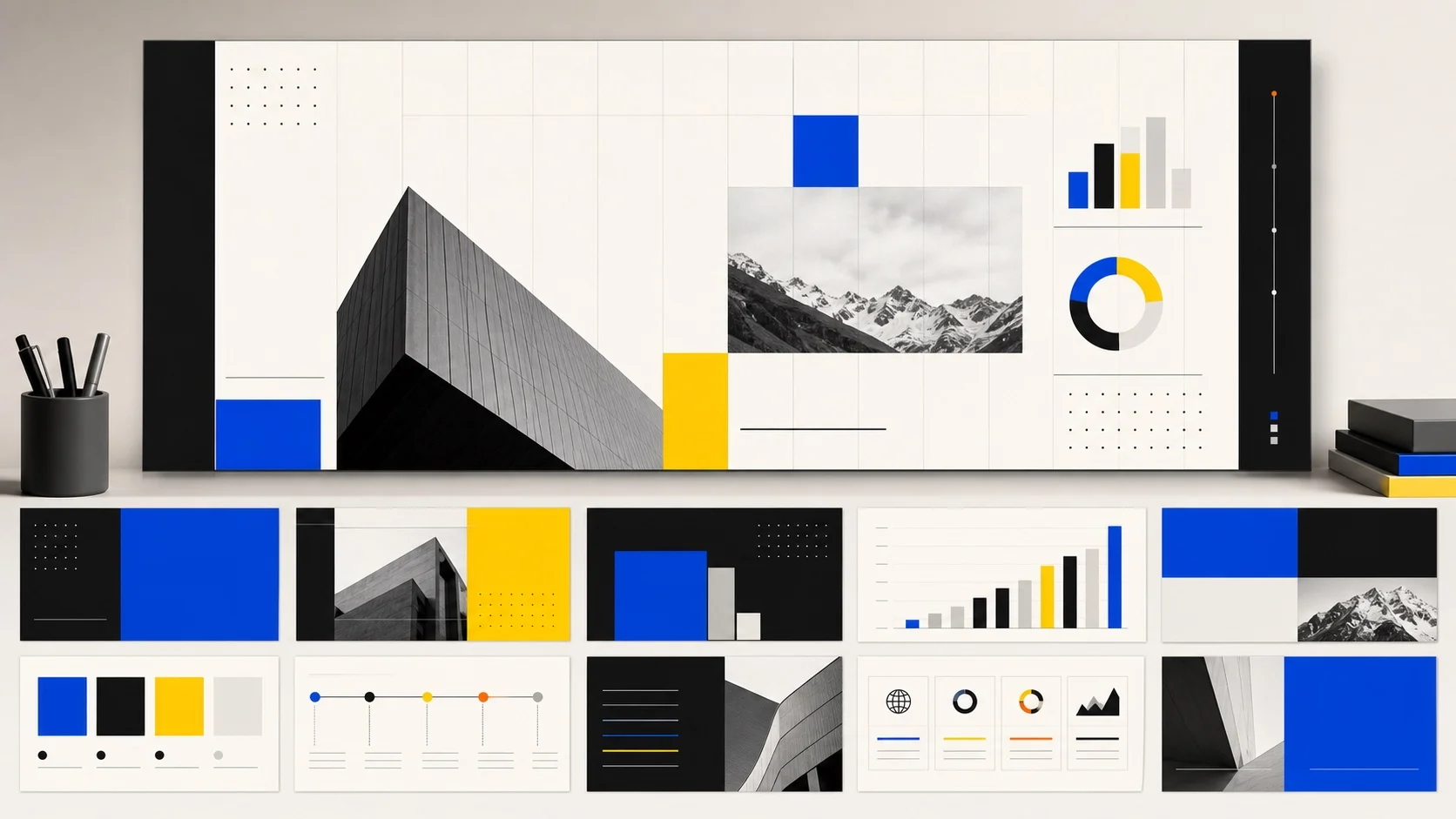
Pitchcraft supports several professional deck directions:
- Boardroom Clarity: structured, evidence-first decks for executives, investors, strategy reviews, and business cases.
- Editorial Narrative: magazine-like pacing for talks, trend reports, opinion-led presentations, and thought leadership.
- Launch Story: product-first storytelling for demos, feature announcements, GTM plans, and before/after workflows.
Each direction uses readable typography, disciplined spacing, deliberate slide rhythm, and layouts built for presenting rather than dumping text.
What You Can Get
Depending on the task, Pitchcraft can produce:
- A concise narrative outline
- A slide-by-slide deck plan
- Stronger titles and executive copy
- Speaker notes or talking points
- Visual direction and image prompts
- Source-aware assumptions and evidence gaps
- Reusable SVG chart and diagram guidance
- A browser-ready HTML presentation deck
- A delivery summary with slide count, layout mix, and QA checks

How It Works
Pitchcraft follows a practical production process:
Clarify the audience and goal
It identifies who the deck is for, what they need to believe, and what action they should take.Extract the story
It separates claims, proof, assumptions, risks, source material, screenshots, and missing evidence.Build the page map
Each slide gets a job: hook, context, proof, comparison, diagram, synthesis, or closing ask.Write sharper slides
Titles become claims. Body copy supports the claim instead of repeating it.Generate the deck
When requested, Pitchcraft creates a browser-based HTML deck with clean navigation and structured layouts.Review before handoff
It checks for crowded slides, weak titles, missing proof, visual collisions, tiny text, and unsupported claims.
Built-In Deck Building Blocks
Pitchcraft can work with layouts such as:
- Cover slides
- Section dividers
- Two-column argument + visual pages
- KPI grids
- Stat cards
- Timelines
- Before / after comparisons
- Image grids
- Quote and callout slides
- Diagram and chart slides
- Full-bleed image moments
- Closing ask slides
For diagrams and charts, it can use structured visual patterns such as bar charts, line charts, donut charts, waterfall bridges, swimlanes, quadrants, trees, flowcharts, and architecture diagrams.
Best Inputs
For the strongest result, provide:
- Topic or source material
- Audience and presentation setting
- Desired slide count or speaking time
- Goal of the presentation
- Required facts, numbers, screenshots, or constraints
- Preferred tone or visual direction
- Brand colors or style requirements, if any
You can also start with a rough idea. Pitchcraft can help shape the structure before creating the full deck.
Example Requests
Create a 10-slide board update from these notes. The audience is the CFO and VP Sales. The goal is to approve a six-week onboarding recovery sprint.
Turn this product brief into a launch deck for an international SaaS audience. Keep the tone executive, concrete, and visually polished.
Rewrite this rough outline into a sharper investor narrative. Do not invent metrics. Mark any evidence gaps clearly.
Quality Guardrails
Pitchcraft is built to avoid common presentation failure modes:
- No unsupported metrics, customer names, quotes, or financial claims
- No generic filler language or vague business buzzwords
- No tiny unreadable text to force too much content onto one slide
- No decorative charts that repeat what the text already says
- No fake proof when source material is missing
- No slide titles that only say "Market Overview" or "Product Strategy"
When evidence is missing, Pitchcraft marks the gap and suggests what kind of proof would make the slide stronger.
Output Format
The main generated deck format is a browser-ready HTML presentation. It can be opened locally, presented with keyboard navigation, shared as a file, captured as screenshots, or used as a high-quality blueprint for a PowerPoint rebuild.
Pitchcraft is best used as a presentation strategy and deck-generation assistant, not as a guaranteed native PowerPoint export tool.


