
PostClip — Blog Post to 60s Vertical Shorts Video
PostClip — Blog Post to 60s Vertical Shorts Video
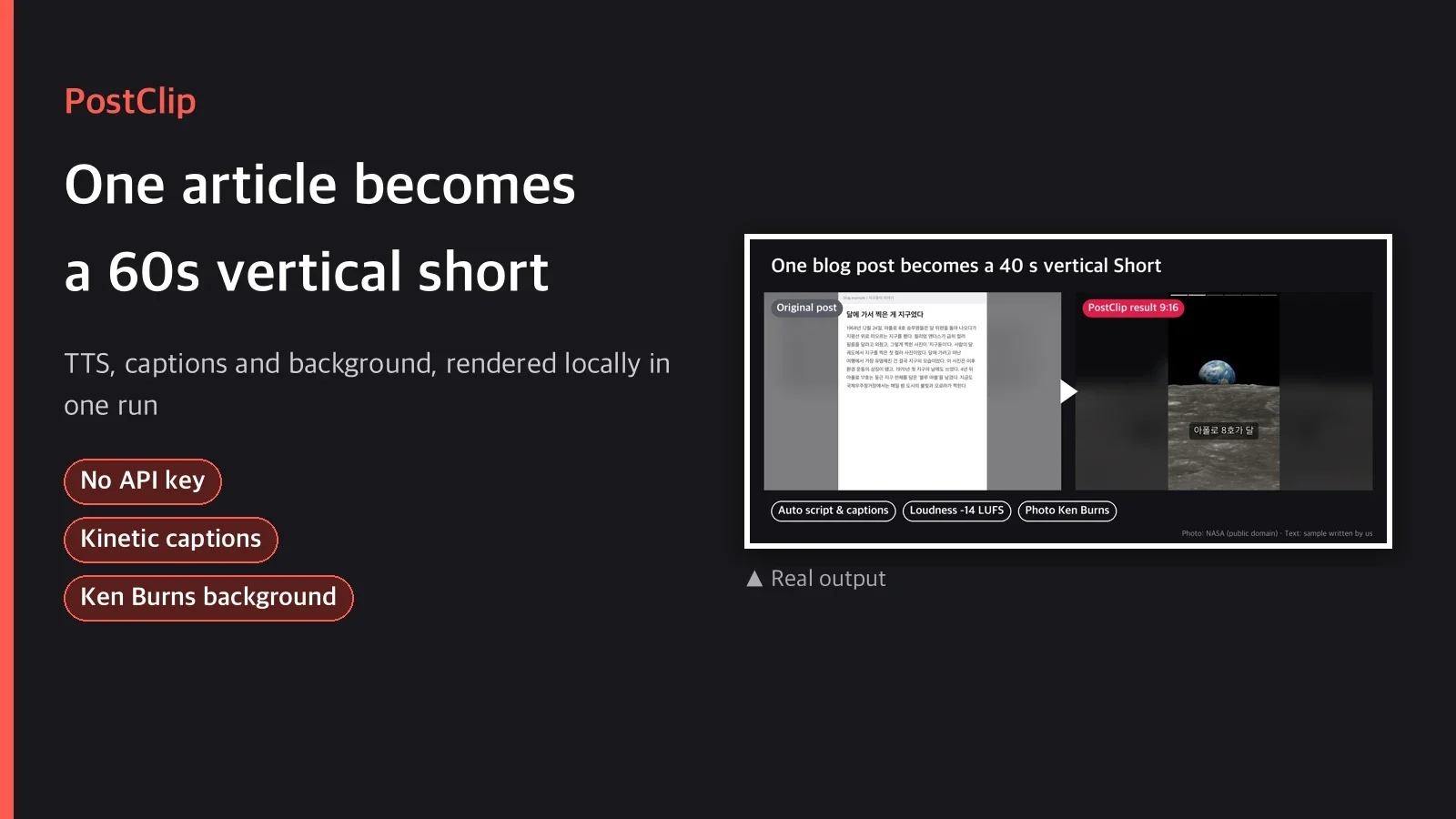
Short description
Give it a blog post or article text and it writes a script with one hook line and 5 to 8 beats.
Two local Python scripts do the rest. edge-tts synthesizes the voice sentence by sentence, then
Pillow and ffmpeg combine a Ken Burns background (your image or an auto-generated gradient),
keyword-highlight captions and a story-style progress bar into a 1080x1920 mp4 of 60 seconds or
less. No API key needed, and if you add BGM, sidechain ducking is applied automatically.
Categories
Video / Social Media / Marketing
Tags
article to video, shorts maker, text to speech video, vertical video, blog to reels
Suggested price
USD $7 (one-time download)
Details
After you publish a post, the short is always a separate job
After writing a blog post you think "this should be a short too," but writing a script,
recording, finding a background, adding captions and encoding take longer than writing the post.
PostClip wraps that back end into a local pipeline. The agent reads the source and writes one
short script JSON, and two Python scripts handle everything from speech synthesis to the final
mp4 encode. No cloud API, no subscription.
Pipeline
Source (text/URL)
  → (optional) fetch.py extracts the article body from a URL
  → agent writes the hook + beats script JSON
  → tts.py: per-sentence speech with edge-tts + caption timing
  → render.py: background (Ken Burns/gradient) + kinetic captions + progress bar
             → (optional) BGM sidechain ducking
             → loudnorm 2-pass normalization → H.264 High + AAC 48k + faststart
  → out/final.mp4 (1080x1920, ≤60 s)
Actual commands
uv run scripts/fetch.py "https://example.com/article" --out article.txt   # only for URLs
uv run scripts/tts.py my_script.json --outdir out/audio
uv run scripts/render.py out/audio/timing.json --outdir out --bgm bgm.mp3
What's included
The download contains these files.
| File | Role |
|---|---|
SKILL.md |
Full usage procedure |
scripts/fetch.py |
URL → article text extraction (trafilatura, optional) |
scripts/tts.py |
edge-tts speech synthesis + sentence/caption timing |
scripts/render.py |
Ken Burns background, kinetic captions, progress bar, BGM ducking, loudnorm, final encode |
guides/script-template.md |
Script JSON schema + writing tips |
guides/licensing.md |
Notes on edge-tts, BGM and image licensing |
3 usage examples
- Personal blog post → Instagram Reels: after writing an informational post (sleep, personal
finance, productivity), pull the 5 or 6 key points as beats, make a vertical video and post it
to Reels or Shorts. - Internal notices and release notes → internal video: turn text-only release notes into a
30 to 40 second summary video and share it on Slack. It uses only synthetic voices, not real
people's voices, so there is no impersonation issue. - News curation channel → summary shorts: use
fetch.pyto pull only the article body from a
URL, and the agent rewrites the script around objective facts for a summary short.
What you need
uv,ffmpeg(the default Homebrew build is enough), internet connection (for edge-tts)- Korean font: found automatically on macOS and Windows. On Linux, install Noto Sans CJK
- (optional) For BGM, prepare a royalty-free audio file yourself
- (optional) For a background image, prepare a local image whose copyright you have checked
This skill must not be used to impersonate real people, make deepfakes, or deceive. The
synthetic voice and auto-generated backgrounds are for general content production.
Recommended / not recommended
Recommended when
- You want to turn informational blog posts, newsletters or internal docs into short vertical
videos quickly - You want to finish locally without API keys or subscriptions
- You make shorts with keyword-highlight captions and a progress bar on a regular basis
Not recommended when
- Broadcast content that needs exact word-level lip sync and caption timing (with Korean TTS,
captions are approximate within sentence boundaries; see the FAQ below) - You plan to post in bulk to an ad-monetized channel and need a commercial TTS license
(edge-tts is an unofficial endpoint; readguides/licensing.md) - The goal is to imitate a real person's voice or face (prohibited)
FAQ
Q1. Does it really need no API key at all?
Yes. TTS (edge-tts), image backgrounds (generated by Pillow or a local image) and captions
(Pillow) all use local, free paths. Only the script writing is done as text by the agent
(Claude, etc.), and the scripts do not call any LLM API.
Q2. Do captions match every single word and mouth movement?
No. edge-tts does not provide word-level timestamps (WordBoundary) for Korean voices (verified).
Sentence boundaries match exactly, and the 2 to 3 word caption chunks inside a sentence are
approximated in proportion to character count. It feels natural, but it is not a perfect word
timestamp.
Q3. What happens if it goes over 60 seconds?
When you run tts.py, the expected total length is printed to stderr, with a warning if it goes
over 60 seconds. It does not trim automatically, so shorten the beat sentences or raise rate
(speaking speed) and run it again.
Q4. Does it work without BGM?
Yes. Leave out the --bgm option and the final video uses narration only. With BGM, a sidechain
compressor lowers the BGM volume automatically while the narration plays.
Q5. The captions have shadows and outlines. Is that ffmpeg drawtext?
No. Homebrew ffmpeg 9.x has no drawtext or subtitles (libass) filter (verified). All text is
drawn by Pillow as transparent PNGs and composited with the ffmpeg overlay filter. The progress
bar is drawn with Pillow for the same reason (we verified that time-based animation with ffmpegdrawbox does not work correctly in this build).
Purchase notes
After downloading, unzip the package/ folder as is and follow the procedure in SKILL.md. Ifuv and ffmpeg are installed, it works with no extra setup.
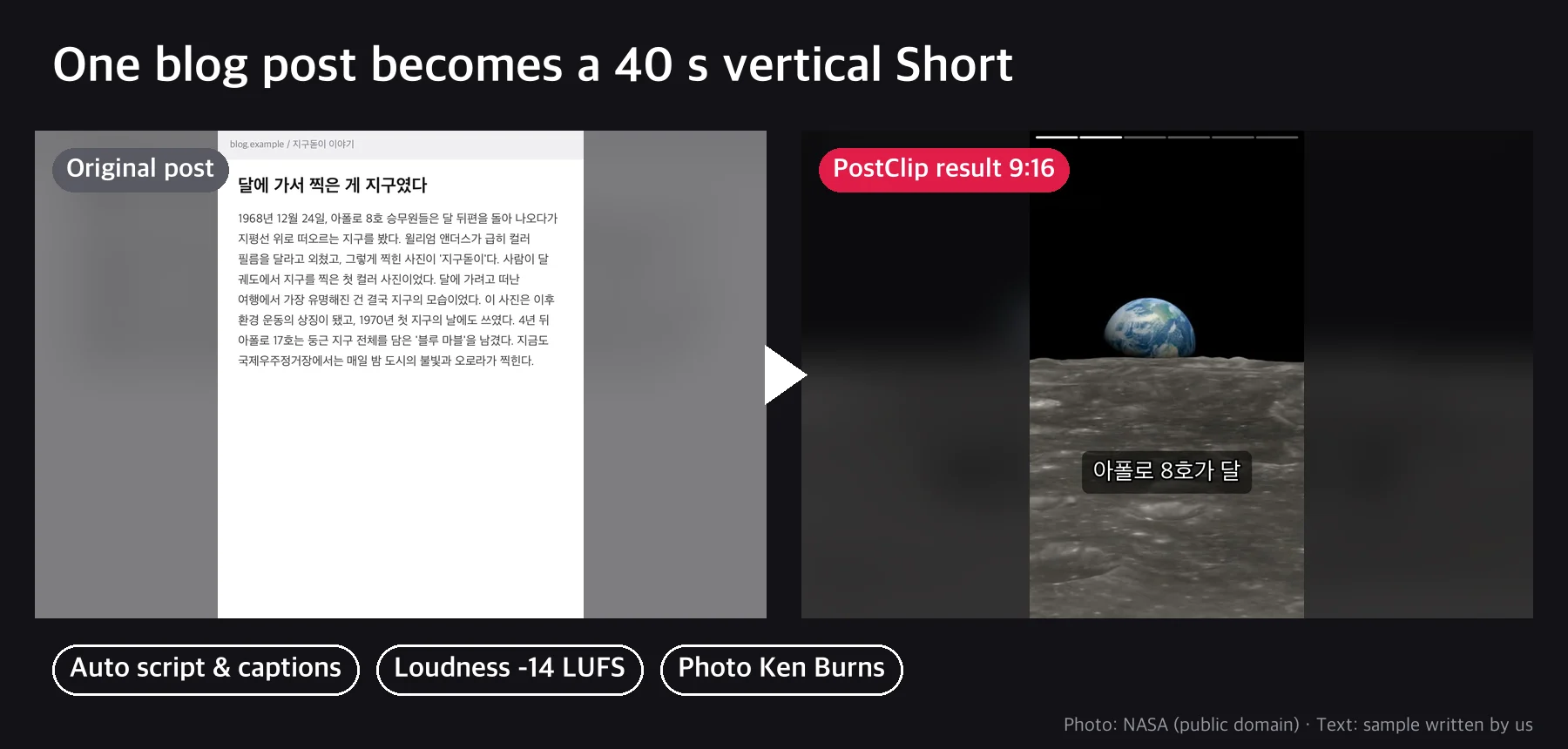
Real output example (sample text: "Why you stay tired no matter how much you sleep," an article
of about 870 Korean characters on sleep habits → 48.3-second vertical short)
The background photos in the example are public NASA Image Library photos (public domain), and the text was written by us as an example. The actual result video includes edge-tts narration.
External APIs
Microsoft Edge TTS