ShortsForge AI
ShortsForge AI — From One Idea to a Complete Short-Form Video Plan
Plan your next YouTube Short, TikTok, or Reel before you create it.
Have an idea but don't know how to turn it into a video?
ShortsForge AI helps you organize your concept into a structured production plan, including a script, scene-by-scene storyboard, shot timings, AI visual prompts, and publishing copy.
See What ShortsForge Can Plan
Example: Tiny Chef Pancake Mission
One simple idea: A baby hamster makes pancakes in a 30-second 3D cartoon.
The tested example produced an eight-shot plan covering the opening hook, flour mishap, mixing, cooking, pancake reveal, and final scene.
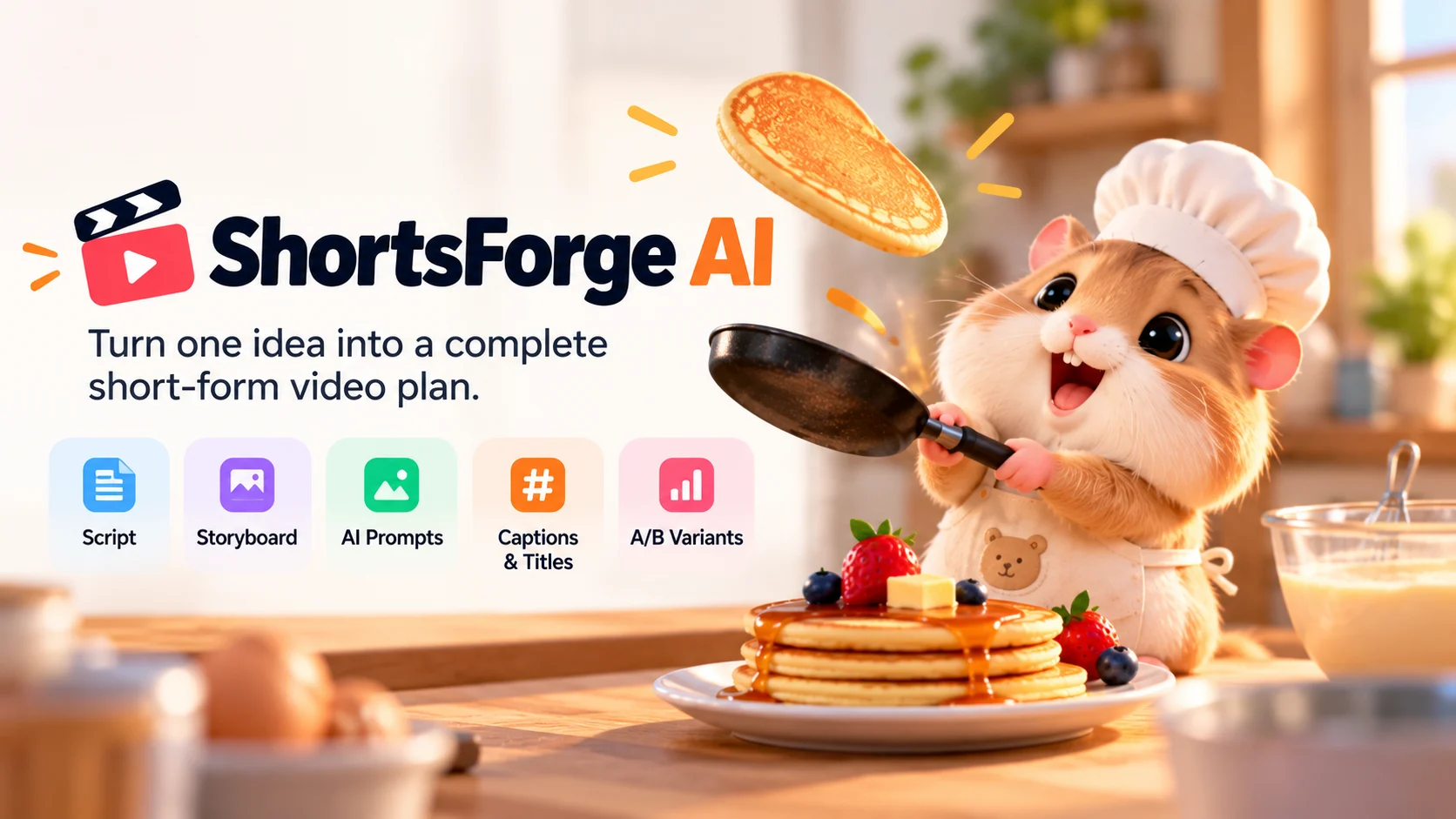
Illustrative concept image. ShortsForge AI provides the production plan; visual assets and finished videos are created separately.
What You Receive
- Script and Hooks: A structured script with an opening hook and scene-by-scene narration.
- Shot-by-Shot Timing: Planned timings to guide your target video duration.
- Text Storyboard: Visual descriptions, camera suggestions, and on-screen text for each scene.
- AI Visual Prompts: Image and motion prompts to use in a separate production workflow.
- Publishing Pack: Suggested titles, descriptions, captions, hashtags, and thumbnail text.
- Creative Variations: Alternative hooks, opening visuals, and ending ideas to compare.
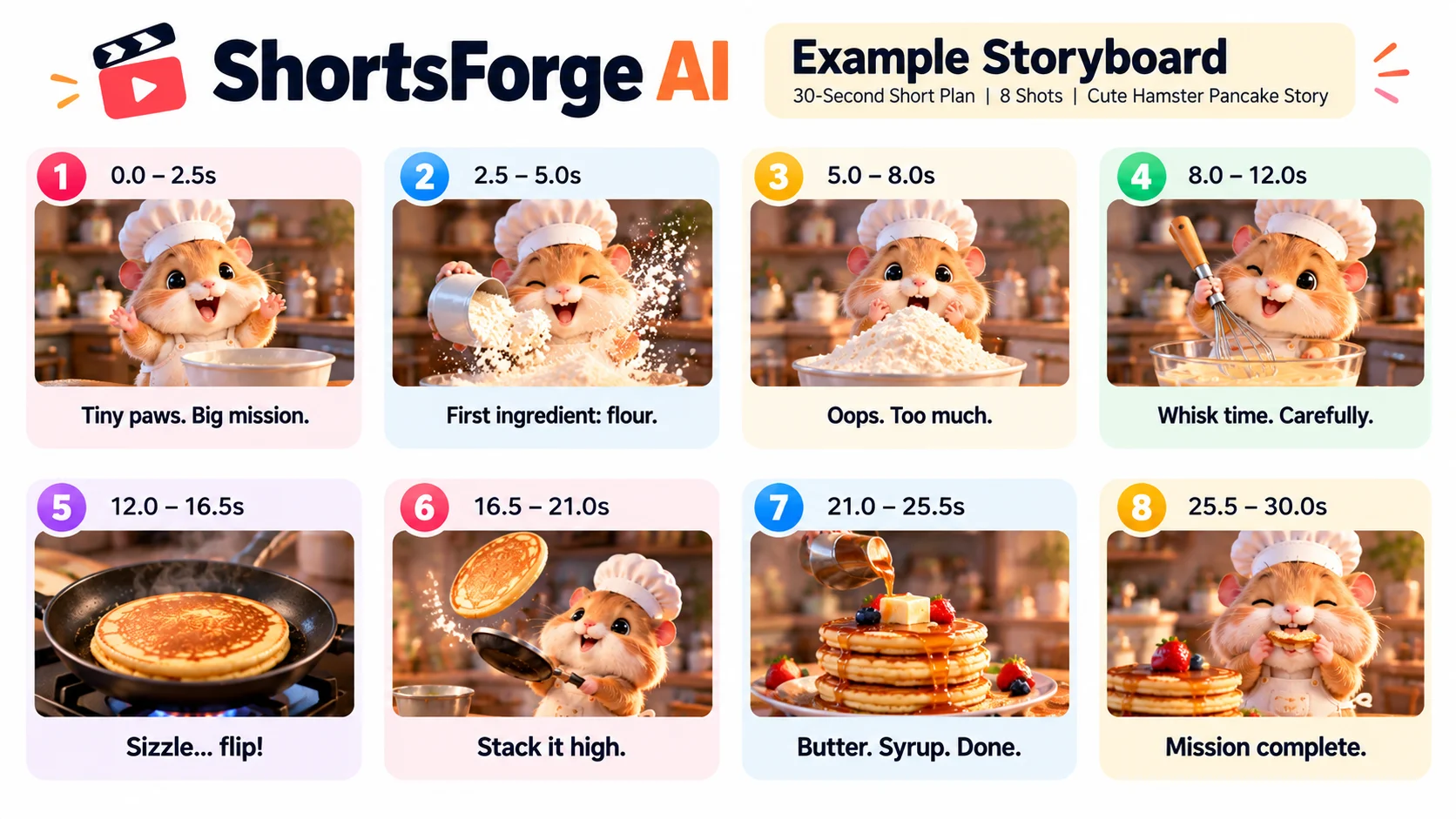
Illustrative storyboard based on a tested 30-second planning example. Images are for demonstration purposes.
How It Works
Step 1 — Share Your Idea
Describe your video concept, target duration, audience, and preferred style.
Step 2 — Get Your Production Plan
Receive a structured script, shot plan, text storyboard, and prompts.
Step 3 — Create Your Video
Use the plan with your preferred filming, editing, or AI video-generation tools.
Step 4 — Prepare to Publish
Use or adapt the suggested titles, captions, descriptions, and hashtags.
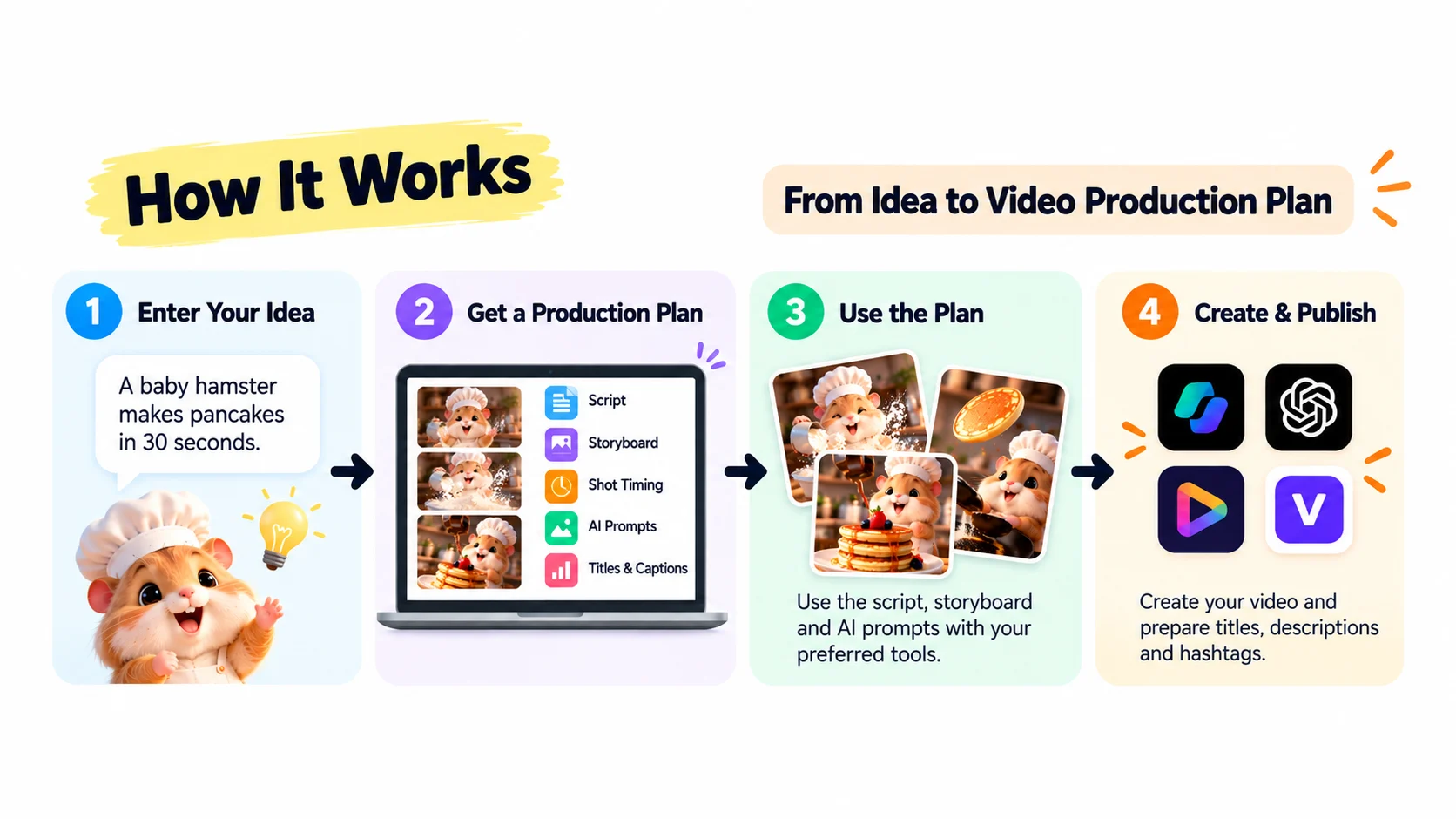
Important: What ShortsForge Delivers
ShortsForge is a short-form video planning agent. In the verified v1.0.1 example, it delivered a text-based production plan, not a rendered MP4 video.
Video generation, editing, exporting, and publishing are separate steps.
Designed for planning content for YouTube Shorts, TikTok, Instagram Reels, and Facebook Reels.
Creative recommendations are heuristic and do not guarantee views, virality, sales, or follower growth.