

VideoDB - Free Claude Skill
VideoDB
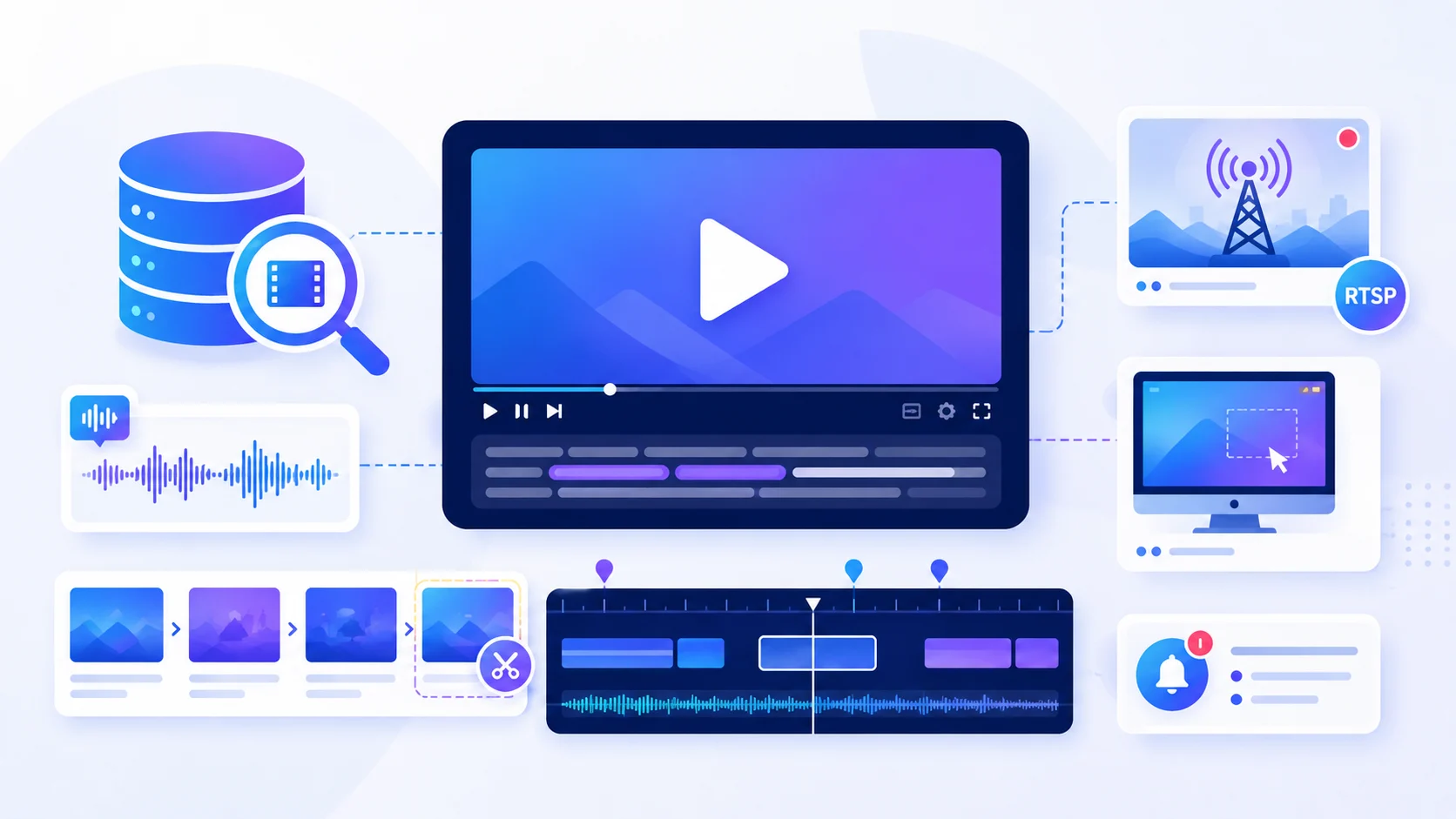
VideoDB is a video and audio intelligence skill from affaan-m’s ECC project, built around the VideoDB SDK. It helps you ingest, understand, search, edit, and monitor media from local files, URLs, live streams, or desktop sessions.
Instead of treating video as a single file, VideoDB turns it into searchable, editable media with timestamps, transcripts, visual indexes, clips, and playable results.
What it does
Ingest video and audio
Work with local files, public URLs, YouTube videos, RTSP streams, and captured desktop sessions.Understand media content
Build speech, visual, scene, and keyword indexes so you can search what was said or shown.Find exact moments
Search a video by meaning or keywords and return matching timestamps, scenes, and playable clips.Edit and transform media
Trim clips, transcode video, change resolution or aspect ratio, add subtitles, text, images, branding, music, or voiceovers.Work with live content
Monitor live streams or desktop sessions and create alerts when specific visual or spoken events occur.
Example use cases
- Find every moment a product is mentioned in a long video
- Search hours of footage for a specific scene or action
- Generate and burn subtitles into a video
- Translate captions or spoken content
- Turn search results into short clips automatically
- Resize and transcode media for different platforms
- Add text, logos, background music, or voiceovers
- Summarize recorded desktop sessions
- Monitor RTSP or live streams for specific events
- Create searchable archives of video content
Typical inputs
You can provide:
- A local video or audio file
- A public media URL
- A YouTube URL
- An RTSP or live-stream URL
- A desktop capture request
- A natural-language search query
- Editing instructions
- Desired output specifications such as resolution, aspect ratio, subtitles, or clip ranges
Typical outputs
Depending on the task, VideoDB can return:
- Search results with timestamps
- Playable stream links
- Automatically generated clips
- Transcripts and subtitles
- Edited or transcoded media
- Images and audio assets
- Session summaries
- Searchable timeline results
- Live-event alerts
How it works
VideoDB first ingests the media and can create indexes for spoken words, scenes, and visual content.
You can then ask questions or search using natural language. Matching moments can be returned with timestamps and compiled into playable clips.
For editing tasks, the skill can build timelines that combine video segments with text, images, subtitles, branding, audio, and other media before exporting the result.
Requirements
This skill uses the VideoDB SDK and VideoDB cloud service.
A valid VIDEO_DB_API_KEY is required to connect to VideoDB. Some capture features may also require the videodb[capture] package.
The API key and VideoDB account are provided separately and are not included with the skill.
Source
Based on the VideoDB skill from affaan-m’s ECC project.

