
VoiceClean | Noisy recordings, broadcast quality
VoiceClean | Noisy recordings, broadcast quality
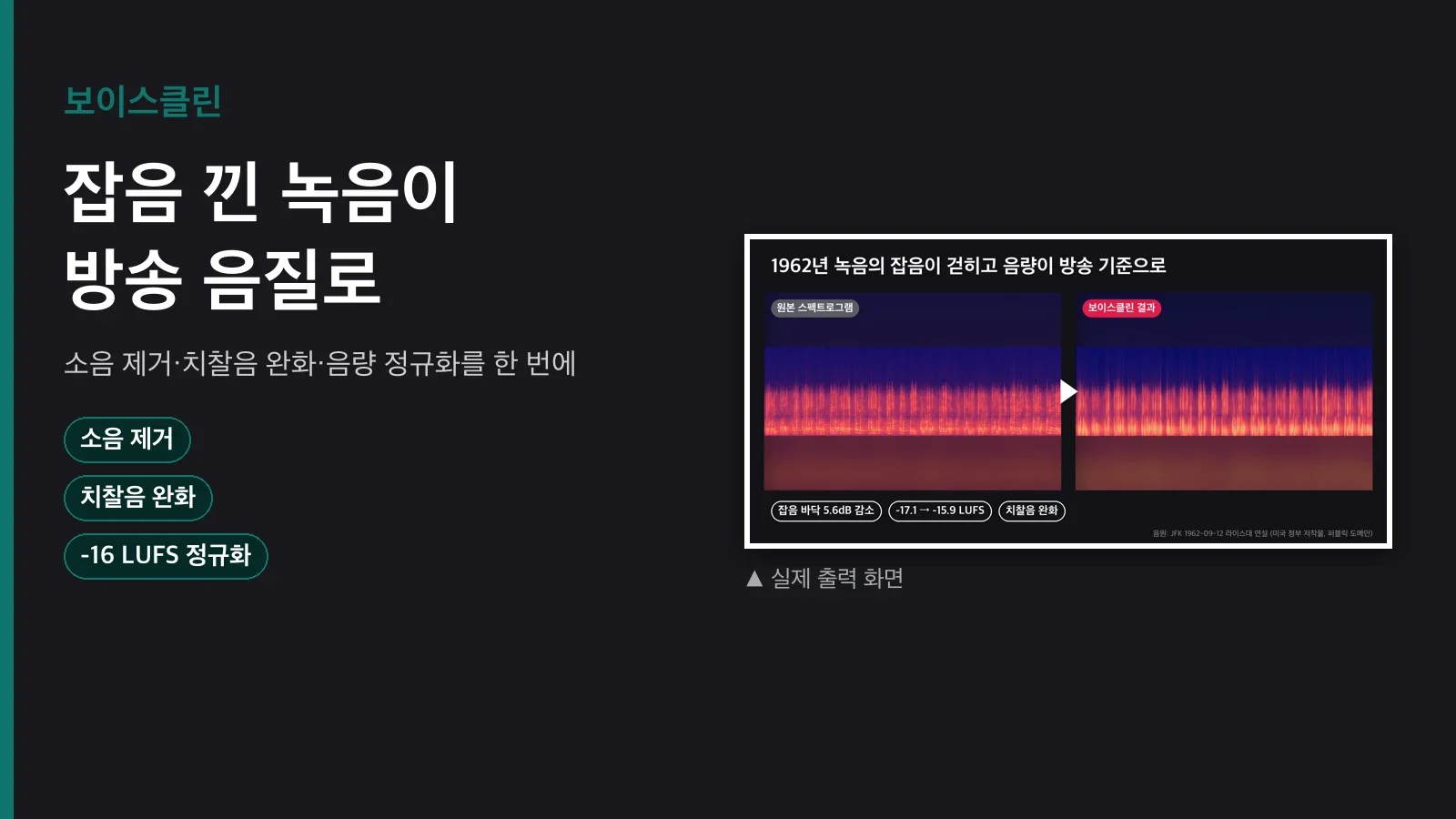
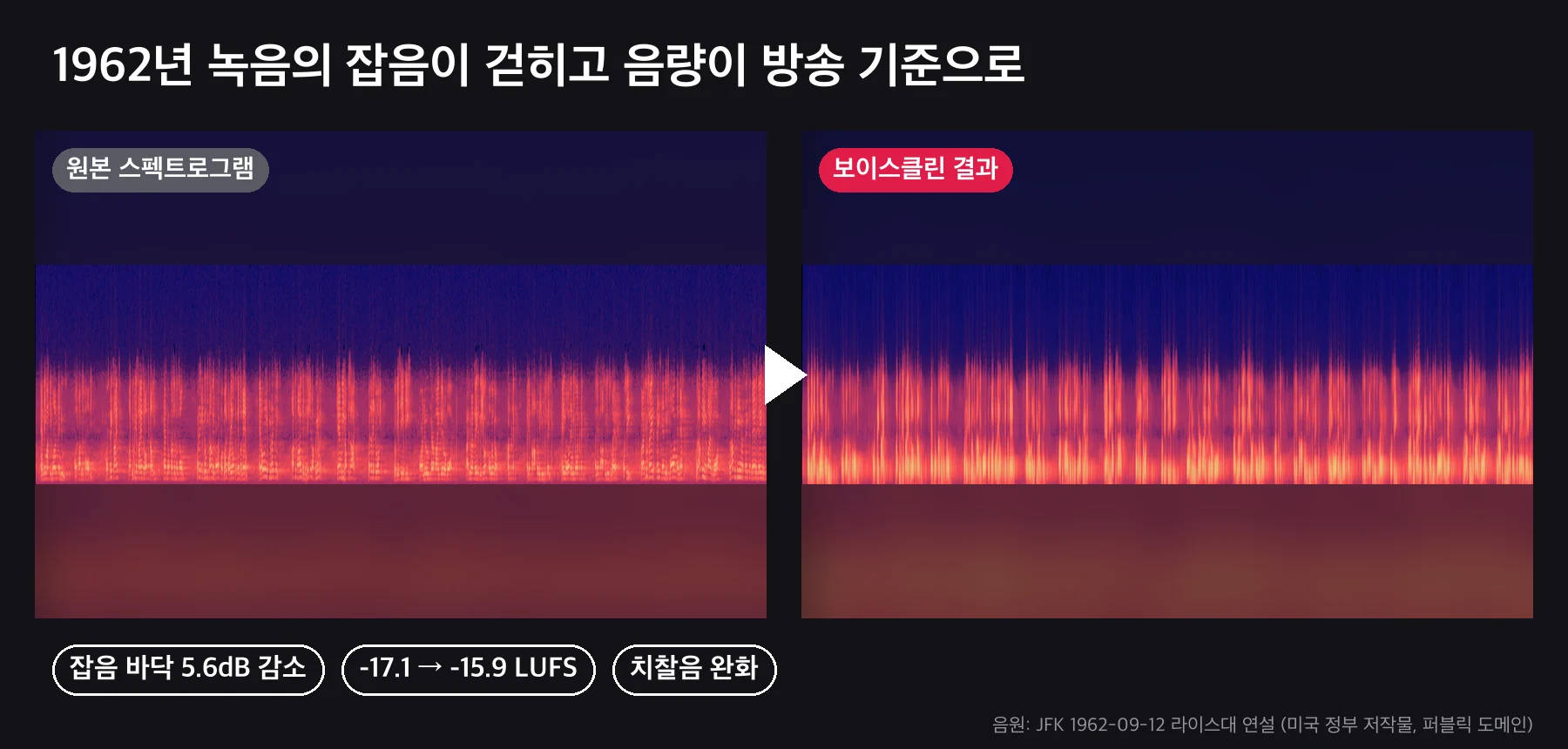
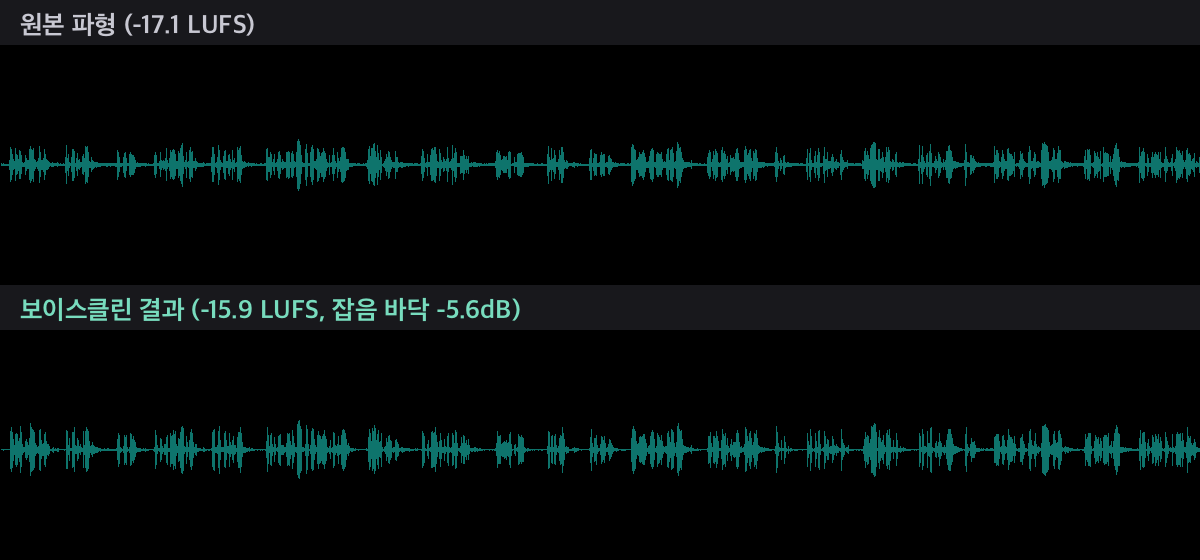
Record a lecture and the air conditioner comes through as loud as your own voice; post it to YouTube and it sounds quieter than everyone else's videos. Feed VoiceClean a recording or a video and it strips out the noise, tames the sibilance, and sets the loudness to the platform's standard. It hands back before/after spectrograms and numbers, so you can see exactly what changed.
Pipeline
highpass (low-end rumble) → bandreject (electrical hum) → afftdn (noise reduction) → deesser (sibilance) → silenceremove (leading/trailing silence) → loudnorm (LUFS)
uv run scripts/clean.py --input rec.m4a --out out/rec_clean.wav --report
uv run scripts/clean.py --input talk.mp4 --out out/talk_clean.m4a --preset youtube
uv run scripts/clean.py --input rec.wav --out out/rec_clean.wav --profile 0,2.5 --hum 60 --trim
- Presets: podcast -16 LUFS (default), youtube -14, broadcast -23.
- Noise profile: if the first 2-3 seconds of the recording are silent, pass
--profile 0,2.5. It subtracts only that noise, which gives the most natural result. - Report: before/after LUFS, true peak, spectrogram PNG, and JSON.
What's included
| File | What it does |
|---|---|
scripts/clean.py |
Filter chain, three presets, noise profiling, hum removal, silence trimming, before/after report, and video input support |
SKILL.md |
Options table, recommended settings by noise level, measured results, and limitations |
How to use it
1. Zoom meeting recording: use --noise -22 --trim to cut fan noise and trim the dead air at the start and end, for a clean minutes-ready track.
2. YouTube lecture video: feed in the mp4, use --preset youtube to get an m4a at -14 LUFS, and lay it back onto the video.
3. Old recordings: for tape or LP transfers, use --hum 60 --noise -25 to cut both hum and hiss.
What you need
ffmpeganduv. No Python dependencies, no model downloads, no API key.- About 3 seconds to process a 60-second clip. Your original file is never touched.
Who it's for / who it's not for
A good fit: anyone cleaning up meeting, lecture, or interview recordings; anyone who keeps hearing their YouTube audio is too quiet; anyone starting a podcast.
Not a fit: anyone trying to separate noise that overlaps the speech itself (a nearby conversation, music), since this is built for steady background noise; anyone hoping to rescue a recording that is already clipped.
FAQ
Q1. Is this AI noise removal?
No. It's ffmpeg's FFT-based noise reduction plus a standard mastering chain. There's no model to download, so it runs anywhere right away, and it never regenerates your voice.
Q2. My voice sounds like it's underwater.
That happens when --noise is set too low. Start around -22 to -25. Supplying a noise profile reduces it a lot.
Q3. Does it handle video files?
Yes. It extracts the audio, processes it, and returns the cleaned track. The command for laying it back onto the video is in SKILL.md.
Q4. What is LUFS?
It's the loudness standard platforms use. YouTube targets -14, so anything you upload below that plays back quieter than other videos.
Q5. Stereo or mono?
It keeps the original channel layout. The output extension (.wav/.m4a/.mp3) selects the codec.
Purchase
Price: $5 (one-time download). Not a monthly subscription.
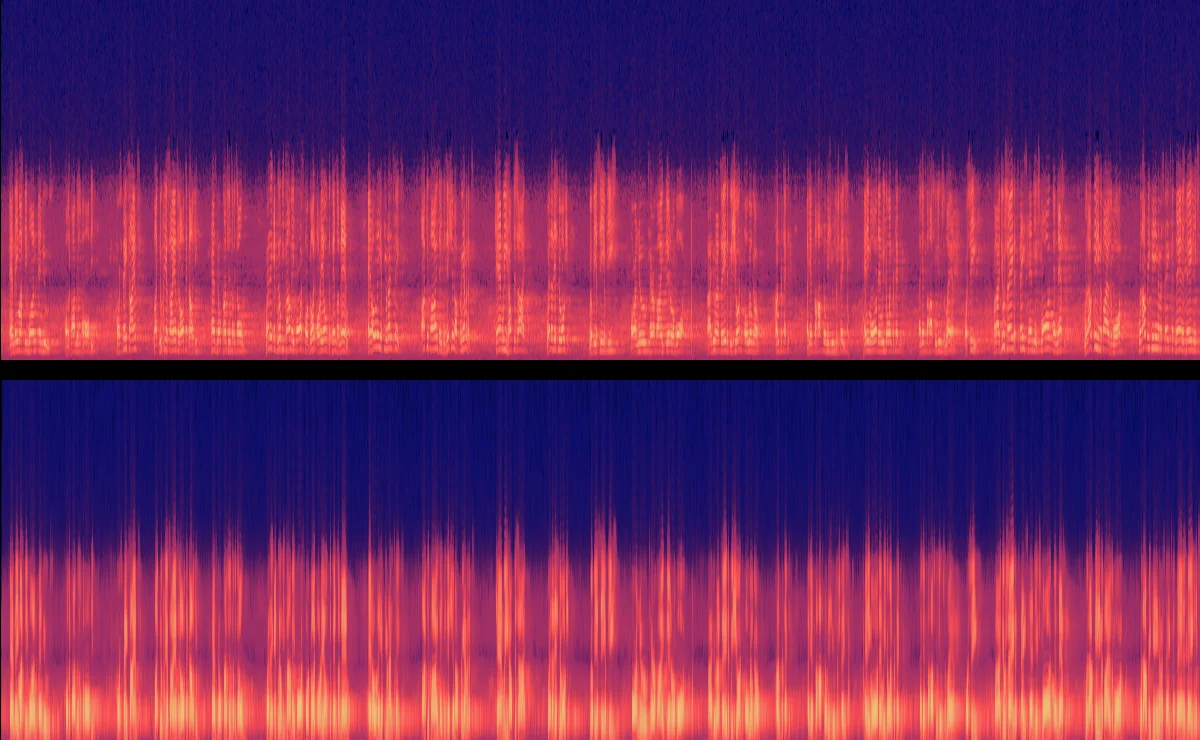

The sample audio is an actual run on a 60-second segment of John F. Kennedy's September 12, 1962 speech at Rice University (a U.S. government work, public domain, archive.org).