
ThumbPick — YouTube Thumbnail Maker, 3 Designs
ThumbPick — YouTube Thumbnail Maker, 3 Designs
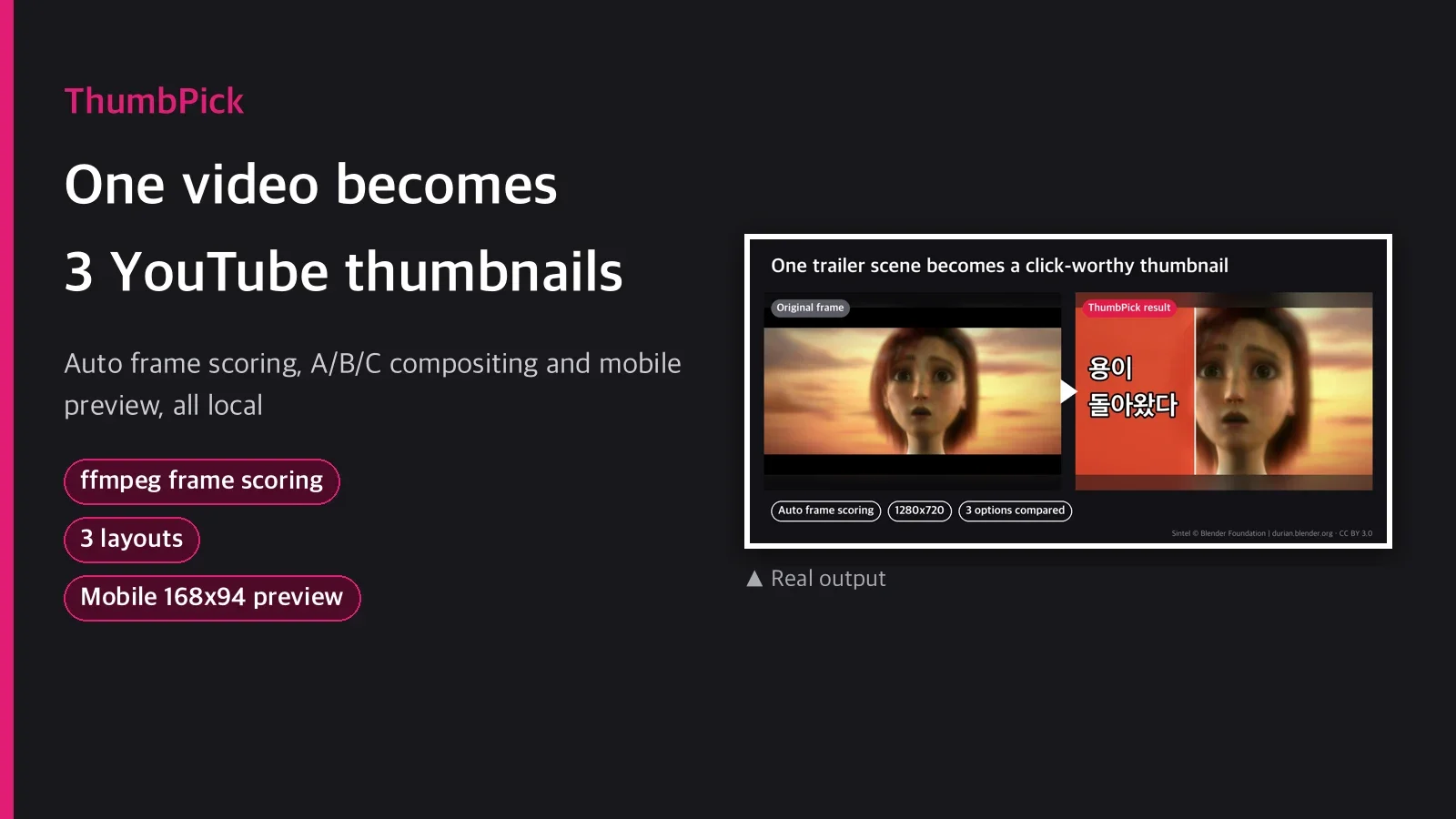
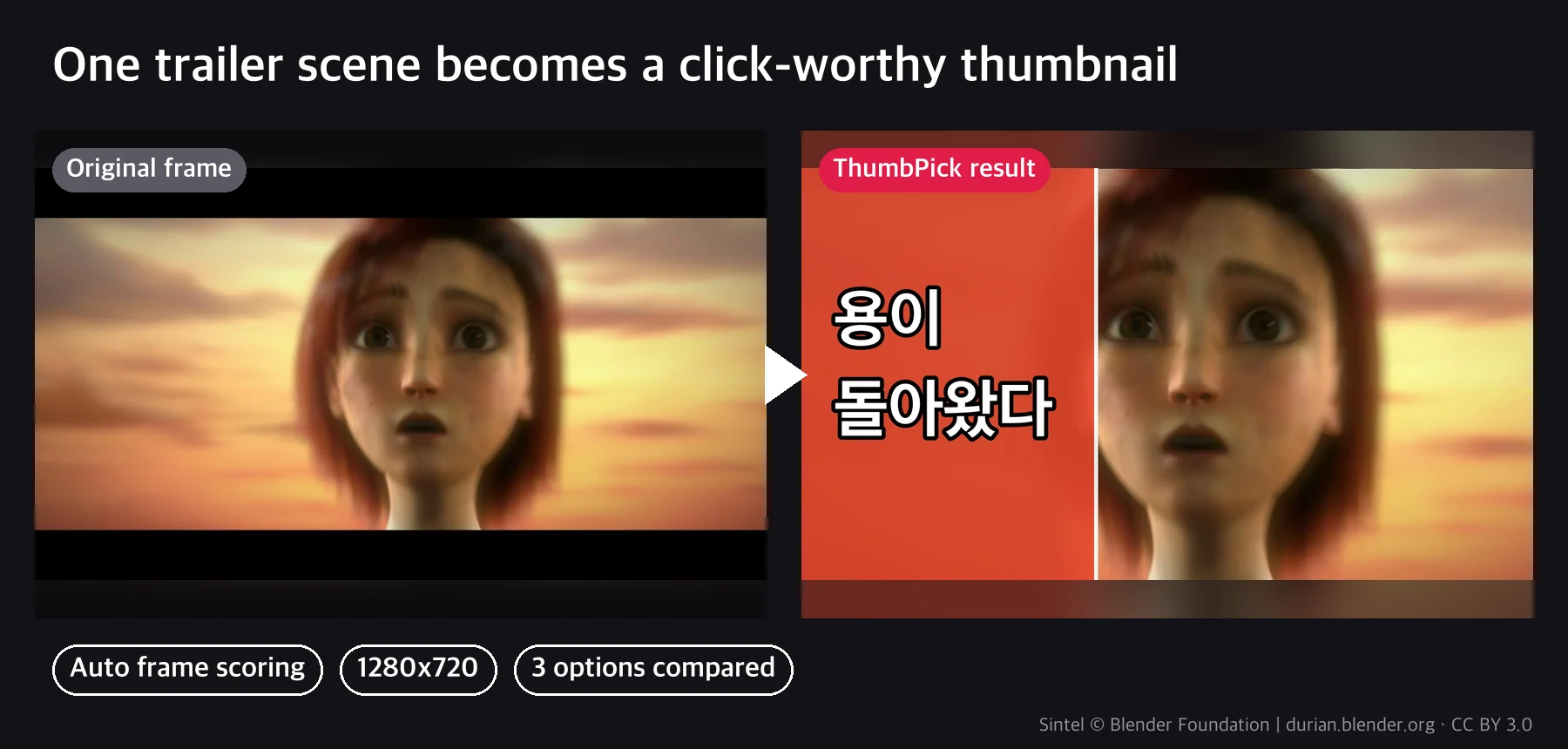
Every upload, the thumbnail holds you up. You scrub through frames picking one by eye, open
Photoshop or Canva to add text, and it is common to find out later that text that looked fine
zoomed in is a blur in the feed. ThumbPick cuts this down to three scripts. It scores frames
automatically to narrow the candidates, composites them in three layouts right away, and shows on
one sheet how each looks on a small screen.
Pipeline
- Frame scoring: ffmpeg pulls timestamps by scene change and even sampling, and each frame is
scored on sharpness (Laplacian variance), contrast, face presence (OpenCV Haar cascade) and
colorfulness. Only the top candidates are kept. - Hook text: looking at the scores and candidate images, a 2 to 6 word phrase is chosen for
each variant. A guide of tested phrase patterns is included (written for Korean). - Layout compositing: Pillow combines large outlined text, color blocks and stripes, circle
and arrow highlights, and background blur or darkening into three styles. The duration badge
area at the bottom right is kept clear in code. - Comparison sheet: places the actual upload size next to the real mobile feed size
(168x94) so you can see right away whether the text is readable on a small screen.
Actual commands
uv run scripts/frames.py --input video.mp4 --out-dir out/frames --top-n 8
uv run scripts/compose.py --input out/frames/candidate_04.jpg \
  --text "안 보면 후회함" --layout side-panel --out out/thumb_A.jpg
uv run scripts/preview.py \
  --thumb out/thumb_A.jpg=A --thumb out/thumb_B.jpg=B --thumb out/thumb_C.jpg=C \
  --out out/compare_sheet.jpg
What's included
| File | Role |
|---|---|
scripts/frames.py |
Candidate frame extraction + scoring (scores.json) |
scripts/compose.py |
Frame + text → 1280x720 thumbnail JPG (3 layouts) |
scripts/preview.py |
Full size + mobile 168x94 comparison sheet |
guides/hook-text-patterns.md |
8 tested Korean hook text patterns |
SKILL.md |
4-step procedure, options, limitations |
3 usage examples
- Vlog highlight video: from a 10-minute source with mixed scenes, it finds scene changes
automatically and pulls candidates; you pick the side-panel option with a loss-aversion phrase
("you'll regret missing this") on the frame with the best mood. - Travel vlog: a landscape-focused video, so candidates are ranked mainly by colorfulness; a
twist phrase ("an unreal view") is composited in the bottom-stripe layout with the key subject
(sun, landmark) circled. - Recipe or cooking video: set the frame where the finished dish is in the center with
--focus, and add a number phrase ("done in 3 minutes") in the top-banner layout as the third
option to compare.
What you need
ffmpeg(Homebrew etc.) anduvmust be installed.- An OS font with Korean glyphs is needed: found automatically on macOS, Windows and major Linux
distributions; if not found, pass a TTF/TTC path with--font. - Face detection is the default OpenCV Haar cascade, so it is based on frontal faces. It can miss
side views, backlit faces or very small faces. In videos with no faces (graphics, game footage),
ranking uses the other metrics without a face score. This is normal behavior. - No guarantee of higher click-through rate. It only makes candidates quickly and easy to compare;
real results depend on the channel, topic and upload timing. - Use for impersonating real people, deepfakes or deception is prohibited. This skill only crops
frames from the user's own video and adds text; it does not change faces or create expressions
or situations that were not there.
Recommended
- Channels that upload to YouTube regularly and want to compare several thumbnail drafts quickly
- Solo creators tired of picking frames and placing text in Photoshop every time
- You already use a YouTube title skill and only need the image side
Not recommended
- Uses where face recognition accuracy is critical (security, access control): this skill gives
composition reference scores for thumbnails, not a precise face recognition product. - Channels that must follow a finished design system (brand fonts, fixed templates): the 3 layouts
are general styles, and brand-specific customization is not included.
FAQ
Q1. Can I use it on videos with no faces at all (lectures, game footage)?
Yes. The face score is treated as 0 and candidates are ranked by sharpness, contrast and
colorfulness only. The real output samples on this card were also made from a synthetic
illustration video with no human faces (desk, travel, cooking scenes).
Q2. Does it write the title phrase on the thumbnail automatically?
No. This skill handles image compositing only. The agent chooses the phrase to fit the video,
using the guide (guides/hook-text-patterns.md). Generating the video title itself is a separate
skill. If you already use a YouTube title skill, pair its titles with the thumbnails from this
one.
Q3. Is the output really a size you can upload to YouTube right away?
It comes out at exactly 1280x720 JPG, under 2MB. In the E2E test the files were about 78 to
104KB, and compose.py lowers quality automatically to fit the size.
Q4. What happens on a system without a Korean font?
It searches automatically in this order: macOS (Apple SD Gothic Neo), Windows (Malgun Gothic),
Linux (Noto Sans CJK). If none is found, it shows an error with instructions for the --font
option.
Q5. Can it add a face or expression that was not in the original frame?
No. This skill crops frames from the source video, blurs or darkens the background, and places
text and shapes on top. There is no feature to generate faces or swap them for someone else.
Purchase notes
After downloading, put the package/ folder in your project as is and start withuv run package/scripts/frames.py .... No separate install or API key registration is needed.
Just have ffmpeg and uv ready.
The example images are real runs on the trailer of the Blender Foundation open movie Sintel (CC BY 3.0, durian.blender.org).