
CutClean — Auto Remove Silence & Filler Words
CutClean — Auto Remove Silence & Filler Words
When you shoot an hour-long lecture or vlog, the editor spends several times the source length
with the play button down, finding and cutting silences and "um...", "uh..." one by one. Each cut
is simple, but there are so many that it wears you out. CutClean finds these sections
automatically, cuts them, and exports one ready-to-use mp4 plus an edit list for Premiere and
DaVinci. A person only has to review at the end: "should I keep this cut?"
Pipeline
detect.py  →  (optional) detect_fillers.py  →  plan.py  →  [review/edit]  →  render.py + export.py
silence detection     filler word detection       edit plan                  render + EDL/FCPXML
The plan.json made by plan.py is plain JSON a person can read and edit. If auto detection
missed something or cut too much, edit keep_segments directly and move on to the next step.
Actual commands
uv run scripts/detect.py INPUT.mp4 -o out/detect.json --noise -30 --min-silence 0.35
uv run scripts/detect_fillers.py INPUT.mp4 -o out/fillers.json --model small --lang ko
uv run scripts/plan.py --detect out/detect.json --fillers out/fillers.json \
    --pad 0.12 --min-cut 0.15 --merge-gap 0.25 -o out/plan.json
uv run scripts/render.py --plan out/plan.json -o out/cut.mp4
uv run scripts/export.py --plan out/plan.json --outdir out --name jumpcut
Running the commands above as is on a real 33.87-second sample (4 sentences + 2 fillers + 5
silences) removed 47.3% of the source, and the video/audio length gap was 11.6 ms (target: within
50 ms).
What's included
| File | Role |
|---|---|
scripts/detect.py |
Silence detection with ffmpeg silencedetect (default, no dependencies) |
scripts/detect_fillers.py |
Filler word detection with faster-whisper (optional, model downloads on first run) |
scripts/plan.py |
Applies padding and merge rules to compute segments to keep, prints stats |
scripts/render.py |
Frame-accurate re-encode with hard-cut video + crossfaded audio |
scripts/export.py |
CSV / CMX3600 EDL / FCPXML 1.9 export |
guides/import-and-tuning.md |
Importing into Premiere and DaVinci, parameter table by situation |
Usage examples
1. Quick first cut of a lecture video: when cutting silences is enough, skipdetect_fillers.py and run only detect.py → plan.py → render.py. For a quiet indoor recording,
start with --noise -35 --min-silence 0.4.
2. Tighter vlog: for footage with location noise, lower the silence detection sensitivity
with --noise -24 --min-silence 0.5, and use detect_fillers.py to cut "um" and "uh" as well.
3. Review the auto cuts, then move to Premiere: run up to plan.py, open out/plan.json and
fix odd cuts by hand, make a check mp4 with render.py, then import the out/jumpcut.fcpxml
made by export.py into Premiere and finish at source quality.
What you need
ffmpeg/ffprobe(install via Homebrew etc., tested on 9.x). Check withffmpeg -filtersthat
thesilencedetect,atrim,concat,acrossfadeandshowwavespicfilters exist.uv: dependencies are inline (PEP 723), so it runs withuv runwithoutpip install.- Filler word detection (optional) needs an internet connection (it downloads a local STT model
once). No API key needed. - There is no feature to burn captions or text onto the video (Homebrew ffmpeg 9.x has no
freetype/libass, so thedrawtext/subtitlesfilters are not available). If you need captions,
use it together with a captioning skill.
Recommended for
- Solo creators and instructors who shoot long and want to edit short
- Editors who want to automate silence cuts and finish color, captions and BGM themselves in
Premiere or DaVinci
Not recommended for
- When you need to "pick" a 30-second highlight from an hour of footage (that is a highlight
curation skill; CutClean goes through the whole video and removes only dead time) - When captions or text must be added to the video automatically
FAQ
Q. Can I use it on English footage?
Silence detection works regardless of language. Filler detection includes an English filler list
such as "um" and "uh"; just change the STT language with --lang en.
Q. Does it also make highlights or shorts?
No. This skill removes silences and fillers from the whole video. Picking highlights is a
separate skill.
Q. I only need the rendered mp4. Why EDL/FCPXML?
If you want to add color grading or captions later at source quality, import the FCPXML into
Premiere or DaVinci. If you only need an mp4, the render.py output is enough.
Q. Does the audio click or pop at the cut points?
Each cut gets a short audio crossfade (25 ms by default) to remove clicks. If any remain, adjust--crossfade-ms.
Q. How do I fix it if auto detection cuts the wrong part?
Open the plan.json made by plan.py and add or remove keep_segments directly.render.py/export.py work from that file only.
Purchase notes
Unzip the download, read SKILL.md first, and run the uv run scripts/... commands in the order
given. There is no separate install script or account linking.
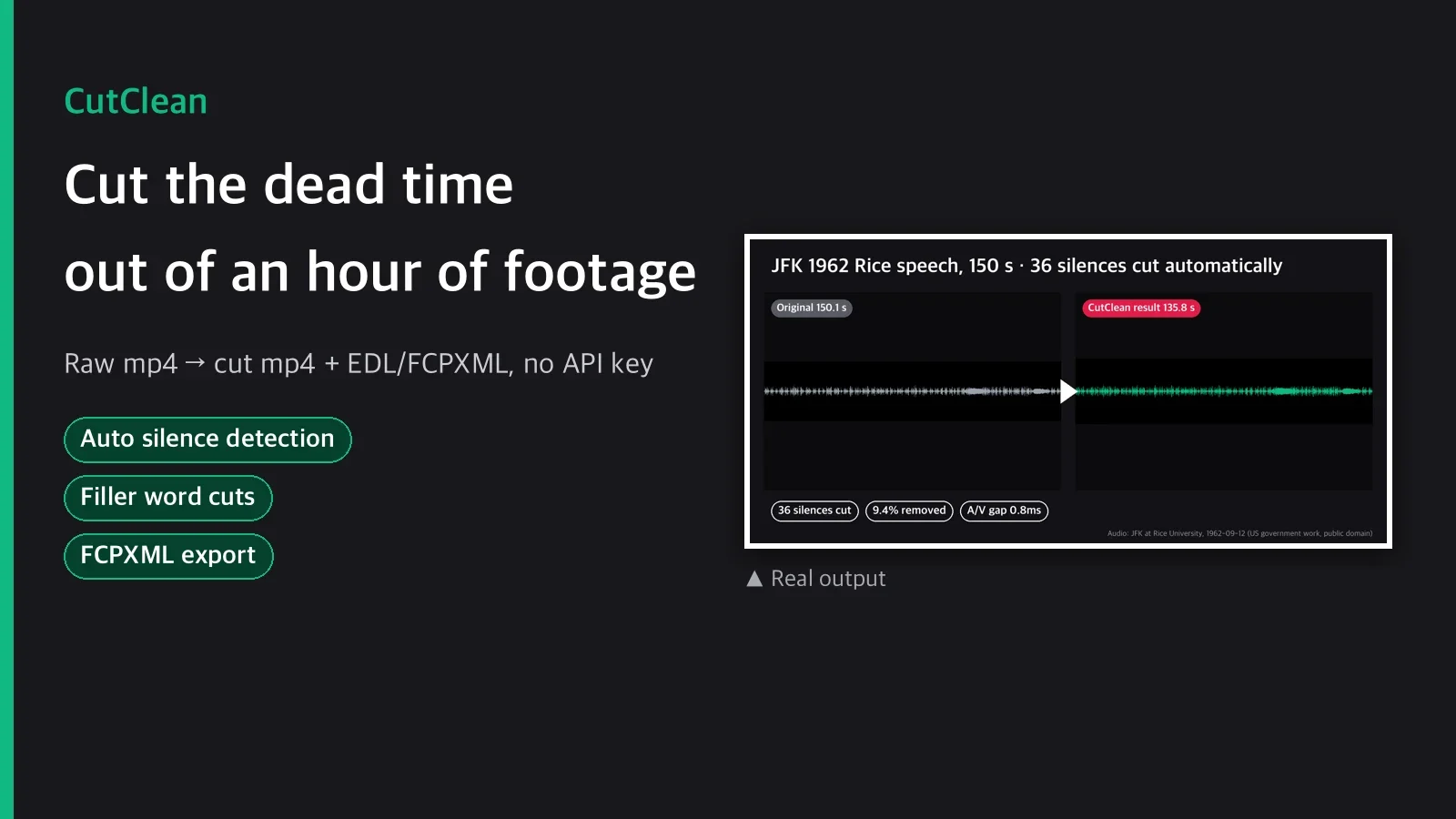
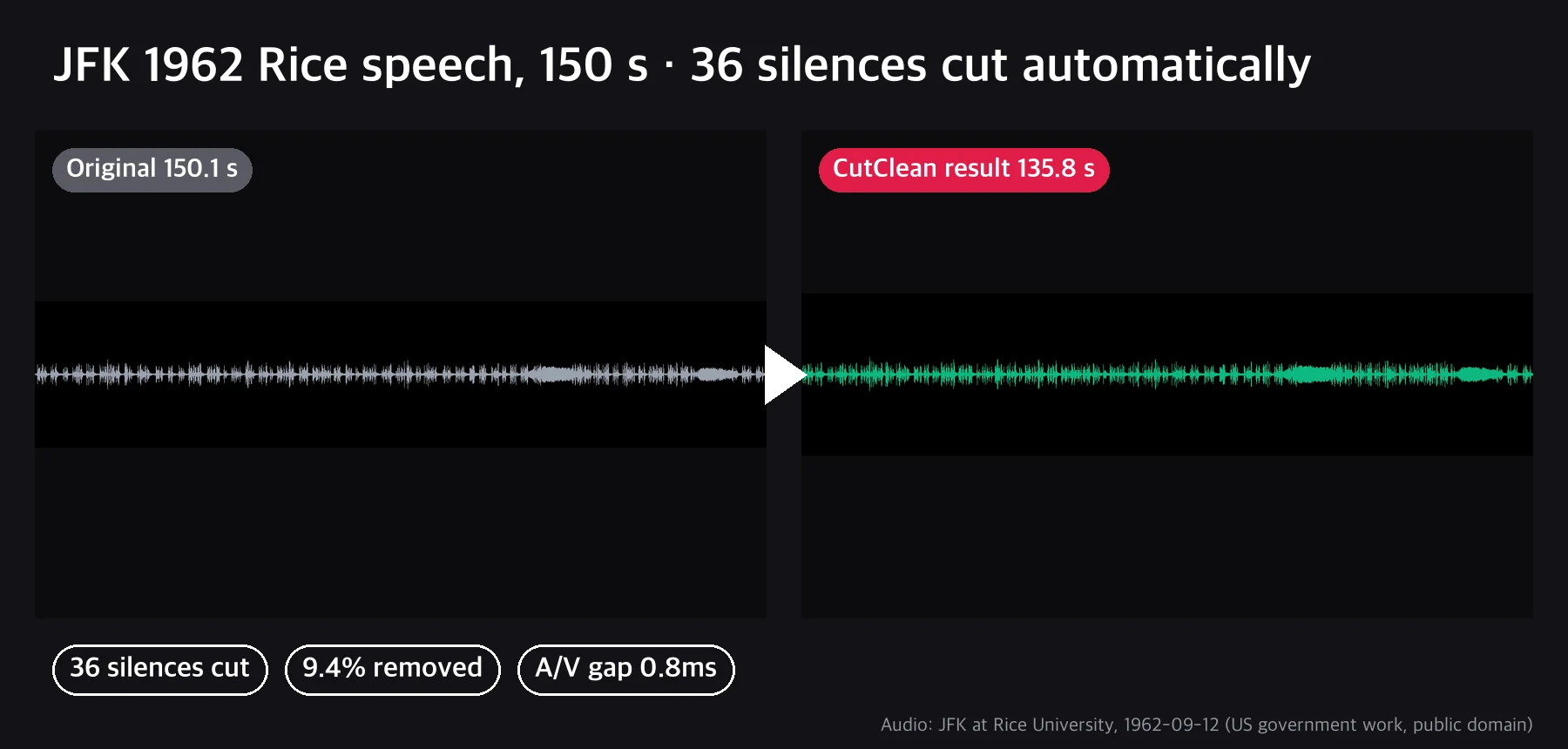
The example is a real run on a 2 min 30 s section of the audio of John F. Kennedy's Rice University speech of September 12, 1962 (U.S. government work, public domain, archive.org). It is an old recording with crowd noise underneath, so the threshold was raised with --noise -24.