Kids Video Maker
Kids Video Maker
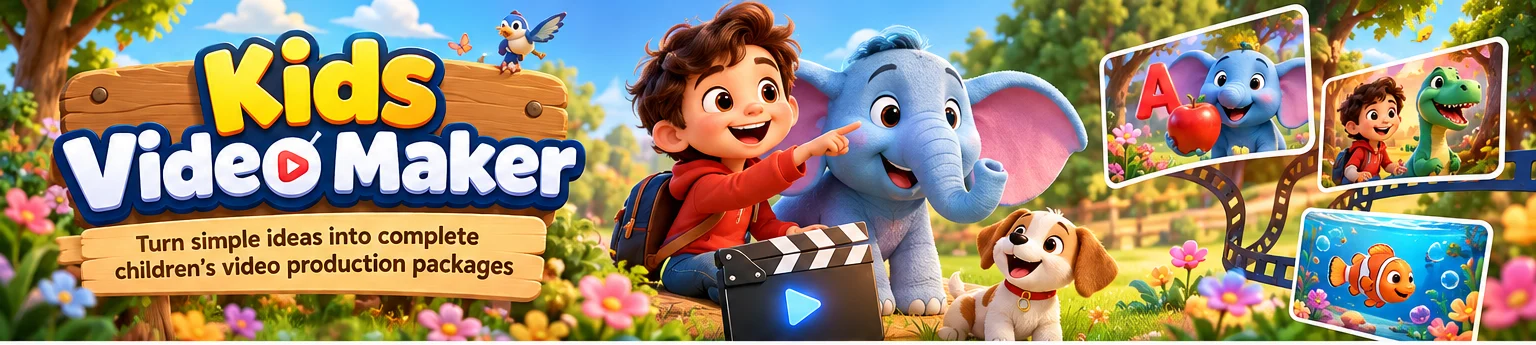 Turn a simple children's content idea into a structured video package ready to produce with your preferred AI and editing tools.
Kids Video Maker helps creators develop stories, characters, scenes, narration, and visual/video-generation prompts for short-form children's content.
What It Does
Give the Agent a topic, lesson, character idea, or simple concept.
It can help generate:
- Original story concepts
- Age-appropriate story structures
- Character descriptions
- Scene-by-scene breakdowns
- Narration and dialogue
- Visual descriptions
- Image-generation prompts
- AI video-generation prompts
- Background music and sound-effect suggestions
- Video titles and descriptions
- Short-form content ideas
The output is designed to give you a clear production blueprint that can be taken into your preferred creative tools.
How It Works
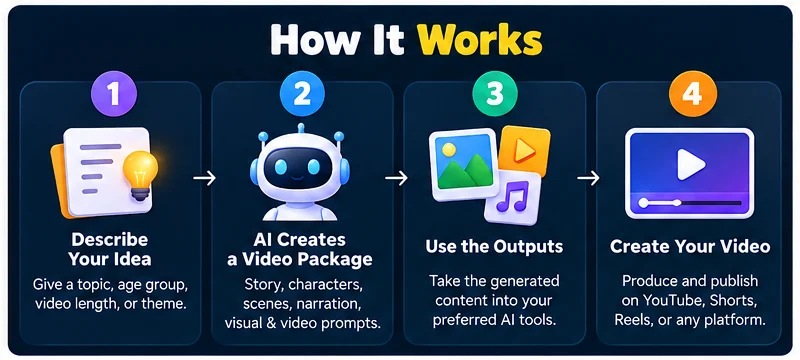 ### 1. Describe Your Idea
Tell the Agent what you want to create.
Example:
Create a 60-second educational video teaching colors to children aged 4–6 using a friendly robot character.
2. Provide Optional Details
You can specify:
- Target age
- Video length
- Educational topic
- Characters
- Visual style
- Language
- Platform
- Tone
- Story setting
If important information is missing, the Agent can ask clarifying questions before creating the concept.
3. Generate the Video Blueprint
The Agent organizes the idea into a production-ready structure containing the relevant creative components.
4. Create the Assets
Use the generated prompts and scripts with your preferred image, video, voice, music, or editing tools.
Example Output
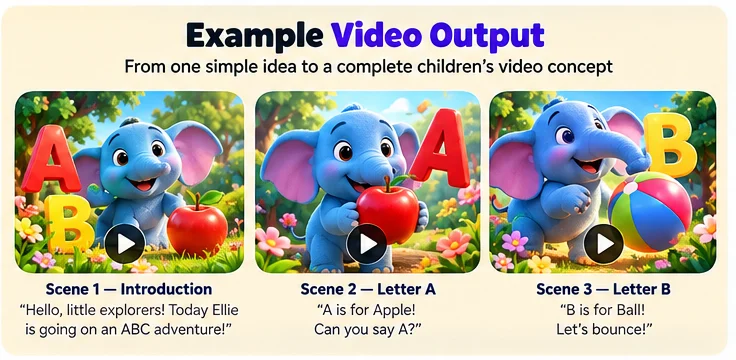 ### Input
Make a 60-second video teaching the alphabet to children aged 3–5. Use a friendly blue elephant as the main character.
Output Structure
Title:
ABC Adventure With Ellie
Target Audience:
Children aged 3–5
Duration:
Approximately 60 seconds
Story Concept:
Ellie the elephant explores an alphabet garden and introduces several letters through simple objects and playful interactions.
Character:
A friendly blue elephant with expressive eyes and a cheerful personality.
Scene 1 — Introduction
Narration:
"Hello, little explorers! Today Ellie is going on an ABC adventure!"
Visual Prompt:
A friendly blue elephant standing in a colorful children's garden, bright playful environment, simple shapes, expressive character, children's animation aesthetic.
Scene 2 — Letter A
Narration:
"A is for Apple! Can you say A?"
Visual Prompt:
Blue elephant discovering a large red apple in a colorful garden, cheerful children's educational animation style.
Scene 3 — Letter B
Narration:
"B is for Ball! Let's bounce!"
Visual Prompt:
Friendly blue elephant playing with a bright ball, colorful child-friendly environment, playful animated scene.
The Agent can continue the structure for the requested duration and number of scenes.
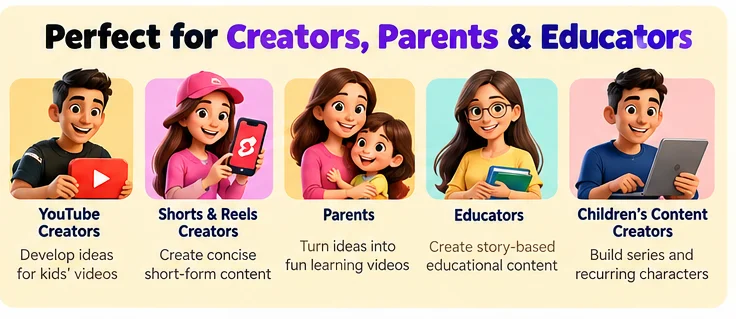
Useful For
YouTube Creators
Develop concepts and scripts for children's videos and short-form content.
Shorts & Reels Creators
Create concise story structures and scene prompts for short videos.
Parents
Turn simple educational or storytelling ideas into structured creative projects.
Educators
Develop story-based concepts for teaching basic topics.
Children's Content Creators
Build repeatable characters, stories, and episode concepts.
Content Types
You can use the Agent for:
- Alphabet learning
- Numbers
- Colors
- Animals
- Simple science concepts
- Good habits
- Bedtime stories
- Adventure stories
- Friendship stories
- Moral stories
- Rhymes
- Imaginative characters
- Educational storytelling
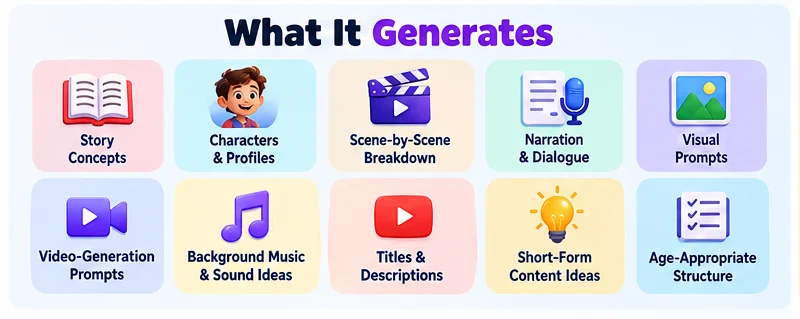
What It Generates
 ## Prompt Examples
Try:
Create a 45-second story about a little rabbit learning to share.
Make a 60-second video teaching numbers 1–10 to preschool children.
Create a colorful animal adventure for children aged 5–7.
Turn the topic "why rain happens" into a simple children's story.
Create 5 short-form children's video ideas around animals.
Create a recurring character and 10 episode ideas for a children's channel.
Output Components
Depending on your request, the Agent can provide:
| Component | Purpose |
|---|---|
| Story | Main narrative |
| Characters | Character identity and traits |
| Scenes | Visual sequence |
| Narration | Voice-over script |
| Dialogue | Character conversations |
| Visual Prompts | Prompts for image generation |
| Video Prompts | Prompts for video-generation tools |
| Audio Suggestions | Music and sound ideas |
| Titles | Video title options |
| Descriptions | Platform description drafts |
Designed for AI-Assisted Production
The Agent focuses on planning and generating creative production materials.
It does not claim to directly render finished videos unless the environment or tools you connect provide that capability.
You can take the generated scripts and prompts into your preferred:
- Image-generation tools
- Video-generation tools
- Voice-generation tools
- Music-generation tools
- Video editors
Content Safety
Outputs should be reviewed by the creator before publishing, especially when content is intended for children.
Creators are responsible for checking:
- Age suitability
- Educational accuracy
- Copyright and trademark considerations
- Generated visuals
- Voice and music licensing
- Platform-specific children's content requirements
Who Is This For?
 Kids Video Maker is designed for people who want to move from:
Idea → Story → Scenes → Narration → Creative Prompts → Production
without starting the creative process from scratch every time.
Version
v1.0.0 — Initial Release
- Children's story generation
- Character development
- Scene planning
- Narration and dialogue
- Visual prompt generation
- Video prompt generation
- Short-form content planning
- Title and description ideas
Important Note
Kids Video Maker provides AI-assisted creative planning, writing, and prompt generation.
Actual image, video, voice, music, and editing results depend on the external tools used to produce the final content.
Always review generated content before publishing.