Resume Polisher — Tailor Your Resume to the Job
Resume Master
Resume Master turns the resume you already have into a tailored version for the job you want. Add your resume and the job posting, and it identifies the role’s most important skills, tools, responsibilities, keywords, and outcomes, then reshapes your summary, experience bullets, and skills section so the version you submit feels built for that specific opportunity.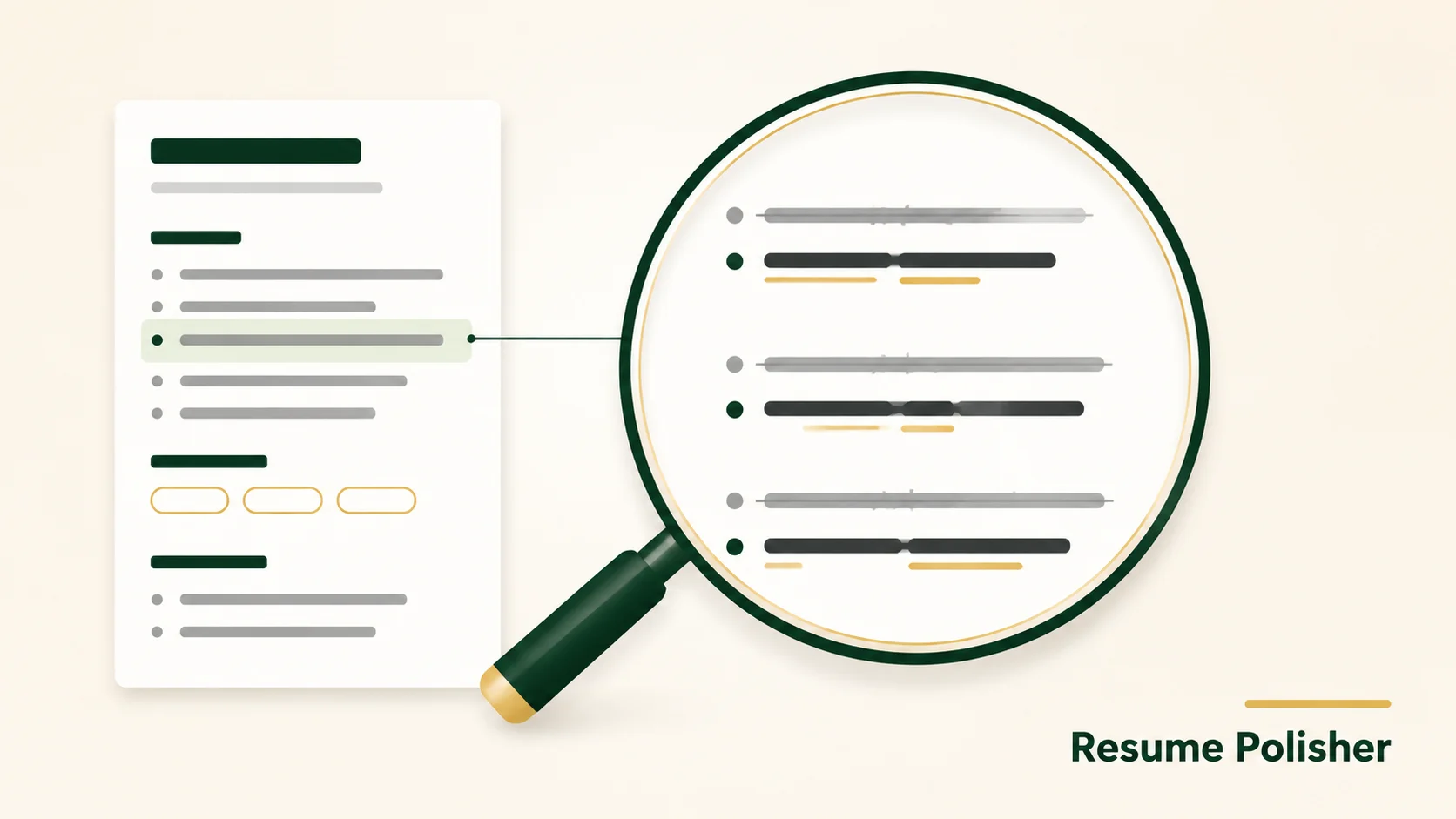
Paste your current resume and the job description you want to apply for. Resume Master reads both, identifies the role’s requirements, keywords, seniority signals, and preferred experience, then rewrites your resume around the parts of your background that match the posting best.
It does not start from a blank page. It works with your real resume and turns it into a more targeted application version.
When to Use / Best For
You have a resume and want to tailor it to a specific job: your current resume is already written, but it needs to feel more aligned with the role you are applying for.
Your experience is relevant, but the strongest proof needs to be brought forward: the skill helps surface the achievements, tools, responsibilities, metrics, and outcomes that best match the target posting.
You are applying to several roles that emphasize different skills: a marketing role, an operations role, a product role, and a data-focused role may all need different emphasis, even when your background stays the same.
You want your bullets to sound closer to the employer’s language: Resume Master reads the job description and adjusts your phrasing so your experience connects more clearly to the role’s requirements.
You need a polished version ready to submit as PDF, Word, or HTML: once the resume is tailored, the skill helps export a final version in the format you need.
How It Works
The workflow is simple: paste your resume, add the job posting, review the role alignment, receive a tailored version, then export it as PDF, Word, or HTML. Run it again with the next job description to create a new version for the next application.
Step 1 — Read the resume and job posting together: Resume Master reads both your current resume and the job description you want to apply for. It identifies the role’s requirements, keywords, seniority signals, preferred experience, tools, responsibilities, and outcomes.
Step 2 — Rewrite the professional summary: your summary is rewritten to reflect the target role, your strongest matching experience, and the value the employer appears to be hiring for. Instead of a broad career introduction, you get a sharper opening that positions you for this specific application.
Step 3 — Reshape experience bullets: your work experience is reshaped to foreground relevant achievements, tools, responsibilities, metrics, and outcomes. The goal is to make the strongest matching details easier for recruiters and hiring managers to notice.
Step 4 — Reorganize the skills section: your skills are reorganized around the wording used in the job description. If the role emphasizes campaign operations, data analysis, stakeholder communication, product sense, paid media, localization, SQL, project management, or other specific capabilities, Resume Master helps surface the closest truthful matches from your resume.
Step 5 — Improve keyword alignment: the skill improves keyword fit naturally. It does not stuff keywords into random lines or add skills you do not have. Relevant terms are placed where they belong, so the resume reads better for both recruiters and applicant tracking systems.
Step 6 — Strengthen role positioning: a resume is more than a record of past work. It is a positioning document for the next role. Resume Master helps decide which details should carry more weight, which bullets should move higher, and which phrasing makes your experience feel closer to the job.
Step 7 — Export the tailored version: after the resume is rewritten for the target role, you can export a polished version ready to submit as PDF, Word, or HTML.
Why This Skill / What Makes It Different
Built for per-job tailoring: Resume Master assumes one resume can be shaped in different ways depending on the role. A marketing role, an operations role, a product role, and a data-focused role may all need different emphasis, even when your background stays the same.
Focuses on the lines that matter most: instead of changing everything at once, the output focuses on the resume lines most likely to matter for the target posting: the summary, the first few bullets under each role, the skills section, and the keywords that support your fit.
Works with your real resume, not a blank page: Resume Master does not start from scratch. It uses your existing resume and turns it into a more targeted application version.
Keeps your experience intact: it will not invent achievements, inflate titles, add fake metrics, or quietly remove important information. It rewrites for relevance, clarity, structure, and emphasis, so your resume feels more aligned with the job while still being true to you.
Creates a polished, job-matched result: the result is a polished, job-matched resume version that helps recruiters understand why your existing experience fits the role you are applying for.