Analytics Tracking — Debug & Fix GA4, GTM & Meta
Analytics Tracking: Build, Audit & Debug
Build, audit, or debug GA4, GTM, Google Ads, Meta, and consent tracking with production-ready GTM code and implementation checklists your team can ship.
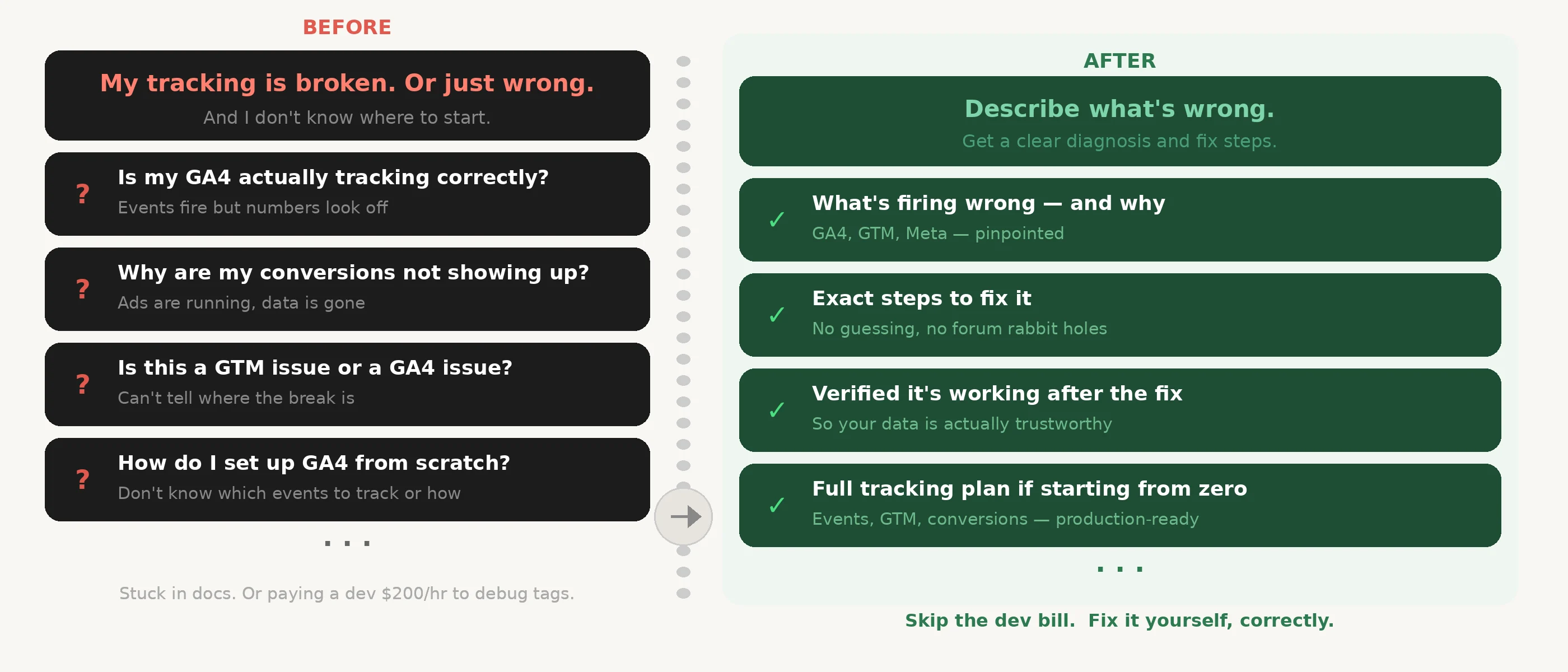
Broken tracking costs more than no tracking: missing conversion parameters zero out GA4 revenue, double-fired events inflate metrics, and misconfigured pixels corrupt campaign data.
Who It's For
- SaaS and e-commerce marketing teams tracking signups, upgrades, and purchases
- Analytics leads auditing a setup that looks off but need help finding where it's broken
- Developers wiring GA4, GTM, ad pixels, or consent tracking for the first time
- Anyone whose GA4 revenue, conversions, or Google Ads ROAS don’t match reality
Three Ways to Use It
Build from scratch — event taxonomy, GA4 setup, GTM container outline, conversion config for Google Ads and Meta, EU consent mode, and a phased roadmap with owner and effort tags.
Audit existing tracking — 0–100 scored report across five dimensions. Every finding is P0/P1/P2 with exact fix, owner, and effort estimate.
Debug a specific issue — probability-ranked root cause list, such as AJAX checkout changes, GTM publish issues, consent shifts, or missing revenue parameters, then a layer-by-layer decision tree with copy-paste verification commands.
What You Get
- Tracking plan for GA4, GTM, Google Ads, Meta, and consent setup
- Probability-ranked root causes for broken events, low revenue, ROAS mismatches, and conversion gaps
- Copy-paste GTM code, dataLayer examples, and verification commands
- 0–100 audit score with P0/P1/P2 findings, owners, and effort estimates
- Phased implementation checklist your team can ship
Example Input / Output
Debug input
checkout_completed fires, but revenue is always $0 in GA4. Google Ads conversions are 40% higher.
Output
Root causes ranked by probability, copy-paste dataLayer fix, 14-item verification checklist, and proactive user_id gap flag.
Build input
Set up GA4 and GTM for my Next.js SaaS with Google Ads, Meta, and EU users on Cookiebot.
Output
13-event taxonomy, GTM container outline, conversion config, Consent Mode code block, and 3-week roadmap with owners.
What to Send
Describe what looks wrong, or just say what you want to set up.
Examples:
- “GA4 revenue looks too low”
- “Google Ads ROAS doesn’t match GA4”
- “Set up tracking for my Shopify store”
- “Audit our current GA4/GTM setup”
A single sentence is enough. Add your tech stack, ad channels, or consent tool only if you have them.
What Makes This Different
vs manual debugging
Without a structured approach, debugging tracking issues means guessing. This gives you a probability-ranked root cause list — so you fix the most likely cause first, not the last thing you changed.
vs generic analytics consultants
Consultants audit and recommend. This delivers copy-paste GTM code, dataLayer examples, verification commands, and a phased checklist — output your team can act on, not a report to interpret.
vs general AI
General AI can suggest what might be wrong, but rarely structures the work into a 0–100 scored audit, probability-ranked root causes, or a P0/P1/P2 finding list with owners and effort estimates.
Key Differentiators
- Probability-ranked root causes — not a generic checklist
- 0–100 audit score with P0/P1/P2 findings, owners, and effort estimates
- Copy-paste GTM code and dataLayer fixes — not just suggestions
- Covers GA4, GTM, Google Ads, Meta, and consent in one session