
Article to Explainer Video — Local Kit (Download)
Article to Explainer Video
What you're buying: a download package (skill instructions + Python scripts) that runs on your own computer inside your own AI agent — it is not a cloud service.
You need: an AI agent that supports skills (e.g. Claude Code or Codex) — its subscription or API costs are yours; Python 3.9+ and ffmpeg.
Third-party services: Microsoft edge-tts narration (free, internet needed). No image generation. URL fetching works only on public pages without paywalls.
Turn your article into an explainer video ready for YouTube. No editing software, no face on camera.
What you get
- 🎬 MP4 explainer: 16:9 (YouTube, LinkedIn, websites) or 9:16 (Shorts, Reels, TikTok)
- 📝 SRT subtitle file (also burned into the video)
- 🖼️ Thumbnail PNG
- 📋 Upload copy: 3 title options, a description (with source credit) and hashtags
Example
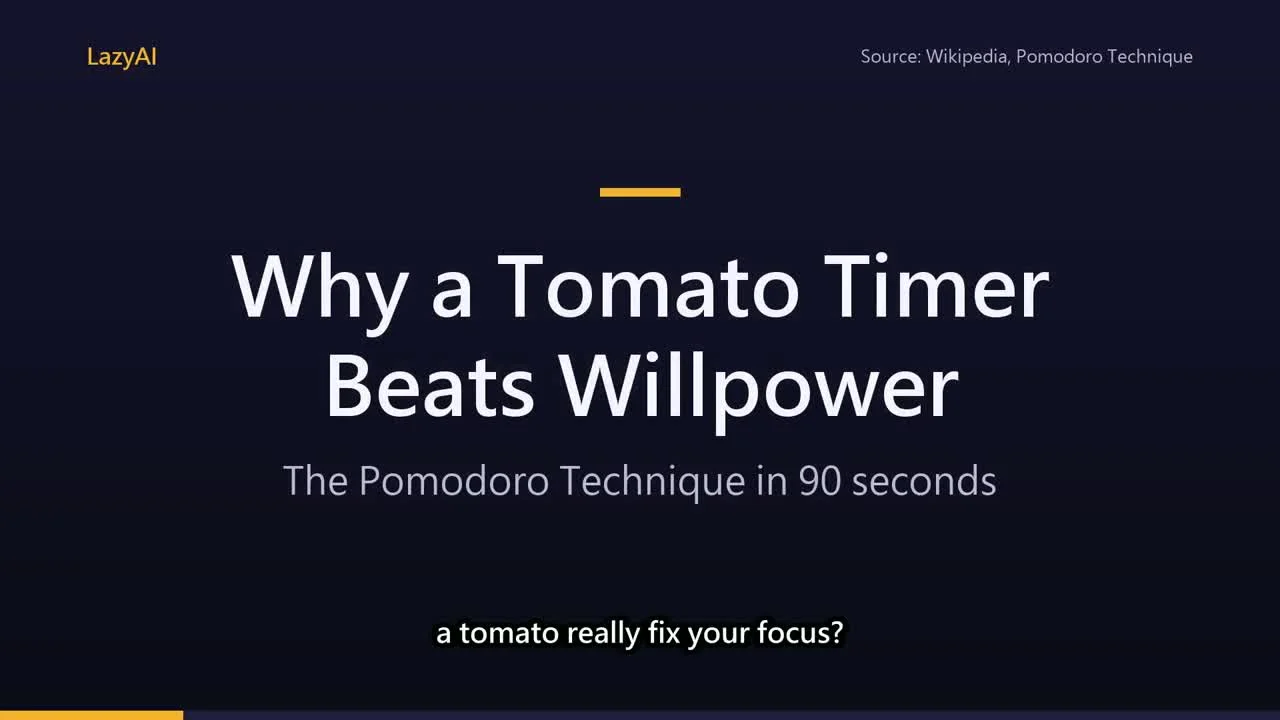
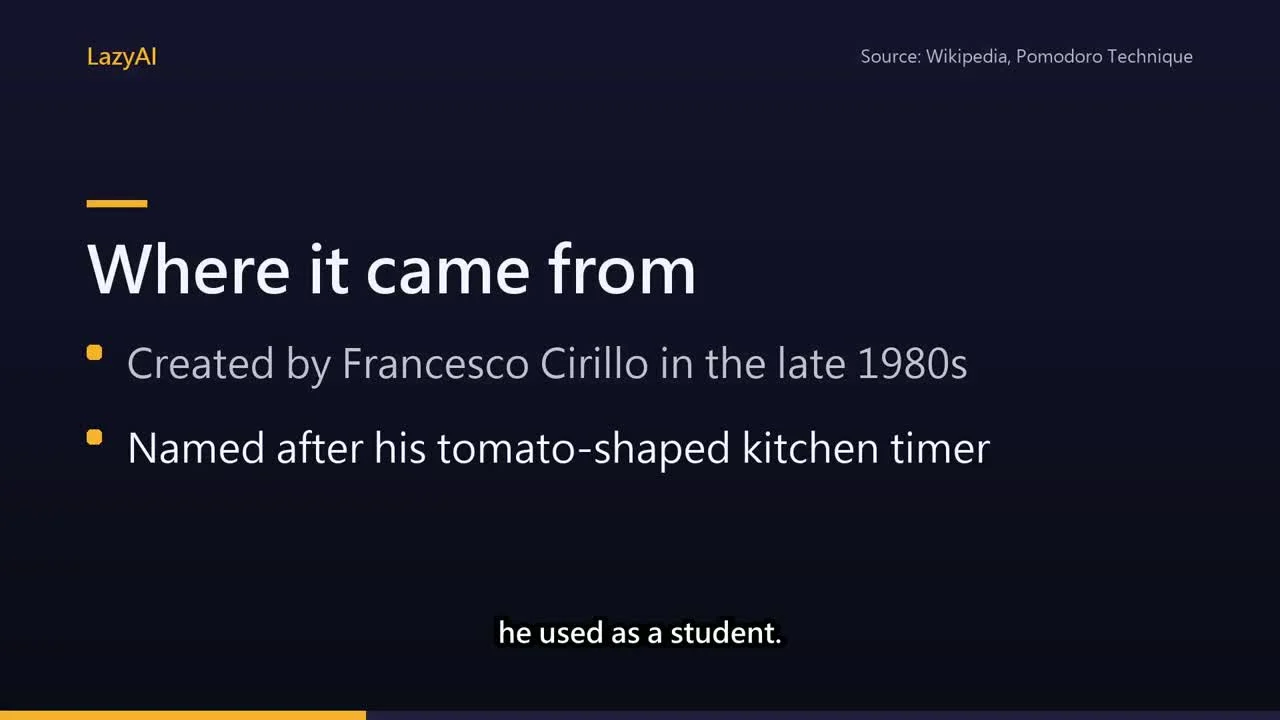
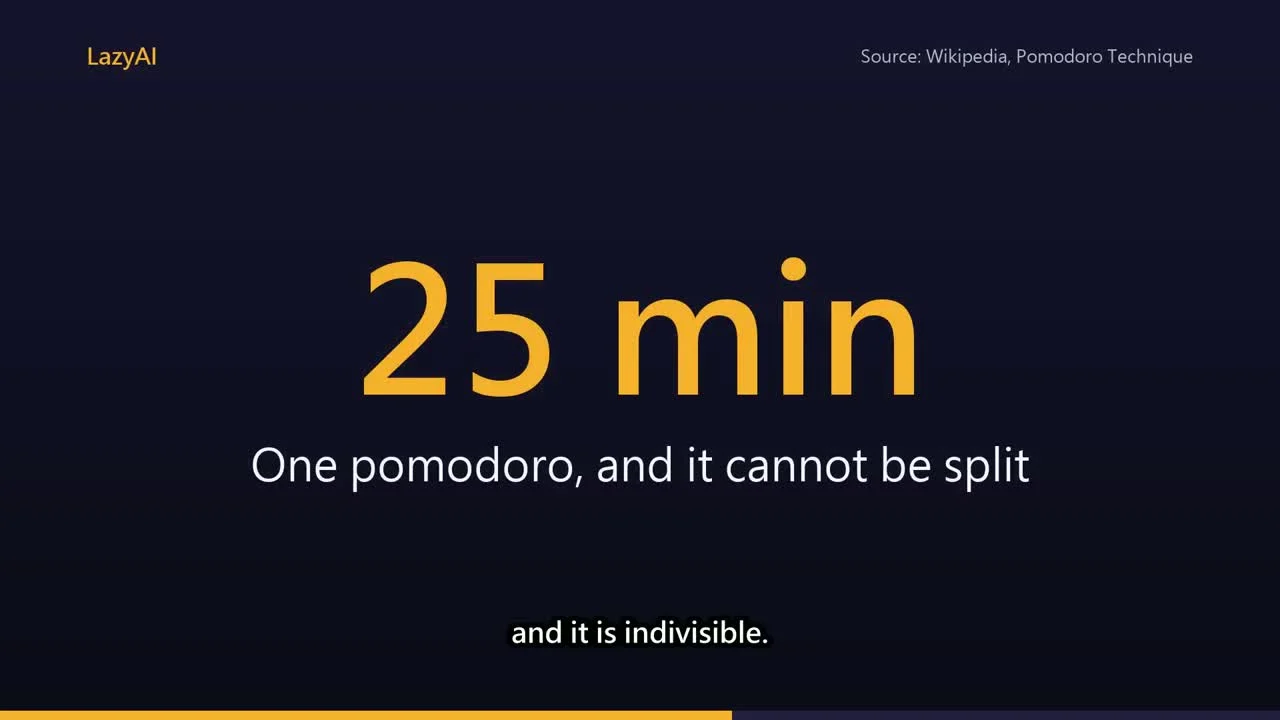
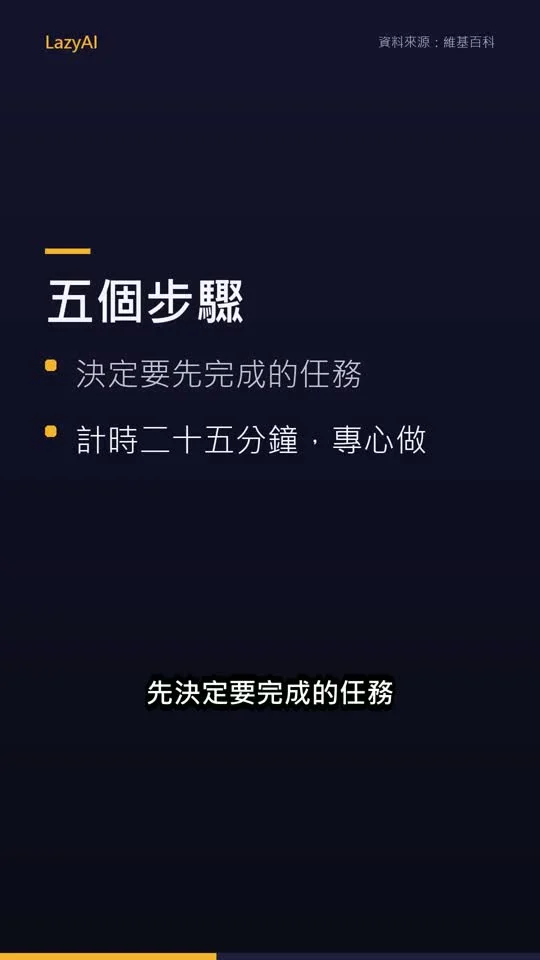
An article on the Pomodoro Technique became "Why a Tomato Timer Beats Willpower — The Pomodoro Technique in 90 seconds": a title slide, a "Where it came from" bullet slide, a big "25 min" stat slide and a CTA, with source credit in the corner. A Traditional Chinese vertical version (9:16) was made from the same article.
Bullet slide — points build in with the narration:
Stat slide — one big number viewers remember:
Same article, Traditional Chinese vertical 9:16 for Shorts / Reels:
Try it — copy a prompt
- "Turn this blog post URL into a 90-second 16:9 explainer video in my brand colours #1E293B and #F59E0B."
- "Make a vertical Traditional Chinese version of this article for Reels, with a CTA to my newsletter."
Why buy it
One payment, turn every article you've written into a video — no per-video fees, no image-generation costs.
Who it's for
Bloggers, newsletter writers, B2B marketers, teachers and consultants who already have written content.
How it works
- Give a URL or paste text — the main article text is extracted automatically.
- Your agent writes the script with a built-in explainer structure (hook → context → key points → key number → quote → takeaway → CTA) and asks you to approve the outline.
- Optionally preview the slides as PNGs first (takes seconds), then render the full video.
- Voice-over, bullets that build with the narration, fade transitions, synced subtitles, a progress bar and background audio — then export.
Slide layouts
- title — opening hook headline
- points — heading plus 1–4 bullets, revealed with the narration
- stat — big number (e.g. "25 min", "60%")
- quote — quotation with attribution
- cta — closing call to action
All in your brand colours (6 hex codes), brand name and font. Chinese and English lines are wrapped and balanced to the layout width — no single orphaned word on the last line.
Languages and voices
400+ edge-tts neural voices, including English (US, UK), Traditional Chinese (Taiwan), Simplified Chinese, Japanese and Korean. Make the video in the article's language, or have your agent translate first.
Requirements
- Python 3.9+ and ffmpeg (the skill checks your setup first)
pip install -U edge-tts pillow- Render speed: about 1 minute per minute of video; when you edit text, voice lines load from cache
Limitations (please read)
- This is AI-written, AI-narrated content based only on the source you provide — check numbers and names yourself.
- The style is clean text-slide video — no stock footage, AI images or virtual presenter.
- Stock voices only — no voice cloning.
- It paraphrases and credits the source, but make sure you have the right to adapt someone else's article.
- It doesn't upload anywhere. Label AI narration where platforms require it.
- Pages behind paywalls or that need JavaScript can't be fetched — paste the text instead.
Files
SKILL.md— agent workflowscripts/fetch_article.py— article text extraction (Python standard library only)scripts/render_explainer.py— slides, voice-over, subtitles, video renderingreferences/script-guide.md— how to write an explainer scriptreferences/example_en.json/example_zh.json— English and Chinese examples
API externas
Microsoft edge-tts(免費)