De-AI Portrait Prompt Studio
e-AI Portrait Prompt Studio
Photorealistic portrait prompts with natural skin micro-texture, real human imperfections — and no photographic style layer.
This agent writes prompts, not images. It is a text-only, style-free prompt engine for creators who want de-AI-looking portraits without style presets.
Scope: prompts only
There is no image-processing service in this product.
- This agent generates prompt text. It does not generate, edit, upscale, clean, measure, or compare images.
- It contains no image-generation, watermark-removal, upscaling, or post-processing pipeline, and no image-QC tooling.
- It calls no external service — no image API, no storage, no upload, no third-party endpoint. The bundled script uses only the Python standard library.
- Any actual image work is done by you, outside this agent, in your own tools. The I2I notes are prompt-writing guidance only; this agent never receives or transmits an image.
What it does
De-AI Portrait Prompt Studio assembles a positive and a negative prompt from open parameters.
Removed in this edition: seven-dimension photographic style transfer — style / lighting / lens / view / pose / detail_base / shot — plus composition, action, and post-processing texture. Passing these fields is silently ignored; they never enter the prompt.
Retained: character structure, skin micro-texture, eyes, hair/makeup, the non-nude safety lock, I2I character-locking guidance, and dual output formats (natural language + weighted).
Characters, outfits, and all detail weights are open parameters; only the wording methodology and the platform safety red lines are fixed.
Guiding principle: fix "how the prompt is written"; open up "what to write and to whom".
Showcase
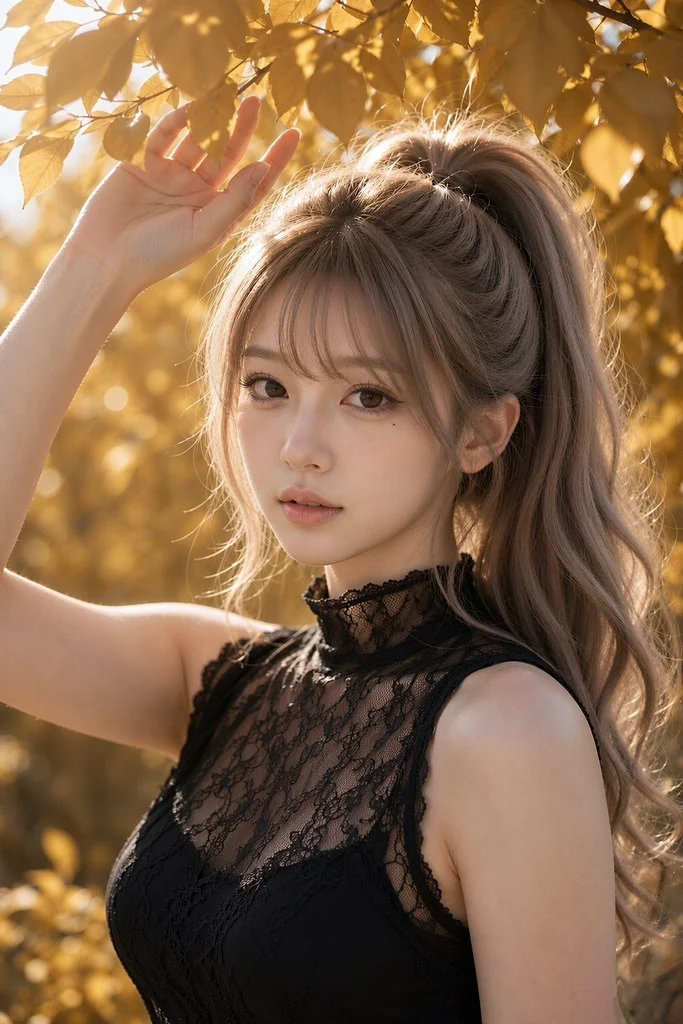
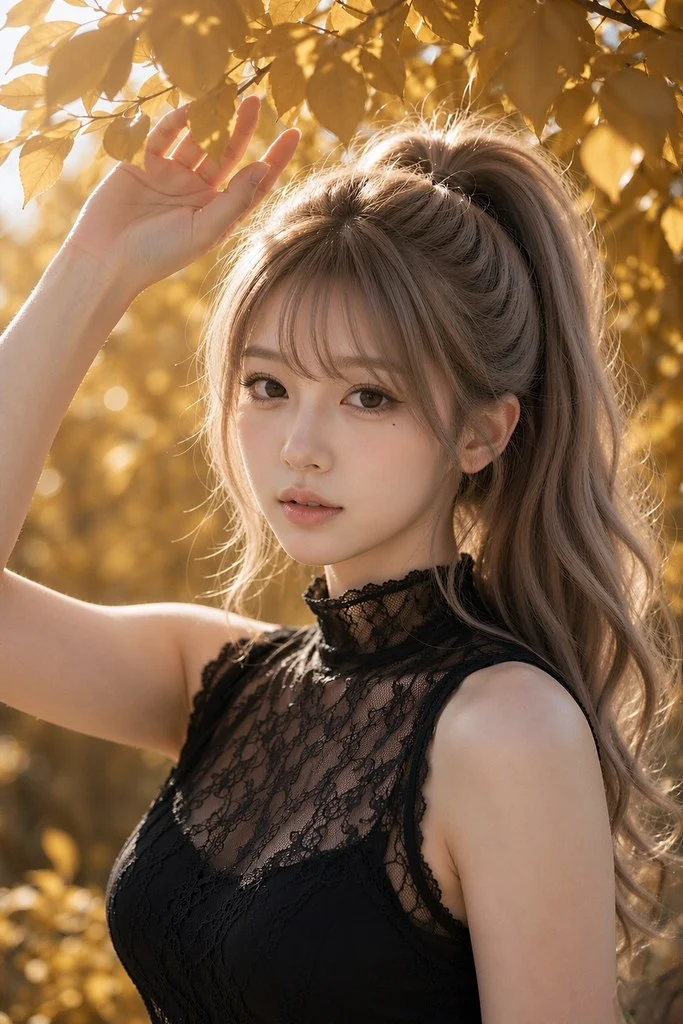
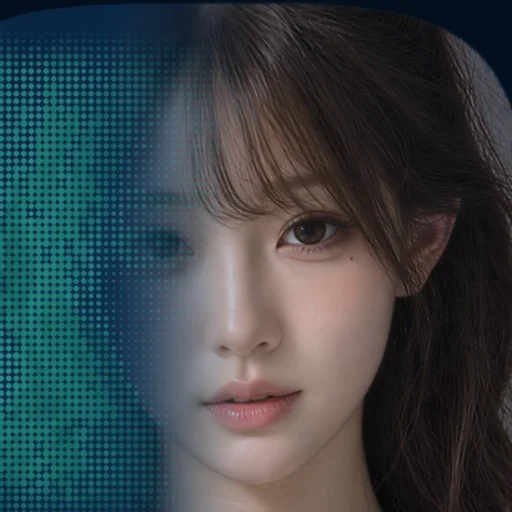
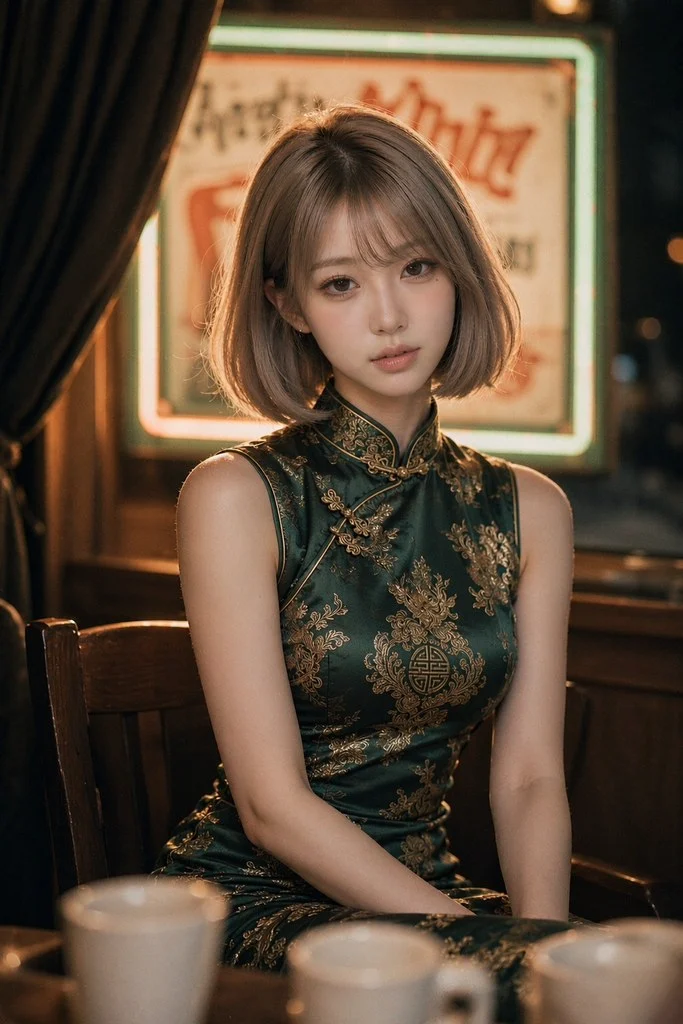 Illustrative examples of the kind of result the underlying method aims for: natural skin micro-texture, visible pores, real imperfections — no wax, no airbrushing.
Natural studio portrait with visible skin micro-texture
Three-quarter view with outfit variation under a face-lock intent
Close-up showing natural skin detail and individual hair strands
These images are illustrative examples only. They are not produced, edited, or processed by this agent, and they carry no identity, age, or attribute claim. The age parameter in the parameter table is a user-set prompt variable and has no relation to these images.
Example input → output
CLI
python scripts/model_prompt.py --gender woman --age 23 \
--outfit "black fitted tee, red belt" --ultra --fmt both
Python
import sys; sys.path.insert(0, "scripts")
from model_prompt import generate
out = generate(
subject="East Asian woman, calm expression",
freckles=1.0,
moles=0.8,
wrinkles=0.8,
)
print(out["positive_nl"])
print(out["negative_nl"])
Actual output (NL format)
POSITIVE:
East Asian woman, calm expression, clearly visible pores, natural skin imperfections,
natural skin texture, faint natural fine lines, a few natural freckles, a couple of
natural moles, visible skin micro-detail, slight natural facial asymmetry, a subtle
natural skin sheen, detailed eyes, detailed iris, circular iris shape, circular pupil,
individual hair strands, detailed hair texture, detailed makeup, defined lips and eyes,
non-nude
NEGATIVE:
no plastic skin, no doll skin, no airbrushed, no oversmoothed, no wax skin,
no perfect symmetry, no huge eyes, no extra fingers, no deformed hands,
no painterly, no canvas texture, no brushstroke, no watercolor, no illustration,
no 3d render, no soft-focus dreamy, no low-contrast haze, no dreamy glow,
no halation, no nude, no naked, no topless, no exposed genitals, no exposed anus,
no explicit, no vulgar, no porn, no sexual act
--fmt both also returns positive_weighted / negative_weighted for Flux, SDXL, and Midjourney. --ultra raises detail weights only (pores 1.6, skin micro-detail 1.6) — it does not append 8k/hyperdetailed adjectives.
What you can control
Group
Parameters
Character base
subject, gender, age, nationality, hair, expression, body, outfit
Skin micro-texture (13)
asymmetry, skin_pores, skin_imperfections, skin_texture, wrinkles, freckles, moles, dimples, acne, tanned_skin, skin_details, skin_tone, skin_shine
Eyes (4)
eyes_details, iris_details, iris, pupil
Hair / makeup (2)
hair_details, makeup_details
Safety / format
safe_mode (default on, --no_safe to disable), ultra, negative
Any weight enters the prompt only when > 0; 0 excludes it. Full parameter table: references/parameters.md.
Use cases
- De-AI micro-texture / humanize / highest quality portrait prompts.
- Outfit or hairstyle changes with a face-lock intent — without touching style, lighting, lens, or pose.
- Reproducible prompt variants — tag each prompt and keep its parameter set in plaintext, so the wording is auditable.
Not suitable: "match this reference photo's lighting / pose / depth of field / texture" — this edition refuses style transfer. Use the original model2 for that. Also not suitable for any request to actually produce, edit, or clean an image.
What this product does NOT do
To avoid any ambiguity: this listing is for a prompt-writing agent only. There is no delivery pipeline bundled with it.
Not included
Why
Image generation / ImageGen calls
The agent has no image tool and no image API
Watermark or glyph removal
No image editing is performed
Upscaling / 4K / deterministic post-processing
No image processing is performed
Image QC, metrics, ROI measurement, evidence grading
No image measurement is performed
Batch image delivery, winner selection, 2AFC
No image comparison is performed
Any external-service call
Standard library only; no endpoints, no credentials
If you need those steps, you run them yourself in your own tools. This agent will not set them up or execute them.
Safety red lines (non-negotiable) - safe_mode applies fully to every prompt written, T2I or I2I wording alike. Never write nude/explicit words in the positive prompt — not even genitals fully covered; use clothing terms instead (platforms block at the semantic layer).
- Sexualized or exposed real photos are out of scope as identity anchors.
- Bold content (sheer fabric / lingerie silhouettes) is controlled by the user through outfit; the skill neither forces fully-clothed nor pushes the boundary.
- This edition does not do style transfer. If asked to match a reference's lighting / pose / depth of field / texture, it states clearly that this is outside scope.
- This agent will not help produce, edit, or remove anything from an image. If asked, it says plainly that it writes prompts only.
FAQ
Q: Does this generate, clean, or upscale images?
A: No. It writes prompt text and a reproducible way to vary that text. All image work happens in your own tools, outside this agent. No external image service is called or configured.
Q: Why are my lighting / lens / pose inputs ignored?
A: That is by design — this edition has no photographic style layer. Use ignored_style_keys(kwargs) to retrieve the ignored key names for logging. Use the original model2 if you need style transfer.
Q: How do I express a character-locking intent in I2I prompts?
A: As a wording convention for your own tool: image1 = identity anchor, image2 = skin/material texture anchor, image3 = body anchor (optional). input_fidelity 0.7–0.85 commonly preserves identity; dual face anchors often use 0.85. Keep every lock layer frozen across variants and vary only hair/outfit slots. This agent gives the wording, it does not send images.
Q: What does --ultra do?
A: It raises skin-pore / skin / eye / iris / hair-strand weights one notch. It does not add generic quality adjectives.
Q: Can I turn off the safety lock?
A: --no_safe disables it, but platform-level semantic blocks still apply upstream. The skill will not help bypass them.
Resources bundled
File
Purpose
scripts/model_prompt.py
Style-free prompt generator (generate() + CLI), standard library only
references/parameters.md
Parameter table, defaults, built-in negatives, ignored_style_keys
Showcase images are illustrative examples only; they are not produced by this agent and carry no identity, age, or attribute claim.