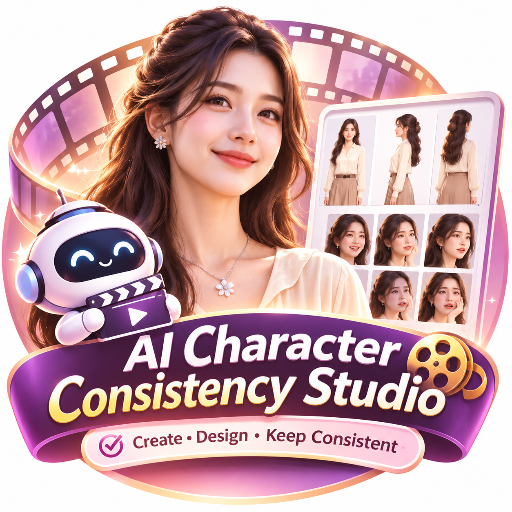
AI Character Consistency Studio
How to Use AI Character Consistency Studio
Step 1 — Create Your Character
Describe your character’s name, approximate age, hairstyle, facial features, clothing, personality, and visual style. You may also provide a reference image.
Step 2 — Build the Character Identity
The agent prepares a structured character profile and master identity prompt. Review and approve the details before continuing.
Step 3 — Prepare Reference Sheets
Generate reusable prompts for:
- Front view
- Left and right side views
- Three-quarter view
- Full-body view
- Facial expressions
- Outfit variations
Step 4 — Create Scene Prompts
Describe a scene, location, lighting, camera angle, and desired emotion. The agent combines these details with the approved character identity.
Step 5 — Check Character Consistency
Compare new character descriptions or supported uploaded references against the approved character profile. Identify unintended changes to appearance, clothing, or accessories.
Step 6 — Export Your Character Bible
Copy your finalized character profile, master prompt, reference-sheet prompts, and continuity checklist for reuse in other AI filmmaking tools.
Important: Version 1.0.0 focuses on character planning, prompt generation, and continuity guidance. It does not independently render character images or guarantee identical faces across external image generators.