Hook Opener: 3 New Openings, Then One as AI Video
Your opening, rebuilt - and the new one made for you
Most viewers decide in the first two seconds. Hook Opener reads how your short starts, shows you three better ways to start it, and makes the one you pick.
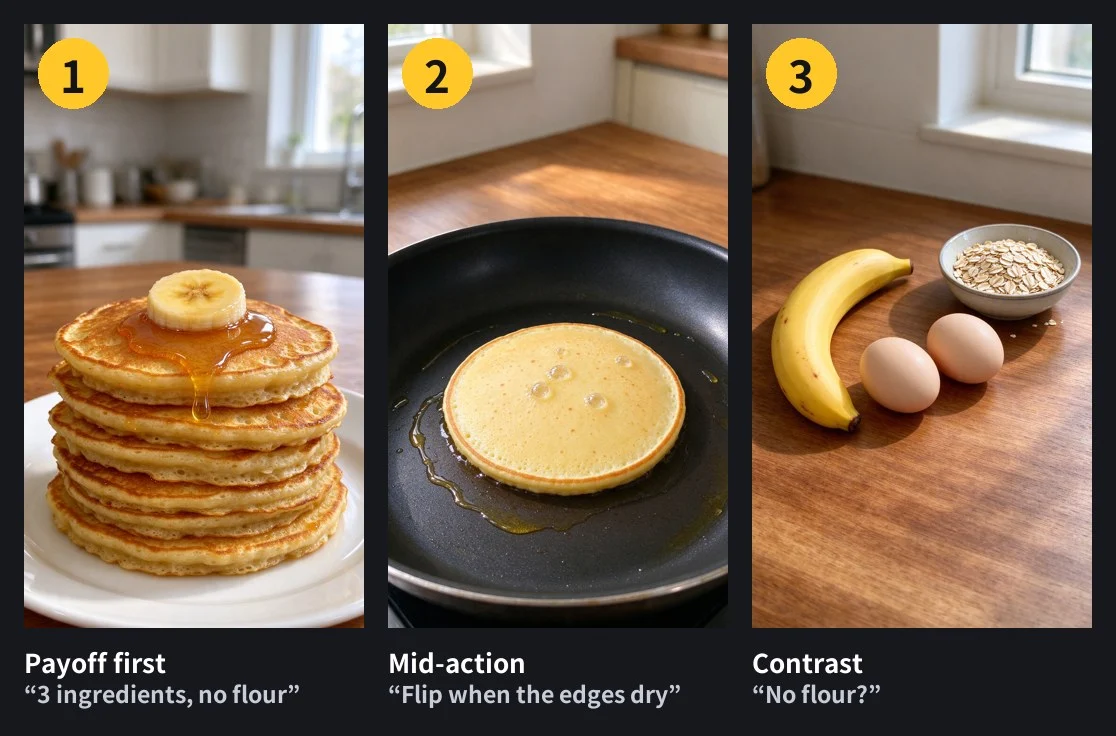
The first reply from a real test: three openings for a pancake short, one AI picture each, unedited.
How it works
- Send the video, a link or the topic. A file is read frame by frame for the first six seconds; a public YouTube link is watched through the link; a topic needs no video.
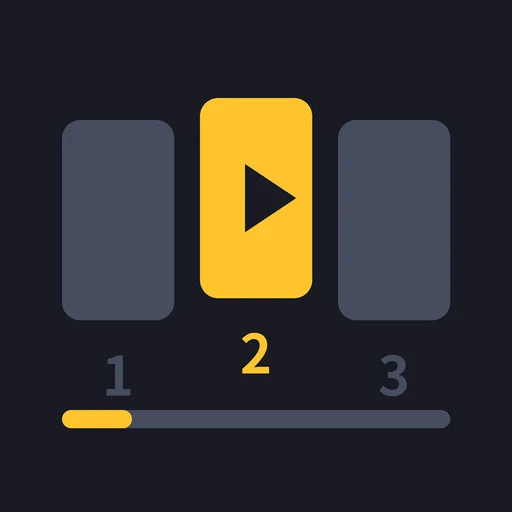
- First reply: the plan and three pictures - no video yet. Two or three weak spots in the current opening, then three new openings: the first picture, the first line to say and the text on screen, each shown as one AI picture on a numbered board.
- Reply 1, 2 or 3. That picture becomes the first frame of a 4-6 second AI video with sound (5 seconds unless you ask otherwise).
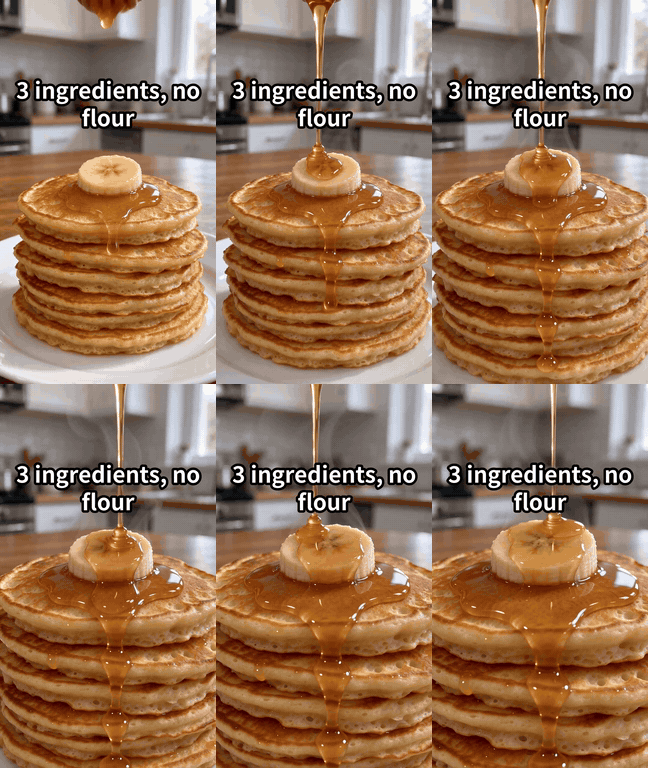
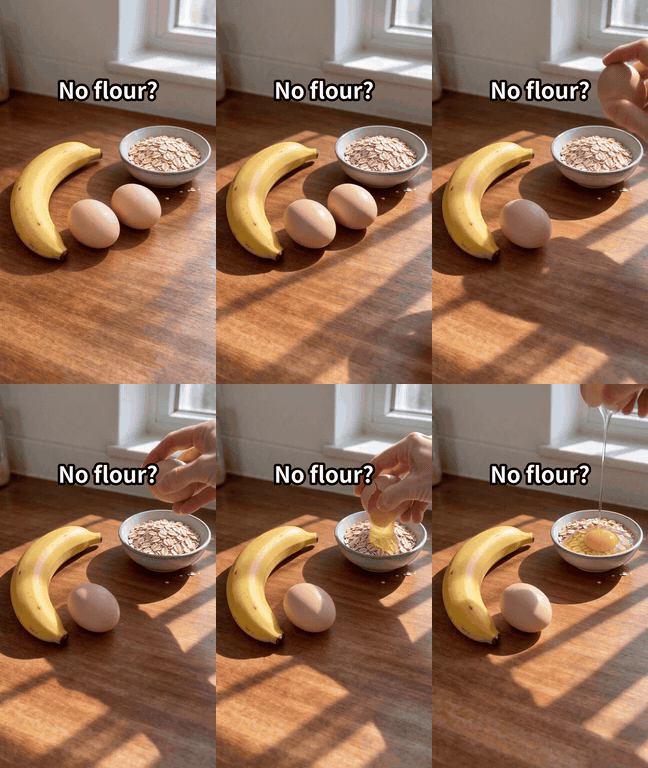
Pictures 1 and 3 from the board above as 5-second openers, unedited (720p; a GIF has no sound). The second one used the narrator option: an unseen voice says the line.
What you get after you pick
- The opener as an MP4, vertical 9:16, 720p, with generated sound and no music: one copy with the on-screen text added by the script, one without
- The whole video with the new opener in front when you sent a vertical video file. You choose how many seconds of the old opening to drop
- The line to say and four preview frames
- Other text or another cut? Ask, and it is redone without making a new video
Honest limits
- The first reply is the plan and three pictures, not a video. A free trial request gets that first reply.
- AI makes the pictures and the video, so they can differ from the description. The model chooses the exact motion and sound, and a hand, stray letters or an extra object can appear. Watch it before posting and label it as AI-generated where the platform asks.
- No faces. It never makes you, anyone in your video, or any real person; a hand at the edge of the frame is the most it shows. No brands, famous characters, gambling, violence or adult content.
- New lines use only facts from your video or your message. Where a number would help, you get a blank to fill.
- One video per message, 4-6 seconds. For a YouTube link there is no joined video (nothing is downloaded from YouTube): you get the opener and the second to continue from.
- No promises about views, reach or followers.
- Your plan renews automatically until you cancel it in your Capafy account.
What goes online
The picture and motion descriptions and the picked picture go to BytePlus ModelArk (Seedream 5.0 for pictures, Seedance 2.0 for video) on the publisher's account; you need no key. A YouTube link - only the link - goes to Google's Gemini API, which reads its first six seconds. Video tools may be installed once from PyPI. An uploaded video stays in this session.
API esterne
BytePlus ModelArk (Seedream 5.0, Seedance 2.0) · Google Gemini API · PyPI