
LoopSnap — Video to GIF Under a Target File Size
LoopSnap — Video to GIF Under a Target File Size
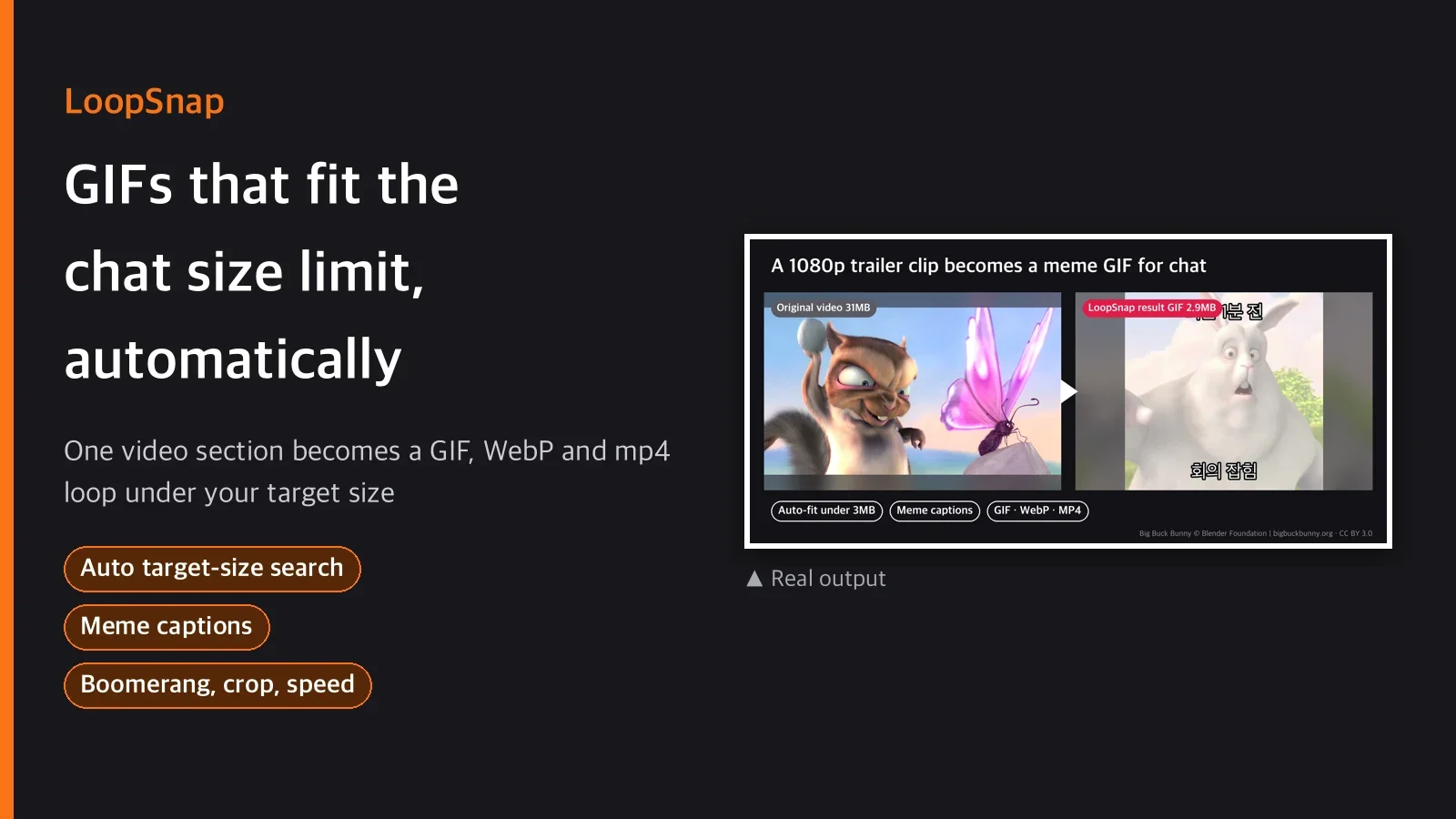
Short description
Pick a section of a video and get a high-quality GIF (palette-optimized), an animated WebP and a
silent mp4 loop in one run. Set a target size such as KakaoTalk, Discord or Slack, and it lowers
fps, resolution and color count step by step to find the best quality under that size. Korean
meme captions (top/bottom), boomerang (forward + reverse), speed change and square/vertical crop
are applied in the same pipeline. Everything runs locally (uv + ffmpeg) with no API key.
Categories
Video / Social Media
Tags
video to GIF, animated WebP, GIF compressor, meme caption, boomerang GIF
Suggested price
USD $5 (one-time download)
Details
You make a GIF, send it to a group chat, and all you get back is "file too large." You reduce
colors, lower the resolution, drop some frames, re-encode, check the size, and if it still does
not fit you start over. LoopSnap cuts that trial and error down to two scripts. While trimming
the section it also applies the caption, crop and boomerang, and once you set a target size it
handles the rest (fps, width, color count or quality).
Pipeline
clip.py  →  pack.py
trim, speed, crop, boomerang, caption     automatic target-size search for GIF/WebP/mp4
clip.py outputs a short mp4 with no audio. pack.py takes that mp4, walks down a per-format
"quality ladder" from highest quality, and picks the first combination under the target size.
If nothing fits, it uses the lowest quality and marks the target as not met in the report.
Actual commands
uv run scripts/clip.py --input in.mp4 --start 3.5 --end 7.5 \
    --crop square --caption-top "이거 실화냐" --out out/clip.mp4

uv run scripts/pack.py --input out/clip.mp4 --out-dir out --basename result \
    --formats gif,webp,mp4 --preset discord
Below are results from a real sample clip (720x720, 2.75 s) with the target set to 500KB and to
the KakaoTalk preset (3072KB). For both targets, all three formats (GIF, WebP, mp4) came out
under the target size.
Target 500KB   -> GIF 415.6KB · WebP 428.8KB · mp4 375.3KB (all met)
Target 3072KB  -> GIF 2400.1KB · WebP 706.6KB · mp4 375.3KB (all met)
What's included
| Item | Contents |
|---|---|
scripts/clip.py |
Trim, speed, crop (square/vertical), boomerang, Korean captions |
scripts/pack.py |
Auto-encodes GIF (palettegen/paletteuse), WebP (assembled with Pillow) and mp4 loop to the target size |
guides/recipes.md |
5 recipes + FAQ on dither and size problems |
guides/size-targets.md |
Basis and limits of per-platform target size presets |
3 usage examples
1) YouTube highlight → GIF for KakaoTalk
Use it when you want to cut a few seconds of a highlight and send it to a chat. The KakaoTalk
preset fits the size automatically.
uv run scripts/clip.py --input clip.mp4 --start 12.0 --end 15.0 --out out/c.mp4
uv run scripts/pack.py --input out/c.mp4 --out-dir out --basename kakao_gif \
    --formats gif --preset kakao
2) Meme with vertical crop + boomerang + caption
Crop to vertical (9:16), join forward and reverse, and put text at the bottom.
uv run scripts/clip.py --input clip.mp4 --start 0.5 --duration 2.0 \
    --crop vertical --caption-bottom "세로 크롭 테스트" --out out/c.mp4
uv run scripts/pack.py --input out/c.mp4 --out-dir out --basename vertical \
    --formats gif,webp --preset kakao
3) Animated WebP for Discord
At the same quality as a GIF, WebP is usually smaller. Measured against the Discord preset (10MB).
uv run scripts/clip.py --input clip.mp4 --start 1 --duration 2 \
    --crop square --caption-top "구매자 테스트" --boomerang --out out/c.mp4
uv run scripts/pack.py --input out/c.mp4 --out-dir out --basename discord \
    --formats webp --preset discord
What you need
This is all you need, no more.
uv,ffmpeg/ffprobe(must be on PATH). No API key.- For Korean captions, the OS needs a Korean font (built in on macOS/Windows; on some minimal
Linux installs you need to install Noto Sans CJK or pass a path with--font). - Automatic subtitles and scene suggestions are not included: you choose the section yourself.
- When a video shows real people, use it only on content those people have agreed to. This skill
only adds captions, crops and re-encodes; it does not create new faces or voices.
Recommended / not recommended
Recommended
- You often need to cut a few seconds from footage you already have into a GIF/WebP
- You often send to places with upload size limits such as KakaoTalk or Discord
- You are tired of making meme captions or boomerang effects by hand every time
Not recommended
- If you must hit a very small target as a GIF (for example a 3-second clip at 200KB), the loss
in color and resolution can be clearly visible. In that case an mp4 loop or WebP usually does
better (measured: item 3-1 inE2E.md) - If you need automatic highlight suggestions or scene detection, this skill alone is not enough;
a person has to choose the section - There is no batch feature for many clips at once in the skill itself (a shell loop recipe is in
guides/recipes.md)
FAQ
Q1. How does it hit the target size exactly?
It walks down a fixed list of quality combinations (width, fps, color count or quality) from the
highest and uses the first one under the target size. It is a discrete search, not continuous
optimization, so the result can be somewhat smaller than the target. If nothing fits, it uses the
lowest quality and marks the target as not met in the report (*_pack_report.json); it does not
hide this.
Q2. Why is animated WebP made with Pillow instead of ffmpeg?
In testing, the environment this skill was verified on (default Homebrew ffmpeg 9.x) had no webp
encoder at all (ffmpeg -h encoder=libwebp → "not recognized"). So that it also works for
buyers in the same situation, ffmpeg only extracts frames and Pillow assembles the animated WebP.
Q3. Are the KakaoTalk and Discord size limits accurate?
No. They are approximations based on commonly known limits, not values the skill checks in real
time. Platform policies change. If you know the exact limit, it is safer to set it yourself with--target-kb (basis in guides/size-targets.md).
Q4. Can I add different captions at different times, like subtitles?
No. A caption is placed once and stays for the whole section. If you need captions that change
over time, split it into several sections and run clip.py on each.
Q5. Why not use the drawtext filter?
The default Homebrew ffmpeg build often has no drawtext/subtitles (libass, freetype) filter
(verified). So text is drawn by Pillow as a transparent PNG and applied with the overlay filter.
It works on buyers' machines without a separate ffmpeg build.
Purchase notes
One-time download purchase. Follow the SKILL.md instructions in the archive and run it withuv. No account sign-up or API key is needed to run it.
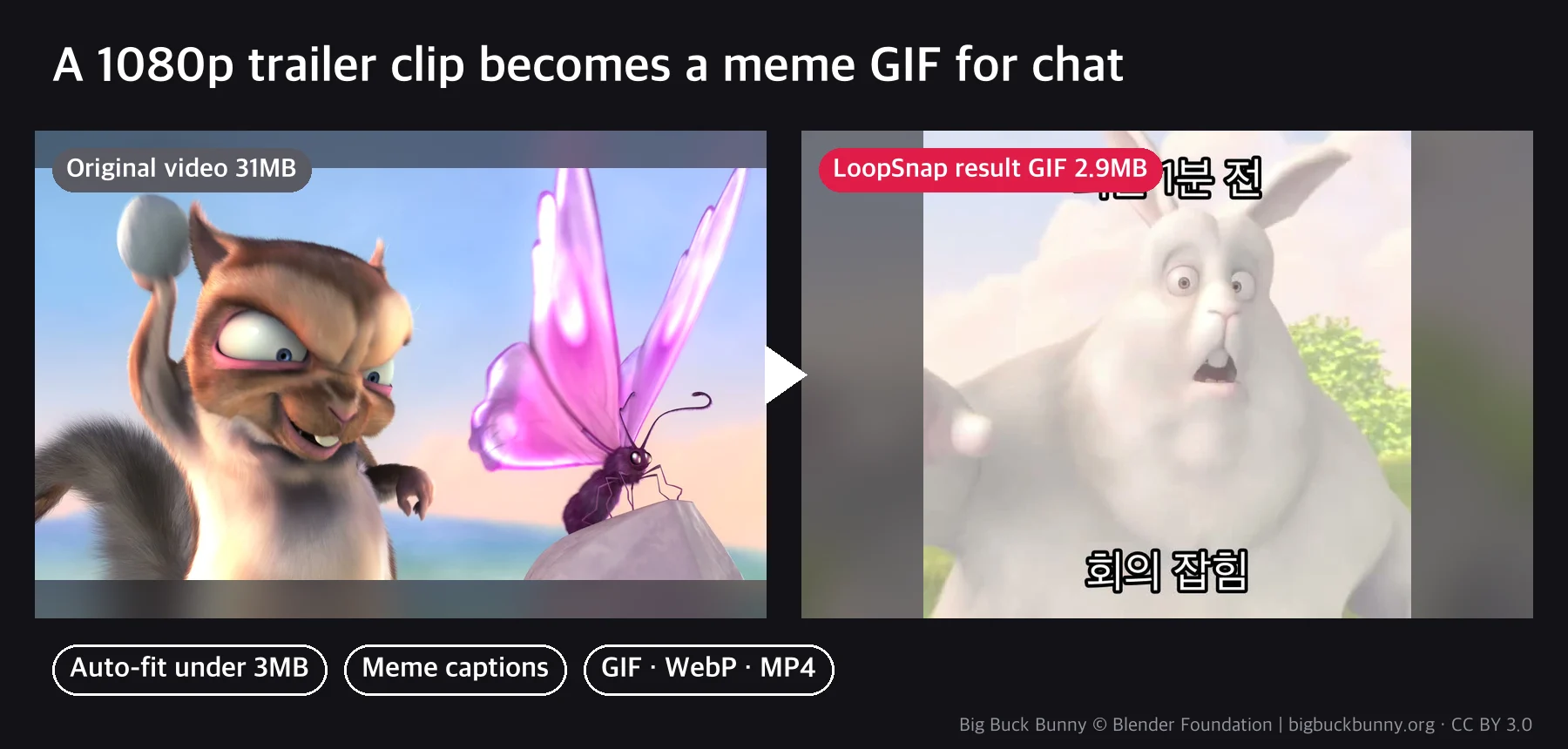
The example images are real runs on the trailer of the Blender Foundation open movie Big Buck Bunny (CC BY 3.0, bigbuckbunny.org).