N8n FlowWiz AI
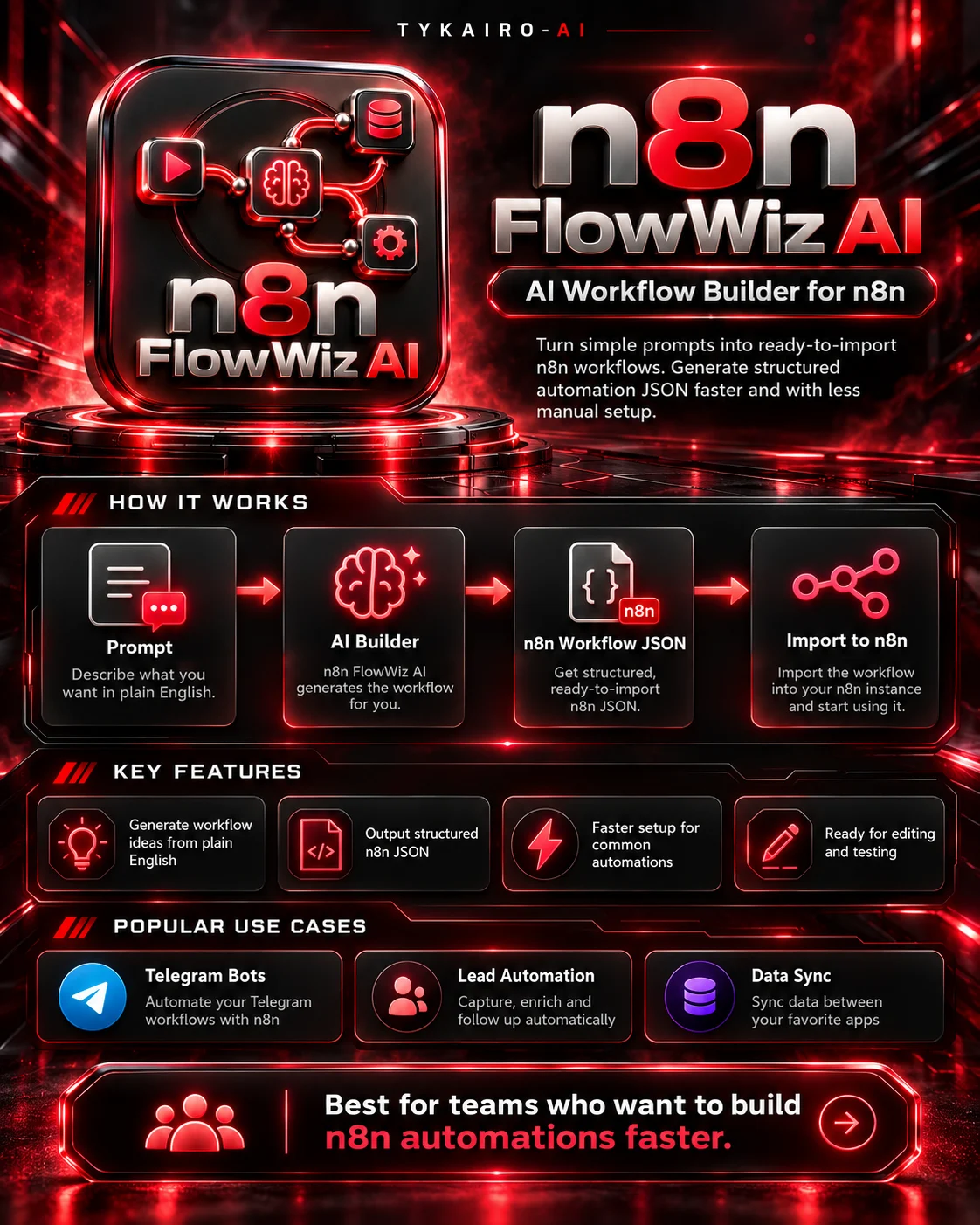
N8n FlowWiz AI — AI Workflow Builder & Automation Generator
Developed by TYKAIRO-AI | Version 1.0.0
Build Smarter. Automate Faster.
Stop starting every automation from scratch.
n8n FlowWiz AI is a workflow-generation toolkit developed by TYKAIRO-AI to help developers, automation creators, freelancers, and businesses create structured n8n workflow JSON files with less manual configuration.
Whether you're creating webhooks, automating API requests, scheduling tasks, or experimenting with AI-powered messaging workflows, FlowWiz AI provides a practical starting point.
Unlike tools that only describe how to build automations, FlowWiz AI generates actual JSON files that you can import, review, configure, and test inside n8n.
Key Features
1. Workflow JSON Generation
Generate n8n-compatible-format workflow JSON from five predefined automation recipes. Use a recipe directly or describe a supported task in plain English.
2. Five Practical Automation Recipes
- Webhook Echo: Receive data through a webhook and return a response.
- Webhook to HTTP: Forward webhook-triggered requests to an HTTP endpoint.
- Manual HTTP: Create a manually triggered API request workflow.
- Scheduled HTTP: Run HTTP requests on a recurring schedule.
- Telegram + Ollama: Generate a starter workflow for Telegram messaging with a local Ollama model.
3. Experimental AI-Powered Generation
Connect FlowWiz AI to your locally running Ollama service and experiment with generating workflow drafts from natural-language requests.
AI-generated drafts are checked for basic workflow structure, but they may require manual corrections before running successfully in n8n.
4. Built-In Structure Validation
Each generated workflow includes a validation report that checks its basic JSON structure, node relationships, and connections.
5. Local-First Operation
The predefined recipe generator runs locally using Python, without requiring paid AI API subscriptions.
Ollama is optional and must be installed separately for experimental AI generation.
6. Workflow Export
Save actual workflow JSON files that can be reviewed, edited, and imported into the n8n editor.
7. Clear Error Handling
Unsupported requests return explicit errors rather than fabricated workflow results.
How It Works
Step 1 — Choose Your Automation
Select one of the five supported recipes or provide a compatible natural-language request.
Step 2 — Generate Your Workflow
FlowWiz AI creates the n8n workflow structure, including nodes and connections.
Step 3 — Review Validation Results
Check the generated validation report for structural issues.
Step 4 — Import into n8n
Import the JSON file into your n8n environment.
Step 5 — Configure and Test
Add your own credentials, adjust parameters, run test executions, and activate the workflow when ready.
Example
Your request:
"Create an automation that calls an API every 10 minutes."
FlowWiz AI output:
- A Schedule Trigger node
- An HTTP Request node
- Connected workflow nodes
- A structured n8n JSON file
- A separate validation report
You can then import the workflow into n8n, customize the API endpoint, and test its execution.
Who Is It For?
- n8n workflow developers
- Automation freelancers
- AI agent builders
- Small businesses
- Technical entrepreneurs
- Workflow template creators
- Teams experimenting with local AI automation
What's Included?
- Executable Python workflow generator
- Five predefined automation recipes
- Experimental Ollama integration
- Workflow structure validation
- Sample n8n JSON workflows
- Documentation and setup instructions
- Windows PowerShell launcher
- Local automated tests
System Requirements
- Python 3.10 or newer
- Windows, Linux, or macOS
- An n8n installation for importing and executing workflows
- Optional: Ollama and a compatible local AI model
No paid AI subscription is required for predefined recipe generation.
Important Limitations
The offline generator supports five predefined workflow patterns. It is not an unrestricted AI automation builder.
Ollama-powered generation is experimental. Structural validation does not guarantee successful import, external API connectivity, or runtime execution in every n8n version.
Users must configure their own services and credentials, review generated workflows, and test them before production use.
About TYKAIRO-AI
TYKAIRO-AI is an independent AI and software development brand focused on practical automation tools, local AI systems, AI agents, and workflow productivity solutions.
Our mission is to make powerful AI and automation technologies more accessible through functional, reusable software tools.
Developed and published by TYKAIRO-AI.
Independent third-party software. Not affiliated with, officially endorsed by, or developed by n8n.