
Primeskill — Revision Review
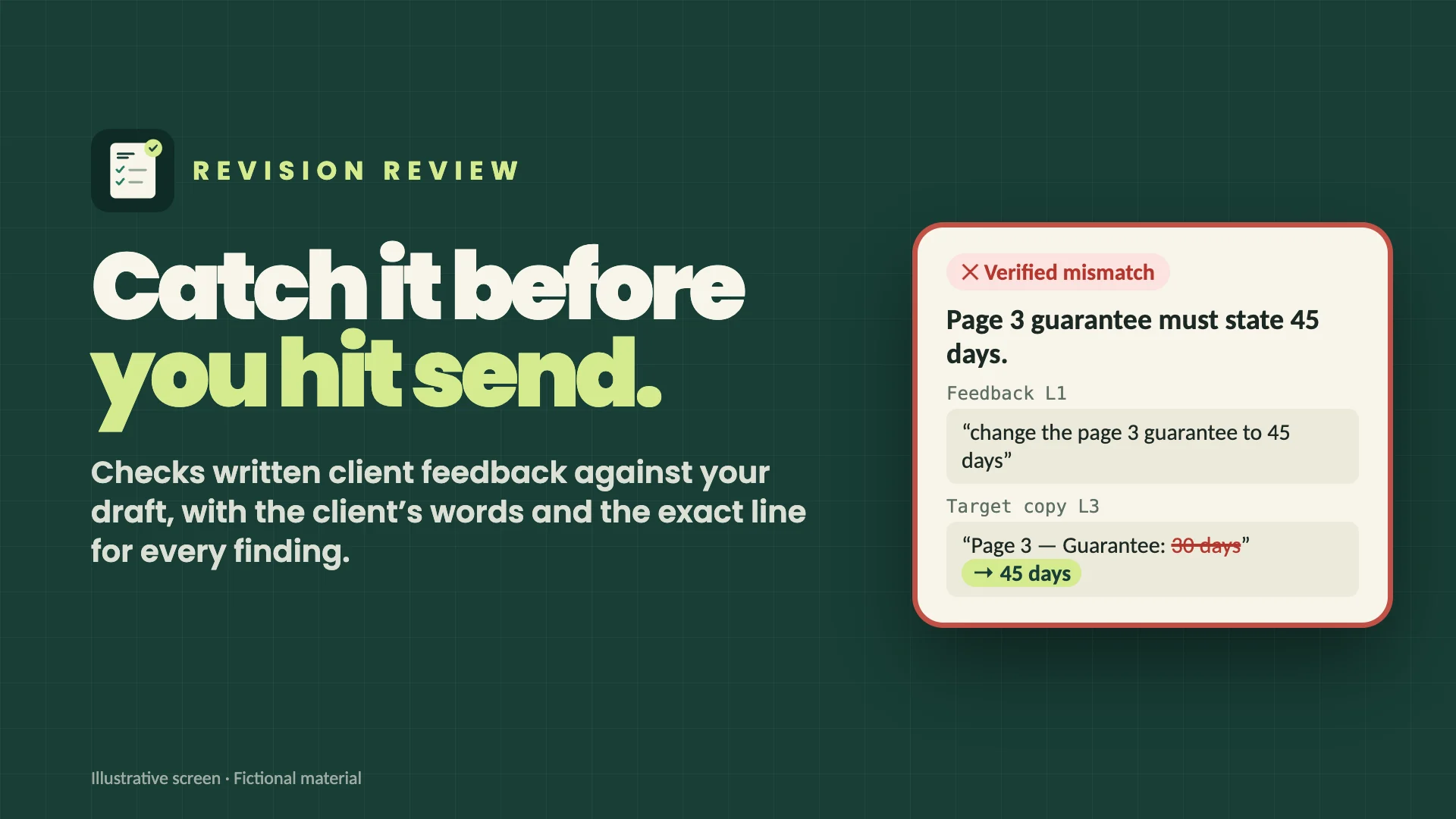
The contact number changed on page one. Did it change on page two? And did the client approve this version—or the previous one?
Primeskill helps freelance designers, small studios, and account managers review written client feedback against a specific version of their copy. Bring the feedback and the draft text; get a clear list of what matches, what still needs work, and what needs a decision.
Bring your PDF or Word draft
Keep the feedback and the right version together. In the English RevisionReview workspace, upload a readable PDF or Word .docx, preview the extracted text, and confirm whether it is feedback, the target draft or an earlier version. PDF evidence keeps its page number; Word evidence uses paragraphs, headings and table locations rather than invented page numbers.
The workspace is an additional entry inside the conversation. Prepare the review task there, send it to the current chat, then import the resulting JSON report to inspect findings and sources. Pasted text and UTF-8 TXT/Markdown remain supported.
What you get
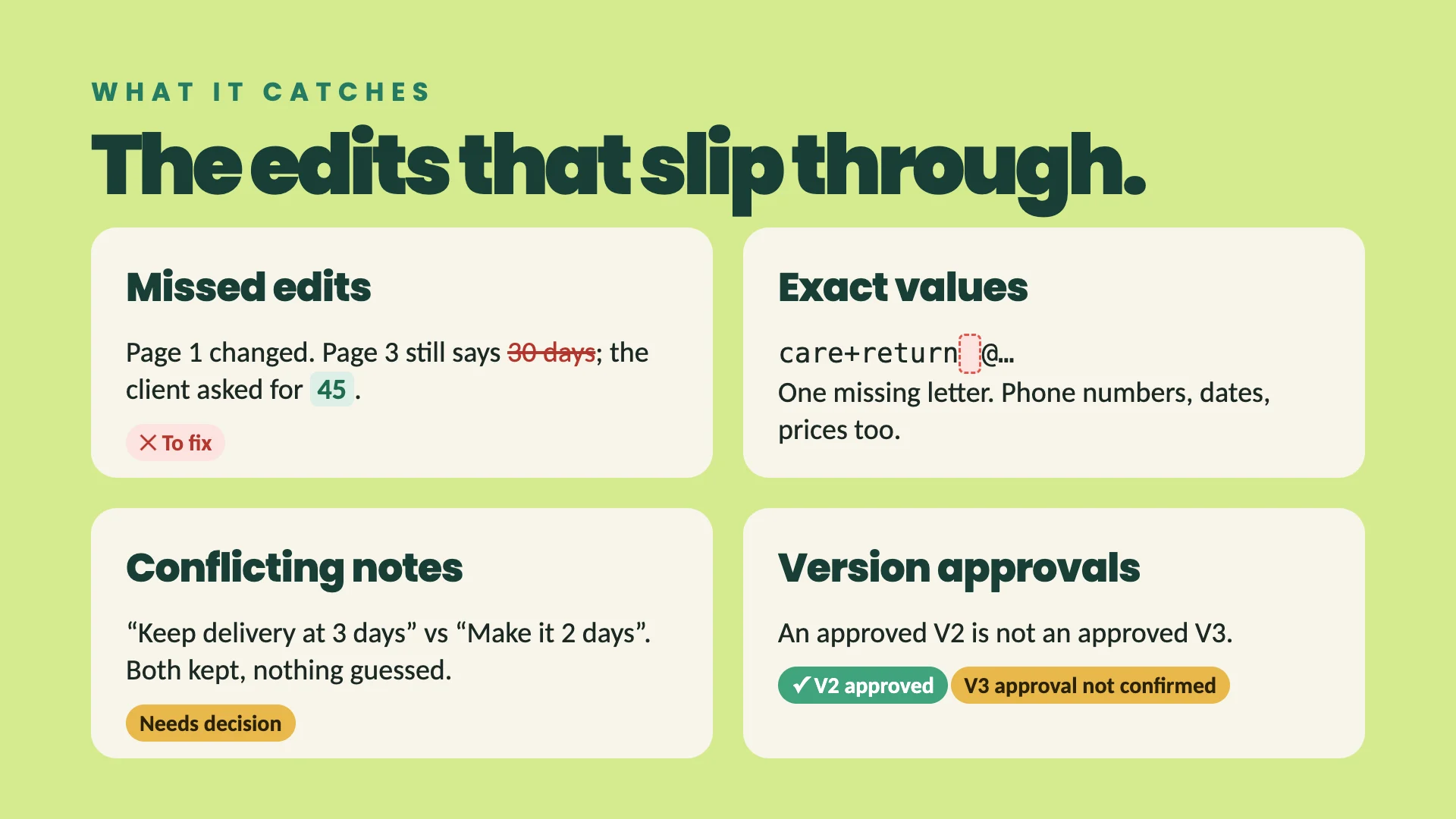
- A checklist of text changes with source quotations and draft locations where the supplied text allows verification. Missing evidence is marked as unverified.
- Separate findings for missing information, conflicting instructions, and unclear requirements.
- Approval status tied to the version and scope supported by the supplied messages.
- A readable report in the conversation. When the platform's file tools are available, Markdown and JSON reports for your records.
Start with one draft
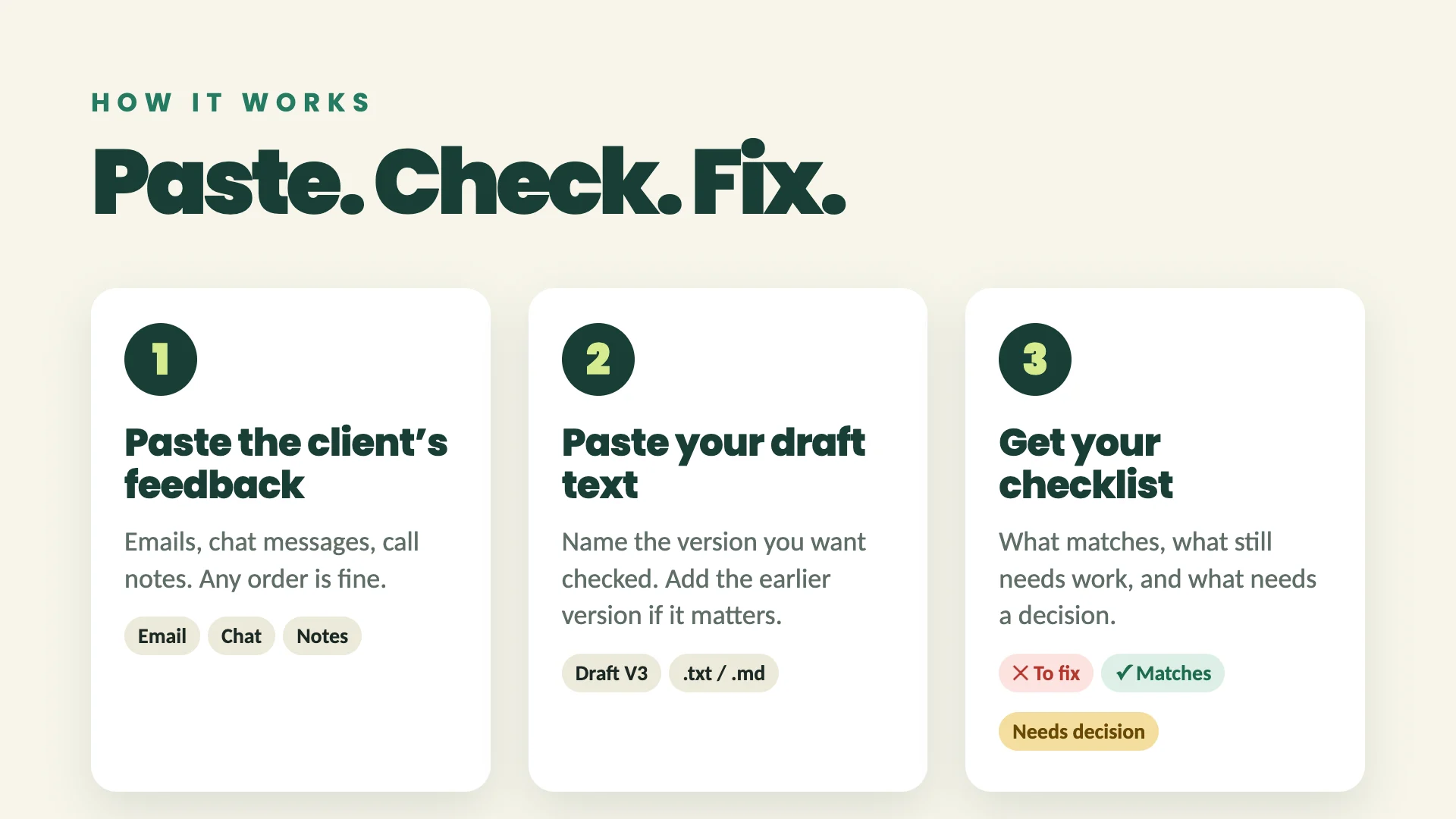
Paste the client feedback and target copy, and name the version you want checked. Readable PDFs, Word .docx, UTF-8 TXT and Markdown files also work. Preview the extracted text and confirm the file role and version before importing. Include an earlier version or previous numbered checklist if it matters, and tell the agent who has final decision authority when known.
Example: “Review brochure V3. The client asked for the new phone number on both pages. Here are the feedback and the complete text of each page. Tell me exactly what still needs changing.”
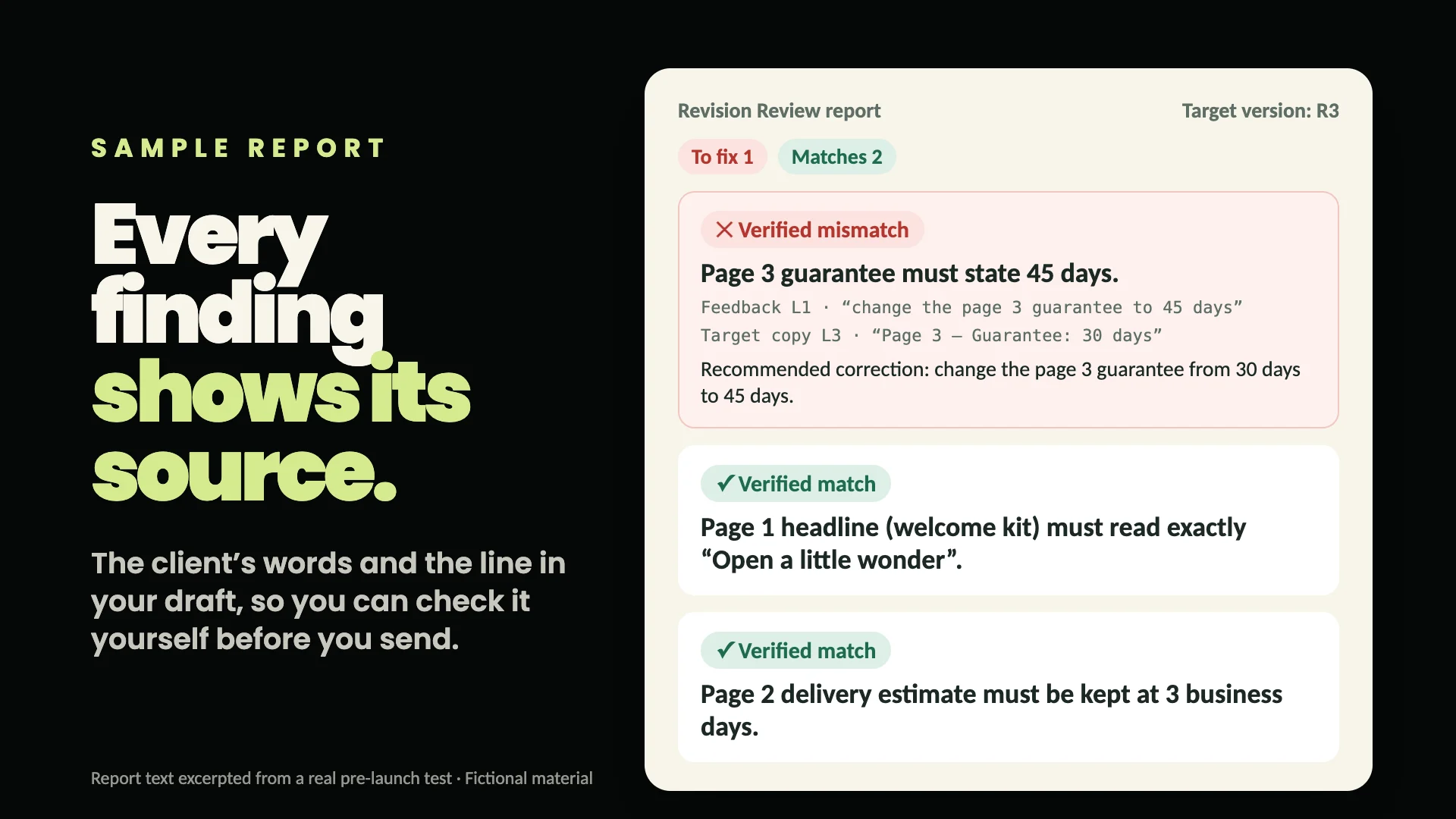
You do not need to install developer tools or bring a model API key.
Scope
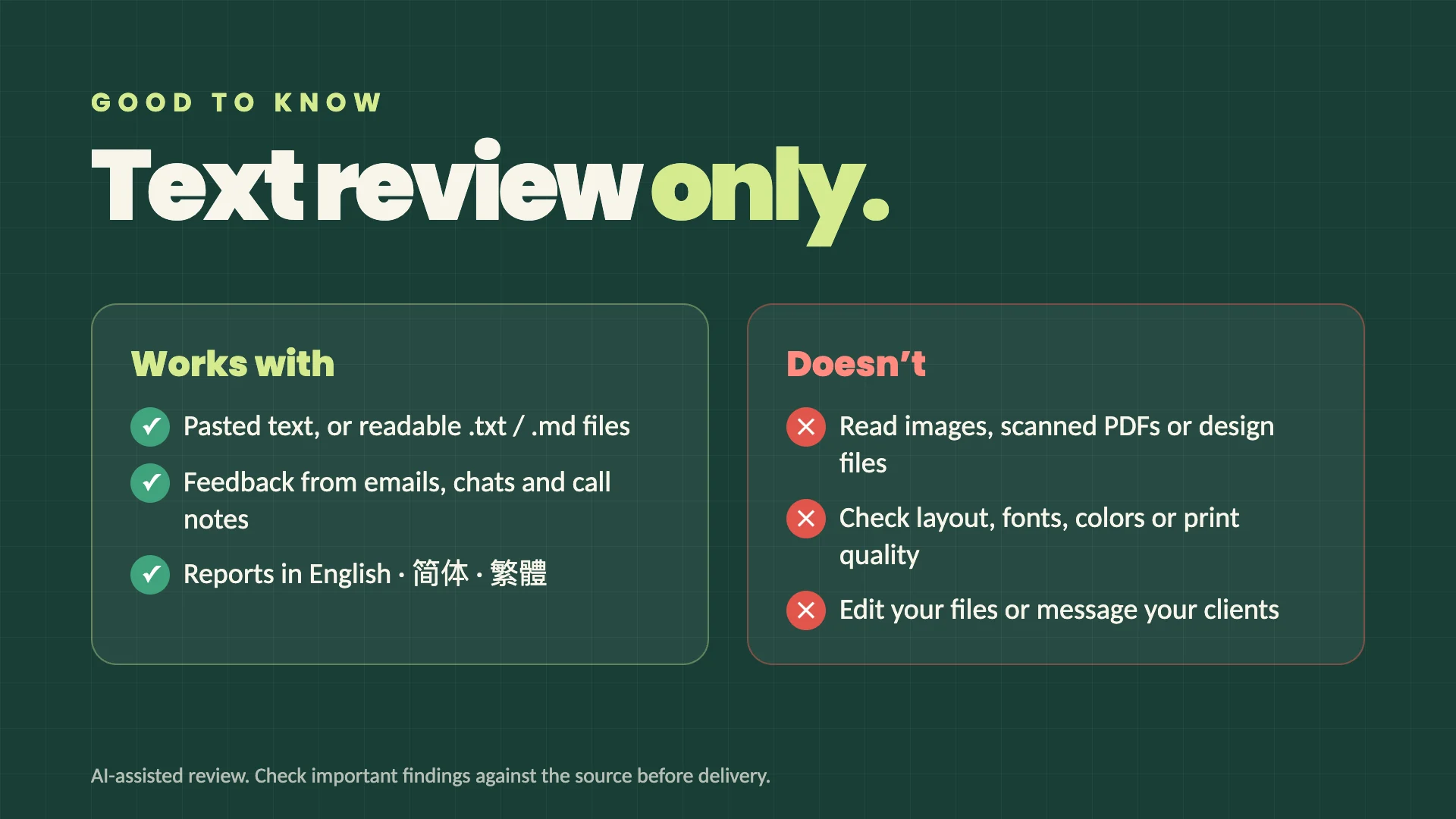
Supports readable English and Chinese text. It does not read images, scanned PDFs, design files, or audio, and it does not check layout, fonts, colors, print quality, or whether a QR code works. Supply the relevant text or transcript. Missing material is marked as unverified.
File limits: 10 MiB per file, 200 PDF pages and 12 seconds per extraction. Legacy .doc, encrypted or damaged files and unsupported content are rejected with a clear message. Word comments must be exported as feedback and removed from an import copy; unresolved tracked changes must be accepted or rejected before import. PDF annotations or forms must be supplied as readable feedback or body text. No OCR is performed.
This is an AI-assisted review. Check important findings against the source before delivery. Source checks help verify that quotes exist; they do not guarantee that every interpretation is correct. A matching draft is not client approval. The agent does not edit your source files, message clients, or publish work.
Reports contain source quotations; JSON reports also contain the supplied task material. Review the contents before sharing. The service does not promise zero retention by the platform or model provider.
Support: [email protected]


