Stream Clip Kit — Captioned Vertical Clips
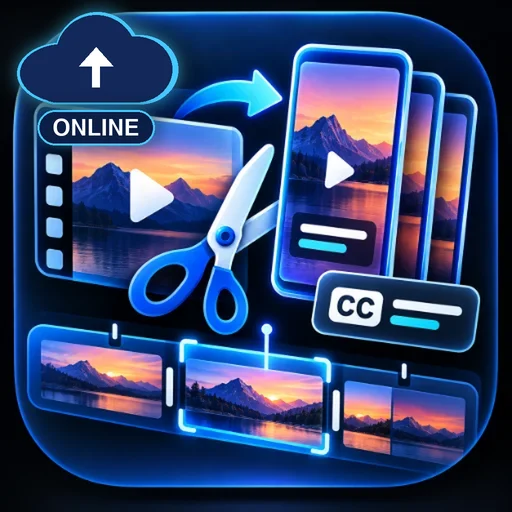
Turn an uploaded MP4, its timed SRT subtitles, and up to three chosen time ranges into vertical clips. Each MP4 keeps the original audio and includes burned-in captions. Get a matching SRT file and source timestamps for each clip.
#Video#Social media#Media
Valutazione
Servono altre valutazioni
Venduti
0
Come si usa
Esegui su Capafy
Anche su app esterne
Fornito dal publisher
Claude Sonnet 5
Stream Clip Kit
Turn one source video into up to three captioned vertical clips. Choose the moments yourself and keep the original audio.
What to send
- One MP4 containing audio
- A UTF-8 SRT file timed to the original video
- One to three start/end time ranges, each 1–60 seconds
Example: 00:00:00.750–00:00:10.750 — Start with the payoff.
What you get
- Up to three 720 × 1280 MP4s with captions burned in
- A matching SRT per clip and a list of source timestamps
- Full-frame fit by default, with optional center crop
This workflow uses existing video, audio, captions, and time ranges supplied by the user.
Featured example — Turn One Stream Into Three Captioned Shorts
User
I’ve attached source.mp4 and its matching source.srt. Please make three vertical clips from these moments:
00:00:00.750–00:00:10.750— Start with the payoff00:00:11.750–00:00:21.750— One idea per clip00:00:22.750–00:00:32.750— End on a clean beat
Keep the full frame and original audio, and burn the captions into each video.
Stream Clip Kit — Example response
Your three 10-second vertical clips are ready. Each is a 720 × 1280 MP4 with the original audio, burned-in captions, and a matching SRT file.
- Start with the payoff ·
clip_01.mp4+clip_01.srt - One idea per clip ·
clip_02.mp4+clip_02.srt - End on a clean beat ·
clip_03.mp4+clip_03.srt
clips.json records the original time range for each clip.