Viralume — Viral Videos on Seedance
🎬 AI Video Generator — Turn Views Into Action
Short-form AI video designed to make viewers stop, understand, and act — not just scroll.
✨ What it does
This skill turns a short video idea into an AI-generated clip optimized for click-through rate and viewer conversion.
Built for creators, marketers, and sellers who need short-form video that drives action — clicking, tapping, swiping up, purchasing, signing up, or visiting a page.

🎛️ You choose
| Option | Choices |
|---|---|
| 📐 Format | Vertical 9:16 or Horizontal 16:9 |
| ⏱️ Duration | 4s · 6s · 8s · 15s |
| 🖼️ Input style | Text-only description, or with reference images |
📦 You get back
- 🎥 An AI-generated short video
- 🎯 CTR and conversion optimization applied throughout the clip
- 📊 A full analysis report explaining the engagement decisions
- 👁️ Visual reasoning on first frame, framing, product focus, motion, and conversion intent

🚀 What makes this skill different
- 🎯 Action-first optimization — designed to make viewers click, tap, buy, sign up, or take action
- 🔍 Conversion as visual logic — first-frame impact, framing, product focus, and clarity treated as conversion tools, not just aesthetics
- 📱 Platform-aware formats — supports vertical short-form and horizontal video to match viewer context
- ⚡ Fixed short durations — easier to control for fast social viewing and action-driven creative testing
- 🖼️ Optional reference images — 1–3 images can guide visual style, but text alone works fine
- 📋 Conversion-focused report — understand why the clip was designed to drive action

🔄 How it works
1️⃣ Define the video idea
Start with a plain-language description of what you want to see — product, scene, action, offer, viewer moment, visual style, or mood. Simple is fine, as long as it gives clear direction.
2️⃣ Choose the format
| Aspect Ratio | Best for |
|---|---|
| 📱 Vertical 9:16 | TikTok · Instagram Reels · YouTube Shorts |
| 🖥️ Horizontal 16:9 | YouTube · Desktop viewing |
Format shapes framing, subject placement, motion path, and how quickly the viewer grasps what matters.
3️⃣ Choose the duration
⏱️
4s·6s·8s·15s
- 🏃 Shorter clips → need immediate clarity and a strong first-frame reason to stop
- 🎬 Longer clips → allow a more developed product reveal, action sequence, or conversion setup
4️⃣ Add reference images (optional)
Upload 1–3 reference images to guide visual style. Useful when you want the clip to follow:
- 🎨 A specific product look
- 🏷️ A brand style
- 🎭 A scene direction or mood
- 🪞 A visual identity
💡 Optional — the skill works from text alone.
5️⃣ Generate for action
The video is generated with CTR and conversion optimization applied throughout. The skill focuses on:
- 👁️ What the viewer sees first
- 🎯 How the subject is framed
- 📦 Whether the product or core action is clear
- ➡️ How motion guides attention
- 🔘 Whether the clip gives a reason to take the next step
6️⃣ Deliver the report
📊 Alongside the video, you receive a conversion-focused analysis report explaining:
First-frame design · Framing · Product focus · Movement · Engagement decisions
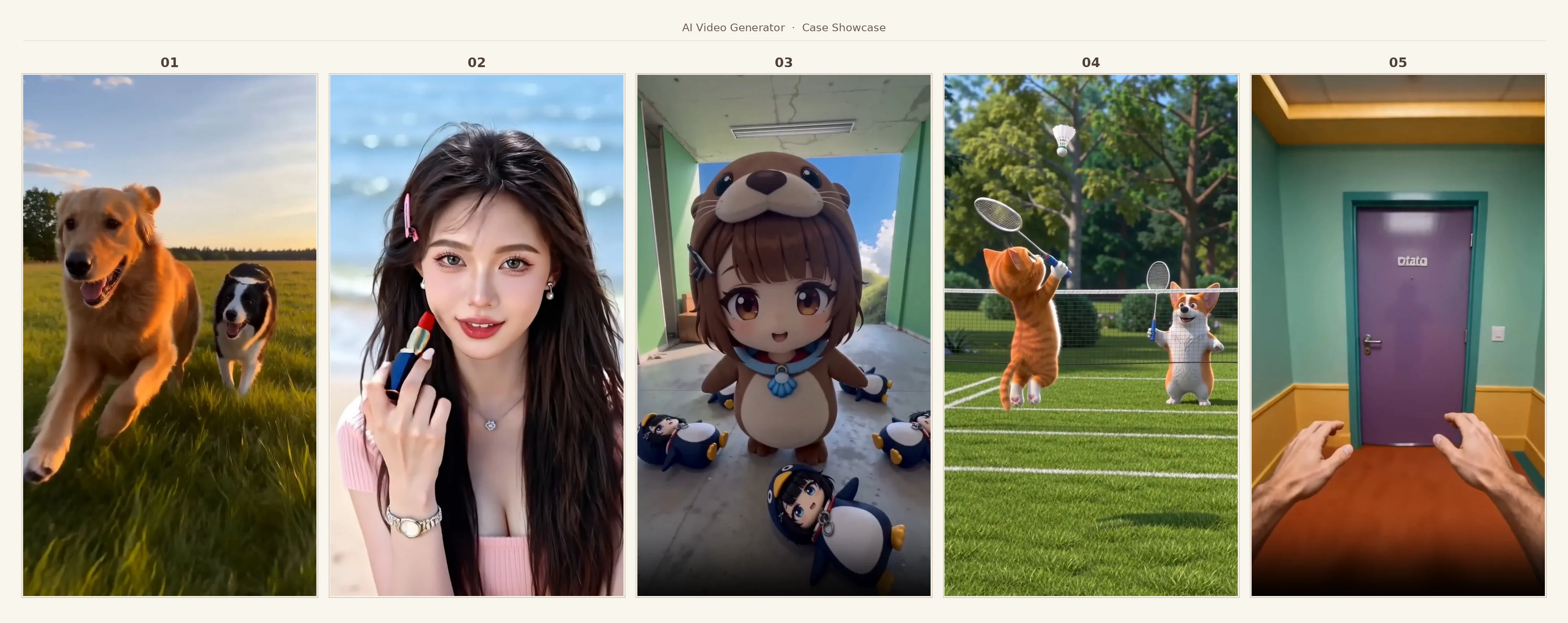
📥 Input formats
| Input | Requirement |
|---|---|
| 📝 Text description of the video | ✅ Required |
📐 Format — 9:16 or 16:9 |
✅ Required |
⏱️ Duration — 4s / 6s / 8s / 15s |
✅ Required |
| 🖼️ Reference images (up to 3) | ⚪ Optional — for visual style guidance |
✨ If your first message includes the description, format, and duration — the skill proceeds without follow-up questions.
API esterne
viralux