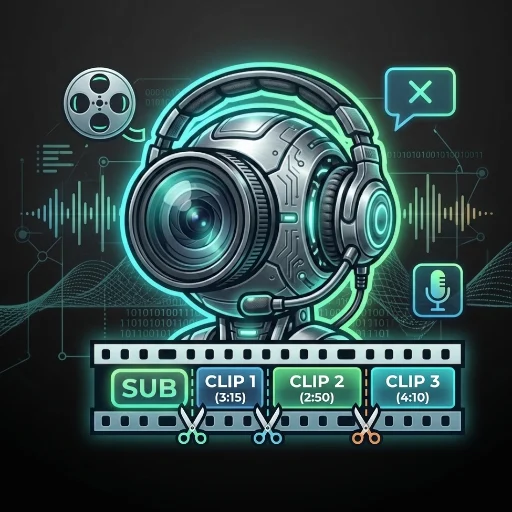
ClipCaster Cloud: Viral Clips, No AI Voice
What it does
Give it a long-form video — a podcast, stream, interview, lecture, or any talking-head footage — and it hands back a folder of vertical (1080x1920), ready-to-post clips for TikTok, Instagram Reels, or YouTube Shorts. Runs entirely inside your Capafy Agent: open the page, upload your video, pick a few options, and come back later for the finished clips — nothing to install.
Instead of an AI-written script read by a synthetic voice (which tends to sound robotic and hurts viewer trust), every clip is captioned with the real transcript, timed word by word — it reads naturally because it is natural. No AI voice is generated or used anywhere in the pipeline.
How it works
- Open "Clip & Caption" from this Agent's chat — a page opens inside it.
- Upload your video (up to 60 minutes). The page shows an estimated processing time before you confirm, based on your video's length.
- Pick your language and a few options (clip length, hook style, vertical or square format, subtitle size/position, optional watermark), then click "Generar clips".
- The page shows live progress (transcribing, planning, rendering). Longer videos take a while — feel free to close the tab and come back; your project is saved and keeps processing.
- Download your finished clips straight from the page.
Example
Input: a single ~40 minute podcast episode, spoken in Spanish.
Output: 10 vertical clips (~4 minutes each), each with word-synced burned-in captions and an optional on-screen hook — ready to download and post as-is.
Who it's for
Creators, podcasters, streamers, and anyone repurposing long recordings into short-form content who wants it to just run in the cloud — no Python, no ffmpeg, no local install, nothing to maintain.
What it does not do
- Does not generate new footage, images, or voice — only edits the video you provide.
- Does not post or upload anywhere — hands back finished files, you publish them.
- Does not verify you have rights to the source video — that's on the person running it.
- Does not translate — captions come out in whatever language is spoken in the source video.
- Is not instant: processing takes roughly 20-60+ minutes depending on length, shown as an estimate before you confirm.
FAQ
Does it work in languages other than English?
Yes — captions come out in whatever language is spoken in your video.
Do I need my own AssemblyAI account?
No, transcription runs on the Agent's own account — just upload and go.
Is my video stored or shared anywhere?
No — it's only used to generate your clips and stays tied to your own project inside the Agent.
外部API
assemblyai.com