Document Privacy Masker: Redact Personal Data
Mask personal data before you share a file
Sending a customer list to ChatGPT, a student roster to a contractor, or a contract draft to a client? This Agent finds the personal data first and masks it, locally and offline. Your file never leaves your computer.
What it detects
- National IDs: Taiwan ID (with checksum), Korean RRN, US SSN, Japanese My Number
- Phones (Taiwan mobile/landline and international), emails, IP addresses
- Credit cards (Luhn-checked), bank accounts, passport numbers, birth dates
- Taiwan street addresses, plus any names or words you list (people, companies, projects)
- Taiwan company tax IDs (統一編號) when labelled
Three masking modes
| Mode | Example | Use when |
|---|---|---|
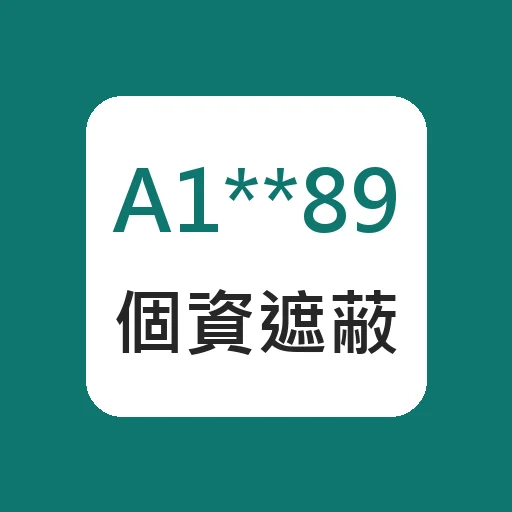
| Partial | A1******89, 0912-***-678 |
Sharing a readable copy |
| Reversible tokens | [PHONE_1], [NAME_2] + mapping file |
Sending to AI, then restoring the answer with one command |
| Remove | [REMOVED] |
Nothing must remain |
Supported files
TXT, Markdown, CSV, JSON, Excel (.xlsx), Word (.docx) and text-layer PDF. Excel phone numbers that lost their leading zero are still caught.
How it works
- Scan: get a report of what was found (masked previews only, never the full values).
- Mask: choose the mode and which data types to include or skip.
- Restore (token mode): put the original values back into the AI's reply or the edited file.
Example
"Mask the phone numbers, emails and ID numbers in customers.xlsx so I can send it to ChatGPT, then restore the result."
Requirements
Python 3.8+. Optional: openpyxl for Excel, pypdf for PDF (Word works without extra packages).
Languages
Replies in Traditional Chinese, Simplified Chinese, English, Japanese, Korean, Vietnamese and Indonesian.
Rule-based detection catches common formats; always skim the result before sharing very sensitive documents.