

HTML slides - Brief In, Animated Magazine Deck Out
"# HTML Slides
A slide deck that looks like a printed quarterly magazine — horizontal swipe navigation,
editorial type hierarchy, WebGL fluid backgrounds — delivered as a single HTML file that
runs in any browser, no tool required.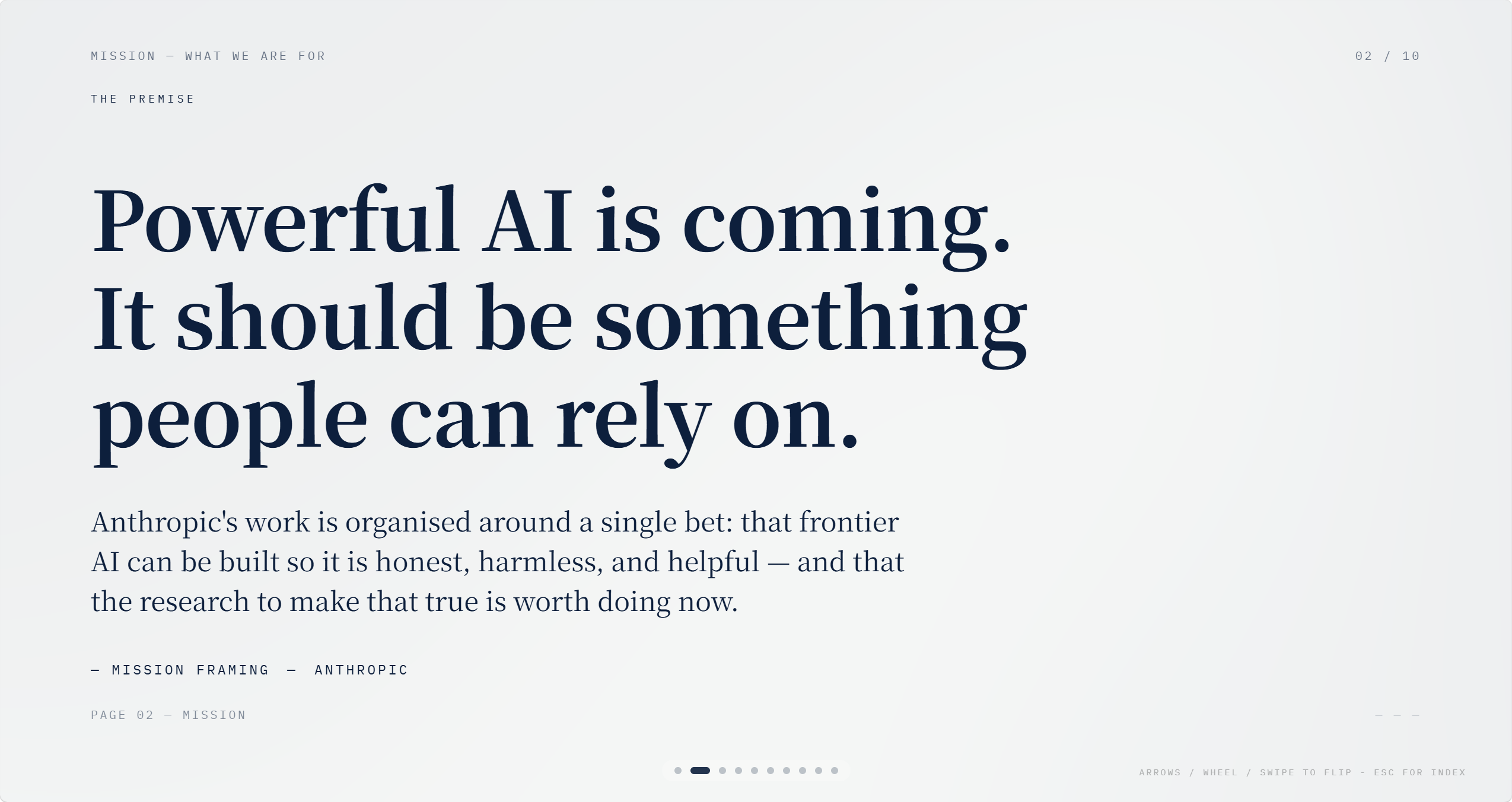
When to Use / Best For
- Live talks, founder shares, and demo days where the deck is part of the brand:
product launches, invite-only salons, conference keynotes — when the visual register
matters as much as the content and you want the deck to feel authored, not assembled. - One-shot presentations you'll share as a file: a single self-contained HTML file
— no Canva link, no Google Slides export, no PowerPoint round-trip. Drop the file
anywhere; it opens in any browser and runs fully offline. - Talks with a personal voice or strong editorial angle: the design language (serif
headlines, generous whitespace, light-dark section rhythm) carries a specific mood —
closer to a serious quarterly magazine than a corporate slide template. Works for
essays, research talks, culture decks, product stories. - When you need something that looks different from everything else on the conference
circuit: Canva templates and Gamma AI layouts are everywhere. This output has no
template DNA — structure, type, and layout are built for the specific deck.
How It Works
Step 1 — Brief and palette: topic, audience, talk length, and image strategy are
confirmed upfront. Five editorial color palettes — Ink Classic (bone on black), Indigo
Porcelain (deep blue on white), Forest Ink (forest green on ivory), Kraft Paper (walnut
on cream), Dune (charcoal on sand) — each calibrated against the WebGL shader and
callout tints. One is picked; no custom hex.
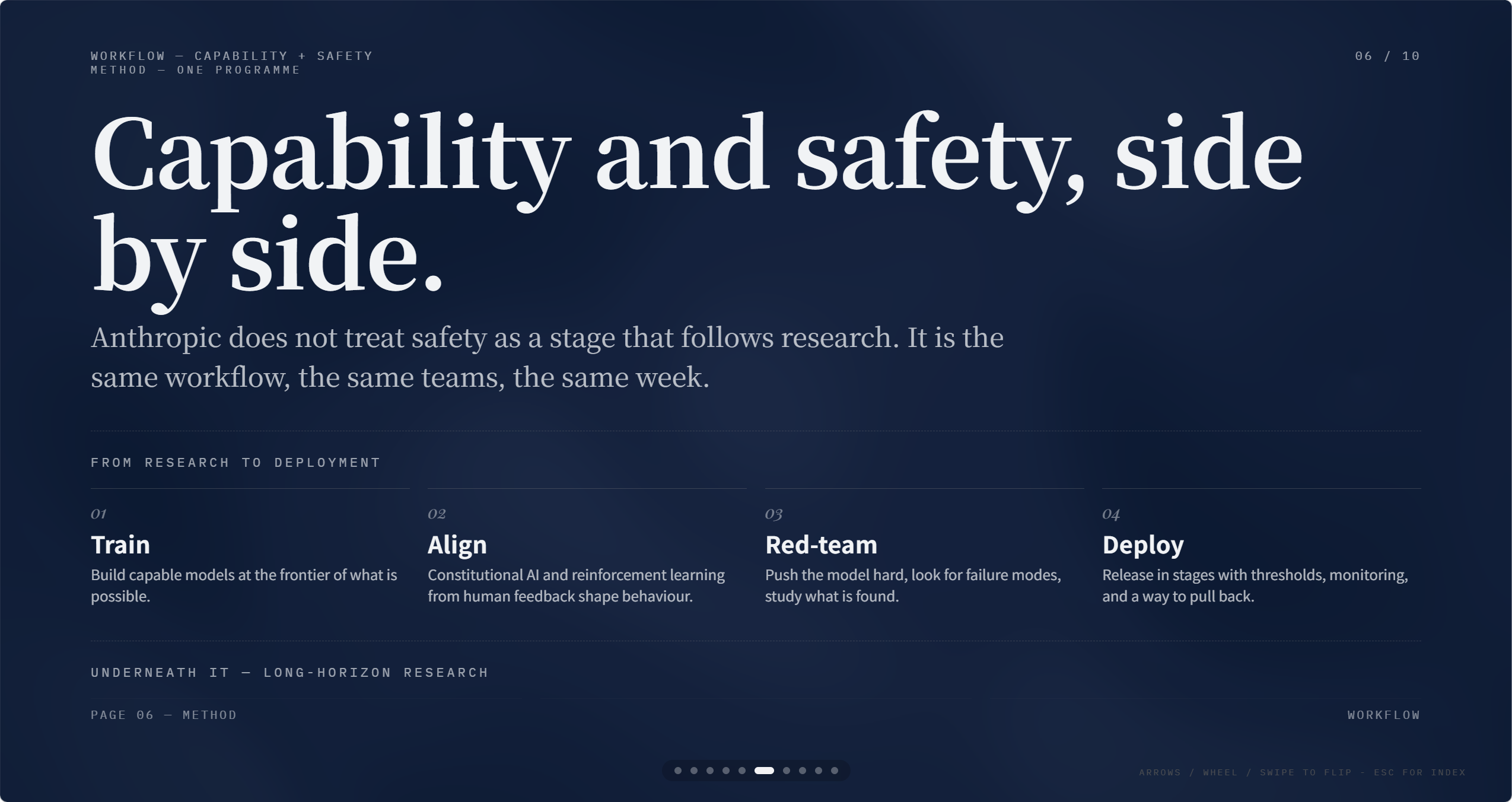
Step 2 — Narrative arc and theme rhythm: the deck structure follows a five-beat arc
(hook → context → body → pivot → takeaway). Each slide carries a mood tag (bright,
deep, cover bright, cover deep) that governs the background and ink color. Hard
rules prevent flat decks: no three consecutive slides share the same mood; decks of
eight or more pages must contain both light and dark cover pages.
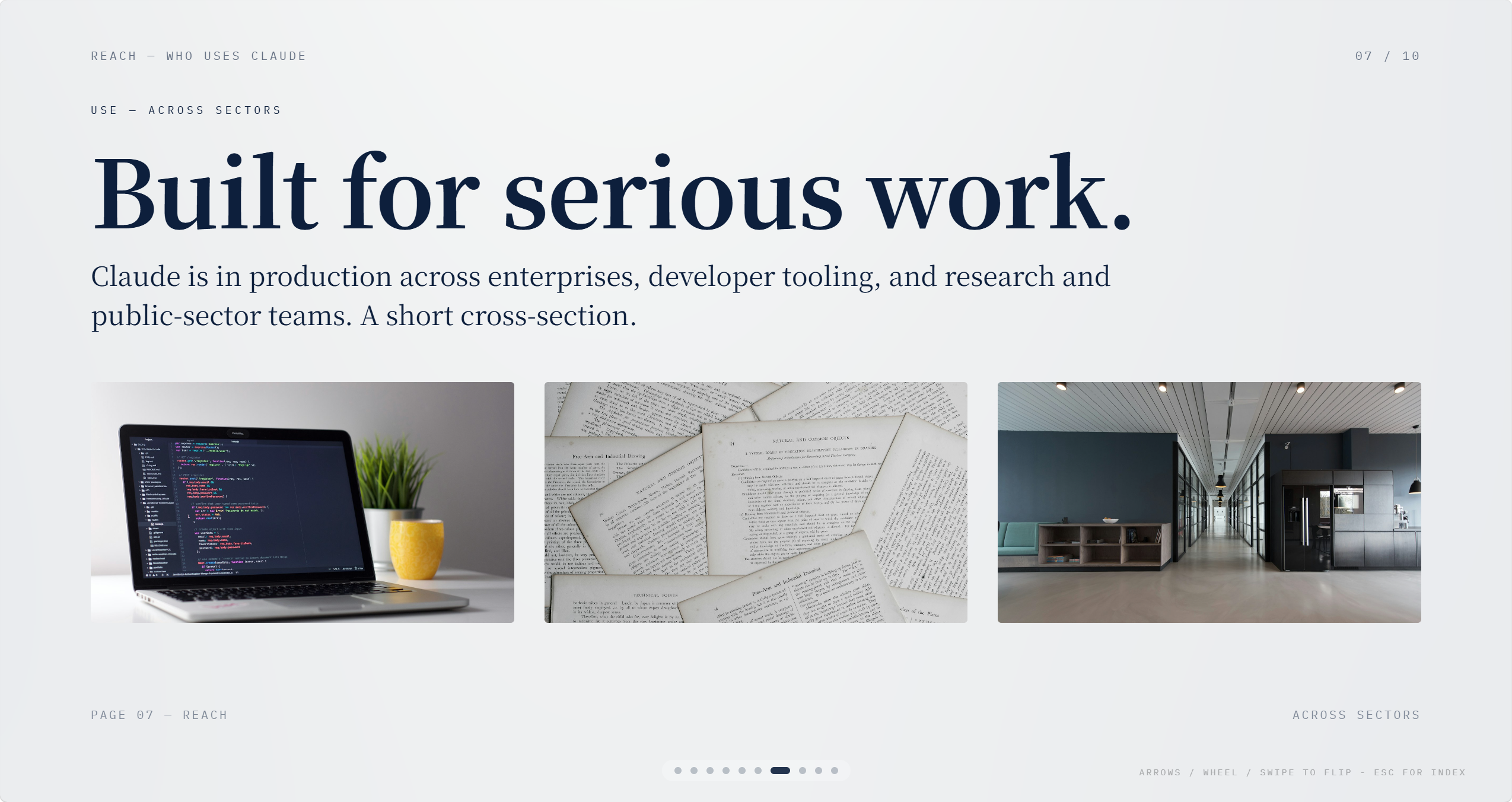
Step 3 — Ten layout families: slides are built from ten skeleton layouts — Cover,
Act Divider, Big Metrics, Quote + Image, Image Grid, Pipeline, Open Question, Pull Quote,
Side by Side, Lead Image + Text. Each layout is a paste-ready HTML skeleton; no class
names are invented, no inline hacks needed.
Step 4 — WebGL fluid backdrop: cover and divider pages carry a live WebGL animation
(titanium dispersion on dark themes, pearl flow on light). Content pages suppress it to
~5% opacity so the animation frames the deck without competing with the information.
Theme transitions cross-fade the WebGL layer so light-to-dark handoffs feel continuous.
Step 5 — Entrance animations: elements marked data-anim stagger in on slide entry
via Motion One (vendored copy, CDN fallback, works offline). Five animation recipes are
mapped to layout families — the right motion is matched to the slide type automatically.
Delivered as: a single index.html with all CSS, WebGL shaders, navigation JS, and
animation code inlined. Images live in an adjacent folder. No build step, no local server
— open the file and present.
Why This Skill / What Makes It Different
vs. Canva / Gamma / Beautiful.ai: all three apply a design system to your content.
This skill builds the deck inside a hand-authored design language — serif/sans/mono type
hierarchy, light-dark section rhythm, WebGL animation — where every structural decision
was made for presentation-first viewing, not for a drag-and-drop editor.
vs. Reveal.js / Slidev / Marp: those tools are developer-configured; styling requires
CSS knowledge and framework fluency. This skill produces a finished, styled HTML file
from a content brief — no configuration, no markdown-to-slide compiler, no theme
overrides to debug.
vs. Google Slides / PowerPoint: file-based, not cloud-dependent. The deck travels
as one HTML file, runs without internet, and opens in the same browser the presenter
already has open. No export, no format conversion, no ""your link has expired.""
Five palettes that hold: each palette is calibrated against the WebGL shader, the
callout tints, and the border colors. Mixing hex values from different palettes breaks
the shader; the five presets are the design system, not a starting point. The
constraint is the quality guarantee.
The editorial register is deliberate: restraint over spectacle — no box shadows,
no floating cards, no gradient fills. Hierarchy comes from type size, weight, and grid
whitespace. The result reads like a well-designed print piece that decided to ship as
a webpage."


