
DeckForge | Outline to editable slide decks
DeckForge: outline to editable slide decks
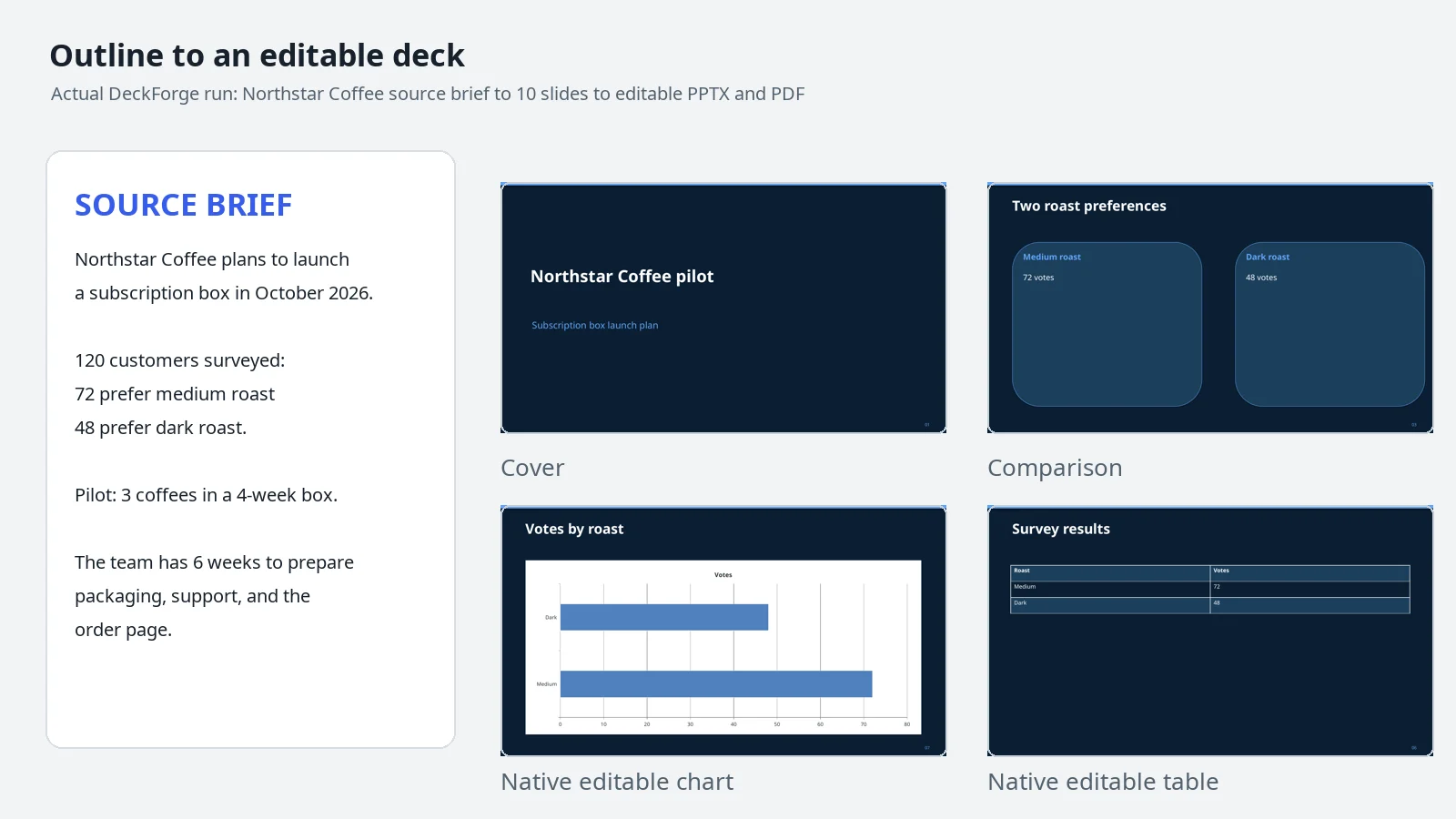
Turn a useful outline into a presentation without rebuilding the same content by hand in PowerPoint. DeckForge turns your notes, a topic, or a text file into an editable deck, a PDF copy, and a contact sheet for a quick review.
What you can send
Paste an outline or a topic in chat, or upload a text-based .txt, .md, .docx, or .pdf file. Tell me who will see the deck, what it should help them understand or decide, and roughly how many slides you want. Choose 16:9 or 4:3 and a color theme, or leave the defaults.
Scanned PDFs, existing PowerPoint templates, spreadsheets, and web links are not supported. I do not fetch links or send your files to external services.
What you get
- An editable
.pptxfile with speaker notes when they are included in the plan. - A matching
.pdffor reading or sharing. - A contact sheet showing every slide title and layout.
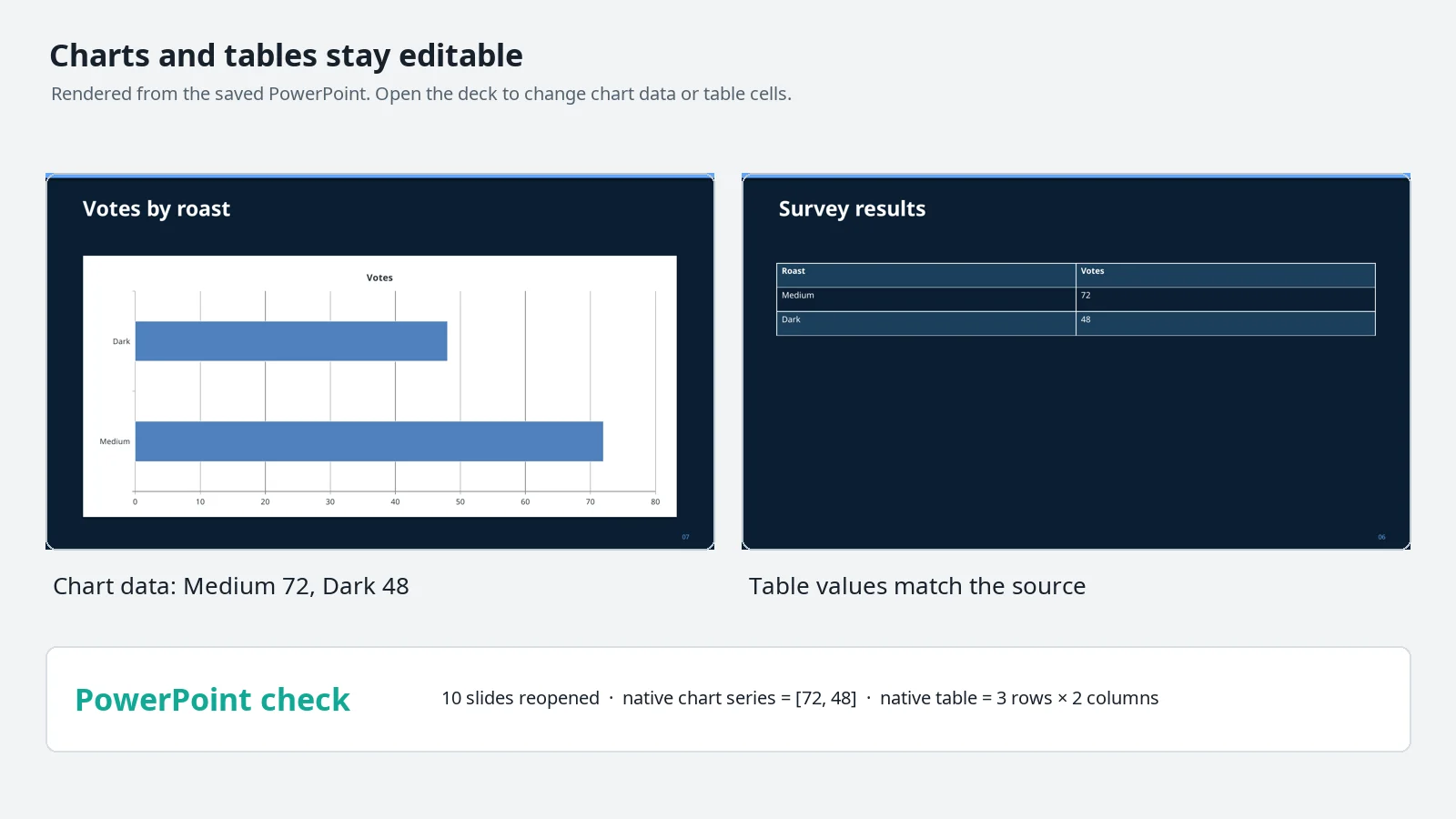
- Native PowerPoint tables and charts. Open the deck and edit their cells or chart data in PowerPoint.
Ten slide layouts
Use title, section, bullet list, side-by-side comparison, three metrics, timeline, table, bar/line/pie chart, quote, and closing layouts. A deck can mix these layouts as its content needs. Lists with more than six bullets and tables with more than eight data rows are split into continuation slides. Crowded text shrinks to an 18 pt floor; slides that still do not fit are stopped for revision. The fit check is an estimate.
Six themes and two page shapes
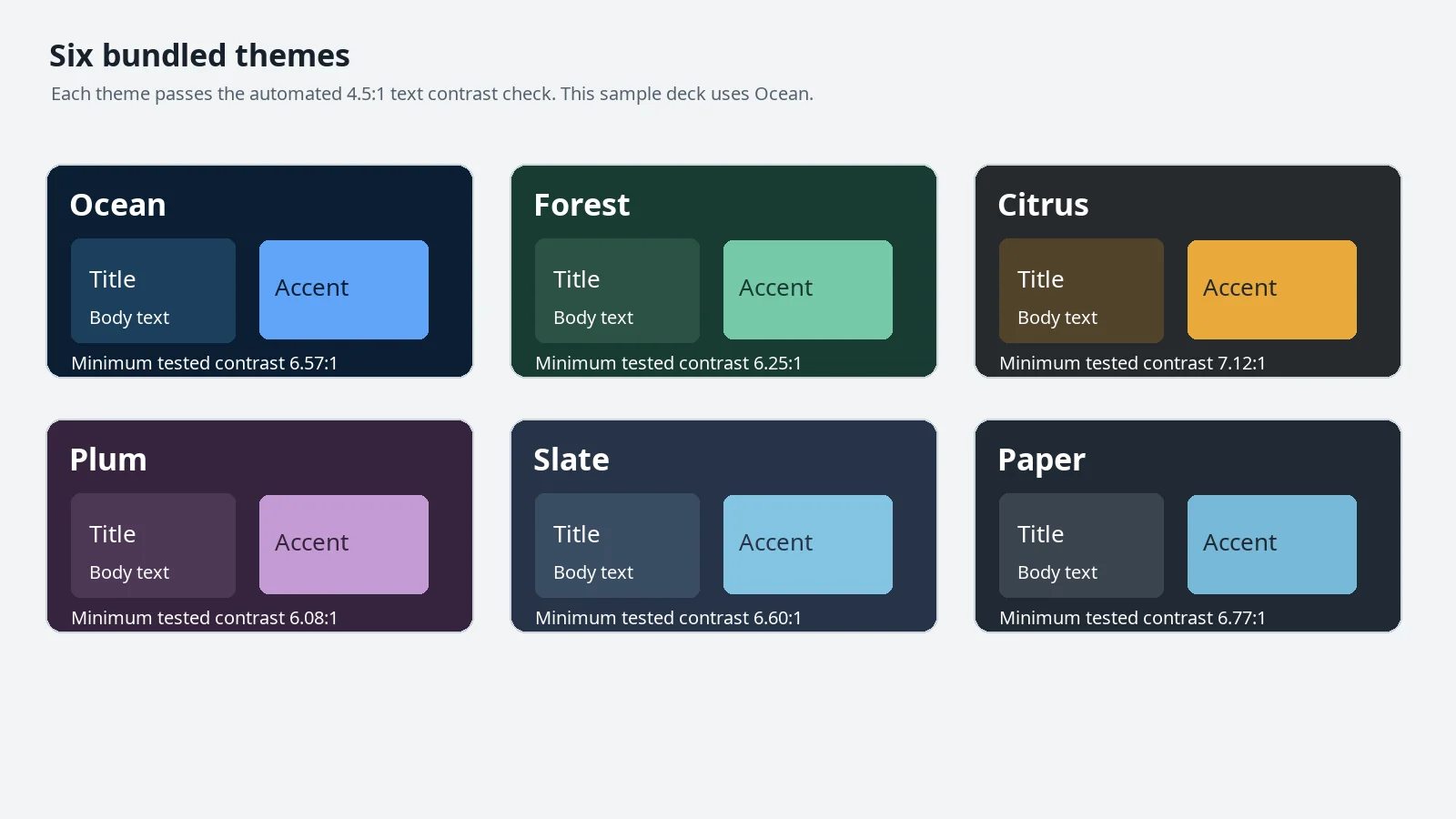
Choose Ocean, Forest, Citrus, Plum, Slate, or Paper. Each theme uses bundled Noto Sans fonts and runs an automatic WCAG AA 4.5:1 contrast check for its text colors. Choose widescreen 16:9 or classic 4:3. Rendered text supports English, Korean, and Japanese. The PPTX uses the named bundled font, but PowerPoint may substitute a font if it is not installed on your device.
Source checks
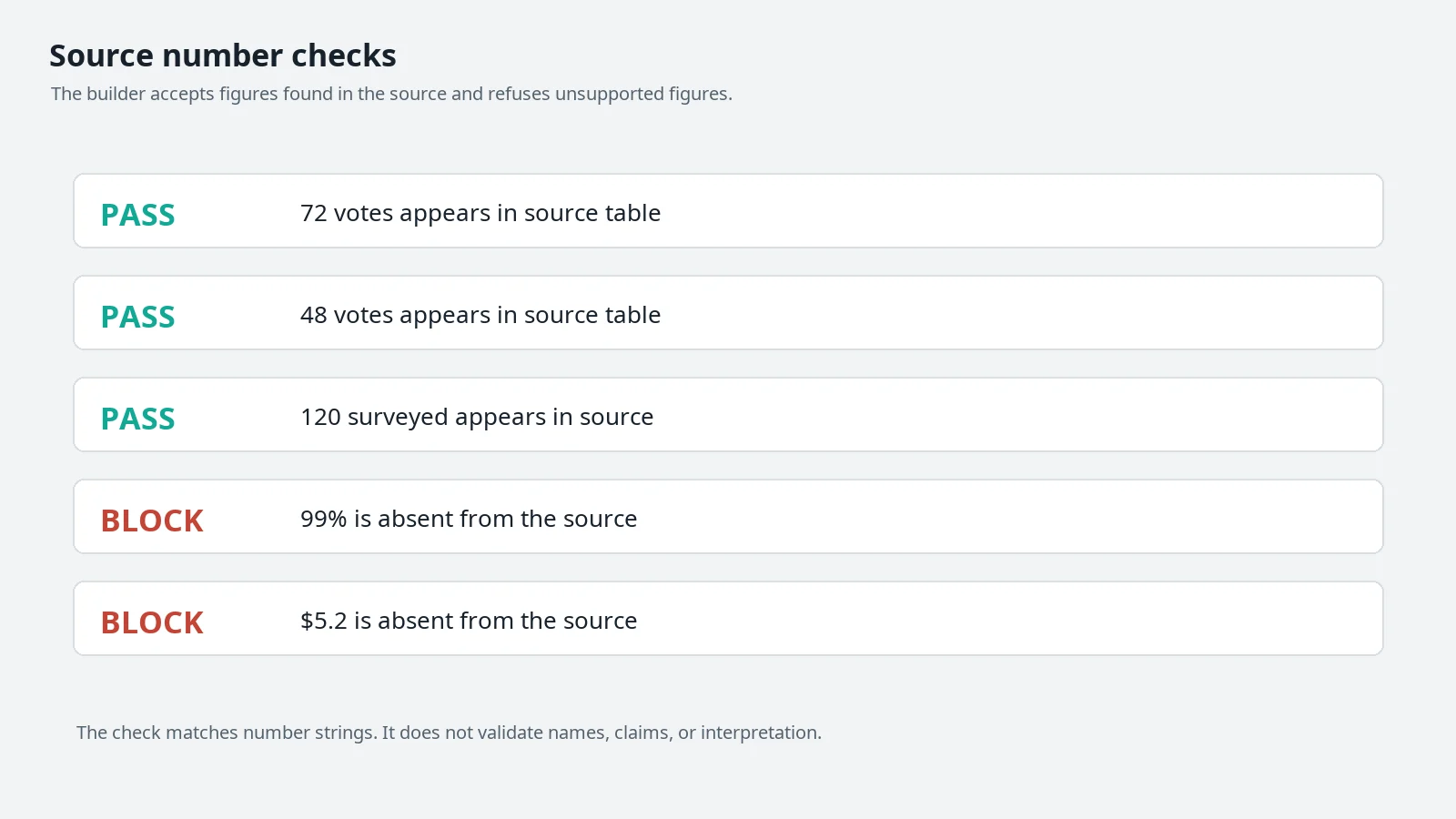
When you provide a source document, the builder checks every number on each slide against the extracted source text and refuses numbers that are absent. Chart values must match their category labels. The name check catches common capitalized name candidates but cannot detect every name. Neither check validates interpretation or whether a claim is true. Review the deck against your source before presenting. For a topic without a source, the deck avoids unsupported figures and labels details that need your input.
Plans and limits
| Plan | Price | Requests |
|---|---|---|
| Daily | $2.99 | 5 per day |
| Weekly | $7.99 | 10 per week |
| Monthly | $19.99 | 30 per month |
The weekly plan includes a 1-day trial with 1 free request. Each message uses one request. A single message returns one complete deck; a revision is another request.
Frequently asked questions
Can I change the slides afterwards? Yes. Text, tables, and chart data are editable in PowerPoint.
Will the PDF look exactly like the PPTX? It follows the same slide structure and theme, but PowerPoint may wrap text differently on your device.
Does it check every fact? No. It blocks numbers absent from supplied source text. Review names, claims, and interpretation yourself.
Can it read a scanned PDF? No. Upload a text-based PDF or paste the text.
Can I use my company's slide template? Existing PowerPoint templates are not supported. Choose one of the six included themes.
No sales, audience response, or business outcome is promised. The slide wording is a draft for you to review.
외부 API
PyPI (pypi.org) · Python Package Files (files.pythonhosted.org)