TikTok Kids Cartoon Planning Kit — Download
TikTok Kids Cartoon Planning Kit
Locked panda character — turnaround sheet
Locked bear character — turnaround sheet
Locked hedgehog character — turnaround sheet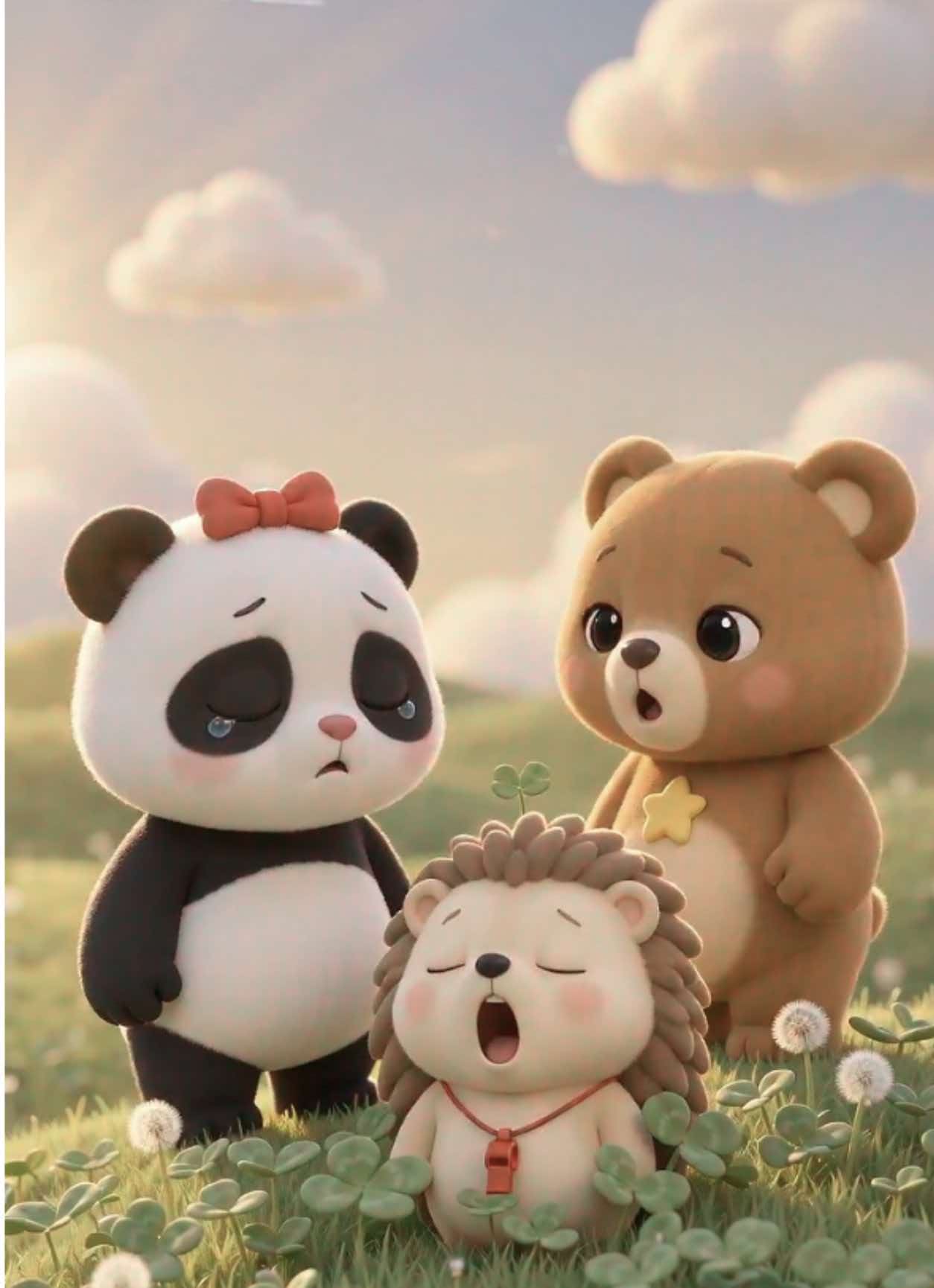 【UPLOAD IMAGE 1 — file: upload/detail-images/still-1-yawn.jpg(打哈欠场景)】
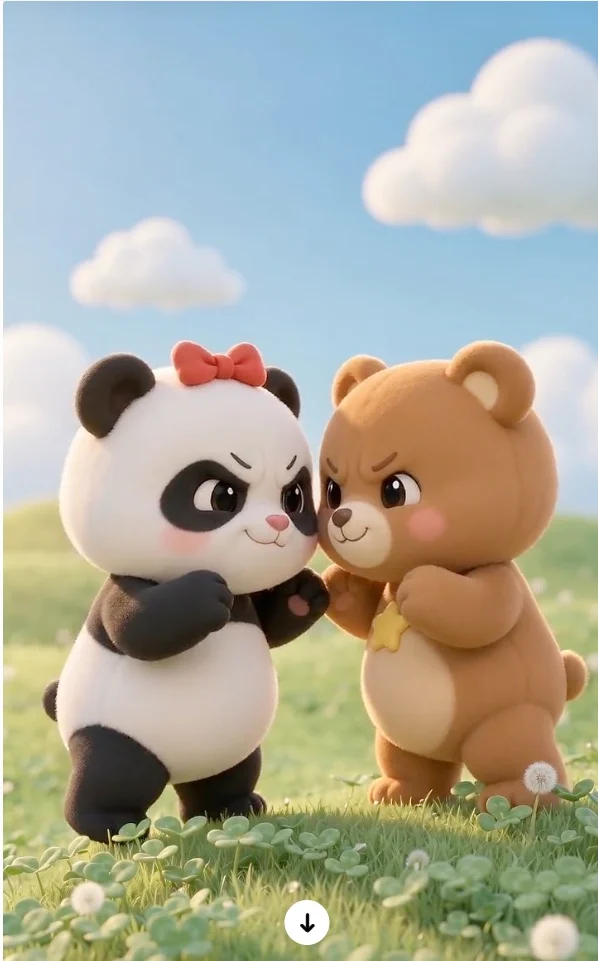
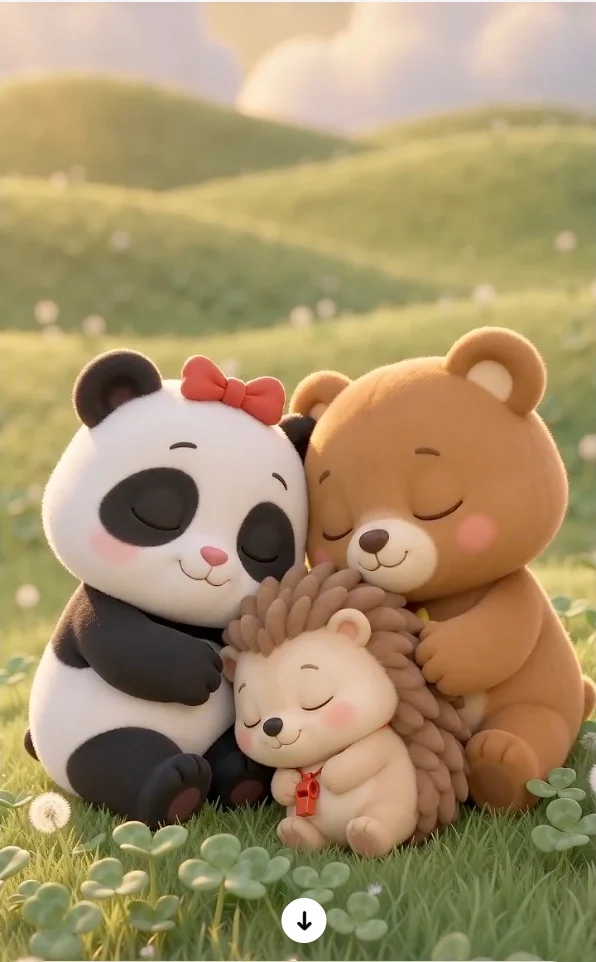 【UPLOAD IMAGE 2 — file: upload/detail-images/still-2-faceoff.jpg(顶牛摔跤,已裁掉箭头)】
【UPLOAD IMAGE 3 — file: upload/detail-images/still-3-hug.jpg
Character sheets: reference-image prompts generated by this kit. Sample frames: rendered with an external video tool (Kling) using this kit's storyboard & prompts.
📦 Delivery format: this is a DOWNLOADABLE planning & prompt kit — a set of files you run in your own compatible agent environment. It is not a cloud chat Agent and does not include a video-generation service. See "What's in the download" and "Requirements & Extra Costs" below before purchasing.
Turn a simple idea into multi-episode kids cartoon shorts you can actually produce.
The hardest part of AI kids cartoons is not generating a clip — it is that the AI changes your character's face in every single shot. One second your panda still has its red bow, the next the bow is gone, the fur color shifted, and the art style drifted. This kit is built to fix exactly that: four layers of defense — locked character sheet + full feature repetition in every shot prompt + shot-specific negative prompts + continuity check report — to push character drift to a minimum.
📦 What's in the download
File
What it is
SKILL.md
The complete production workflow: 7 steps, 11 hard rules, locked-sheet format, per-shot prompt templates, continuity check procedure
sample-output.md
A full worked example (3 episodes, 13 shots) showing exactly what a run produces
platforms.md
Per-platform prompt adaptation rules (Kling, Doubao, Jimeng, Veo, Runway, PixVerse…)
All files are plain Markdown — no executables, no APIs, no hidden dependencies.
✅ What You Get
Every run outputs a complete production package:
- Series Overview — story arc and episode structure for the whole series
- 🔒 Locked Character Sheet — look, outfit, signature item for every character, clearly split into LOCKED attributes (never change) vs allowed variation (expression / gesture / pose only)
- 📸 Reference-Image Prompts — one character turnaround-sheet prompt per character plus one empty scene-plate prompt, ready to paste into any image tool to build your baseline reference images
- 🔒 Locked World & Style Sheet — setting, color palette, art style, lighting, forbidden visual elements
- Episode Storyboards — 3–6 shots per episode with timecode, action, camera move and lighting
- Shot-by-Shot Video Prompts — one positive prompt plus one shot-specific negative prompt per shot, copy-paste ready for your video generator
- Voiceover Script & Audio Cues — narration style, no character lip-sync required
- 📋 Continuity Check Report — shot-by-shot audit of character, outfit, style and lighting, with drift risks flagged and fix wording provided
- 📤 TikTok Publish Kit — caption plus 8–12 English hashtags per episode
🎬 Platform Adaptation — switch tools without rewriting
Tell it which video tool you use, and the prompts are rewritten for that platform:
Dimension
Kling
Doubao App
Jimeng Seedance 2.5
Veo / Runway
Prompt length
Full, uncompressed
Trimmed to 80–120 words
Long, can merge a whole episode
Trimmed under 1000 characters
Reference binding
@element binding
First-frame relay method
@Image 1 / @Image 2
Single main reference image
Negative prompts
Dedicated negative field
Appended as "避免: …"
Appended as "avoid: …"
Dedicated negative field
16s breakdown
5s × 4 shots
5s × 5 shots
One 16s pass
2 × 8s
Audio
Native optional
Post-production recommended
Native optional
Veo yes / Runway no
⚙️ Default Presets (applied automatically)
- 9:16 vertical TikTok format, 12–20 seconds per episode (default 16s)
- Soft rounded 3D cartoon style, warm pastel palette
- Warm adult female bedtime narrator + gentle piano BGM
- COPPA-safe: no violence, horror, dangerous actions or mature themes; supports 1 or 3 episodes
💬 How To Use
One short paragraph is enough — no professional knowledge required:
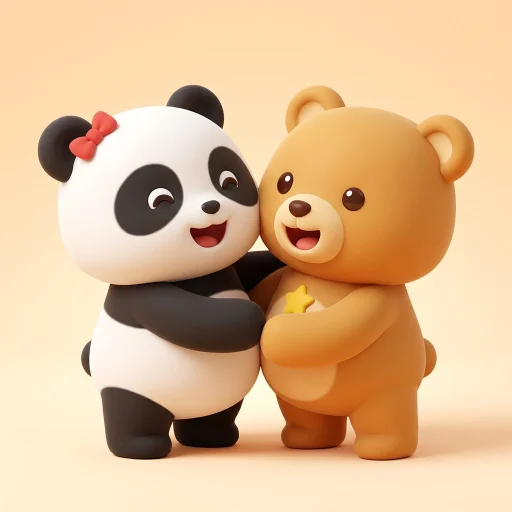
Characters: a chubby panda with a red bow + a honey-brown bear cub with a yellow star patch on its chest
Story: they have the softest wrestling match ever, and end up giggling together
3 episodes, soft 3D cartoon, sunny clover meadow, generating with Kling
Any missing parameter falls back to the default presets. Later, when you want "one more episode", "a Doubao version" or "add a character", it continues from the same locked sheets — the characters stay identical.
🛠 Install & Run (3 steps)
- Download the package after purchase and unzip it.
- Install it into any agent environment that supports the SKILL.md format (e.g. Claude Code, WorkBuddy or similar local agent frameworks) — follow that environment's skill-installation instructions.
- Run: tell the agent your characters, story idea and episode count. You get the full production package in one response.
💳 Requirements & Extra Costs
Included in this purchase: the kit files and free updates of the adaptation rules.
Not included — you need your own: - An agent model to run the kit: a long-context (200k+), strong instruction-following flagship model is recommended; fast/lightweight tiers may drop locked features mid-output, which is exactly the drift this kit prevents.
- An image-generation tool to render the reference sheets (the kit provides the prompts; your tool's costs apply).
- A video-generation tool — Kling, Doubao, Jimeng, Veo, PixVerse, Runway etc. — to produce the final videos. Those accounts and all their charges are separate and not included. The sample frames on this page were rendered with an external tool (Kling); this kit provided the storyboard and prompts only.
⚠️ Please Read Before Buying
- This kit only outputs a text production package (prompts and scripts). It does not generate video or image files — you generate the video yourself in Kling, Doubao, Jimeng or a similar platform.
- No model is bundled. It runs on whatever agent model you already use.
- Consistency depends on actually creating the reference images first — use the 📸 reference-image prompts, generate them once, and stick with the same images throughout.
- Physical play such as wrestling or chasing is automatically rewritten as soft, cuddly motion to keep the content safe for young children.
❓ FAQ
Can it generate the video for me?
No. It outputs a copy-paste-ready prompt package; the video is rendered in a third-party tool with your own account.
Why does every prompt repeat the character description?
That is the core anti-drift mechanism — every shot prompt carries the full locked feature list, so the model cannot "forget" the red bow in later shots.
Does it support Sora?
No (its consumer product has been shut down). Supported: Kling, Doubao, Jimeng Seedance, Veo, PixVerse, Runway and other mainstream tools.
Can I keep reusing the same characters?
Yes. The locked character sheet is series-wide — one character setup can carry unlimited episodes.