
Voiceprint — Humanize AI in Your Voice
✍️ Your Voice, Not the AI's — Humanize Any Text in One Pass
What this is
This skill takes AI-generated text and rewrites it so it sounds like a specific, real person wrote it.
It is built for anyone who drafts with AI and needs the output to read as authentically human, including writers, marketers, students, professionals, founders, content teams, and anyone working with AI-generated copy.
It works across many formats, including blog posts, emails, reports, social captions, announcements, essays, scripts, and longer documents.
Why this isn't just "make it sound less robotic"
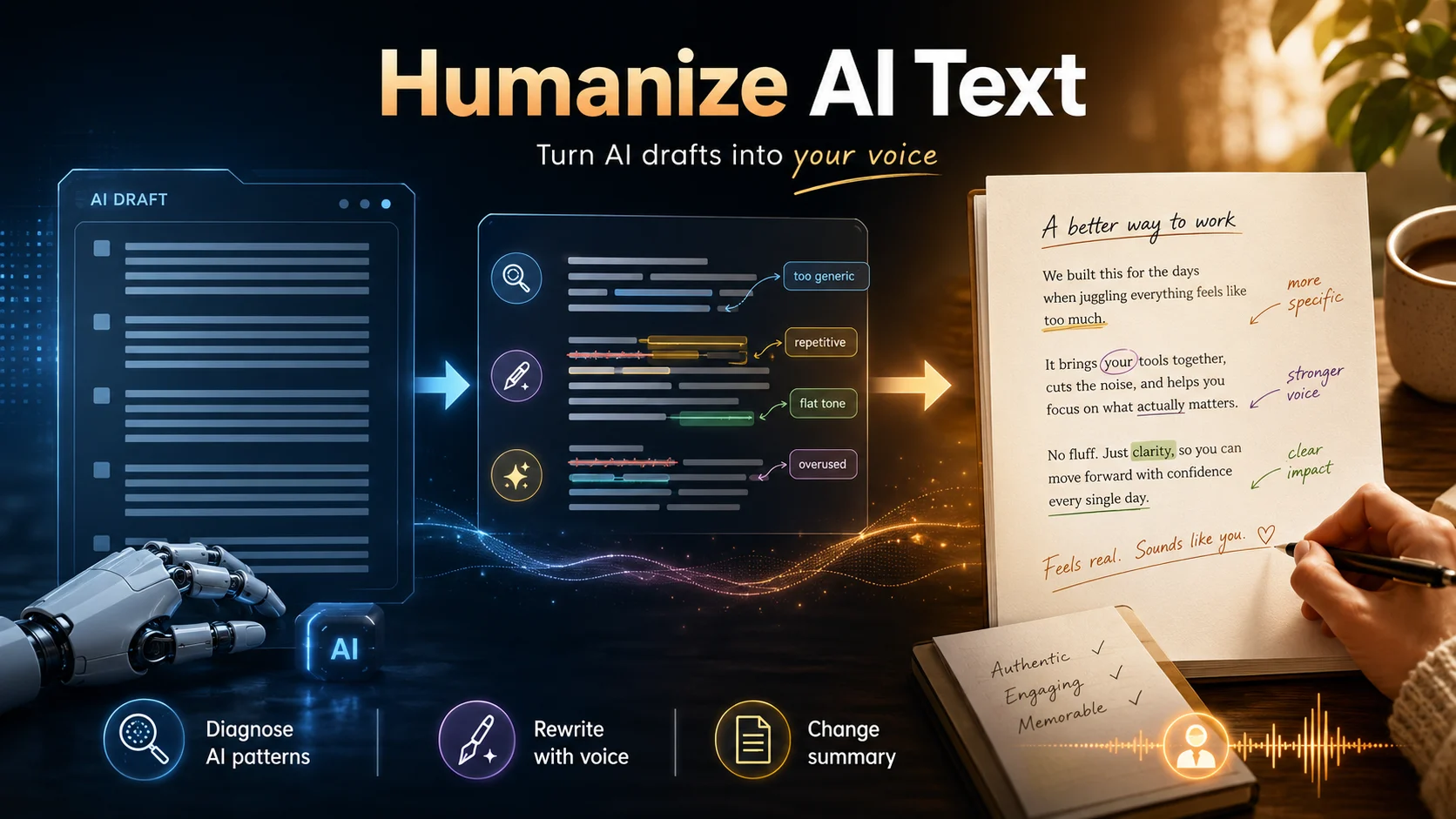
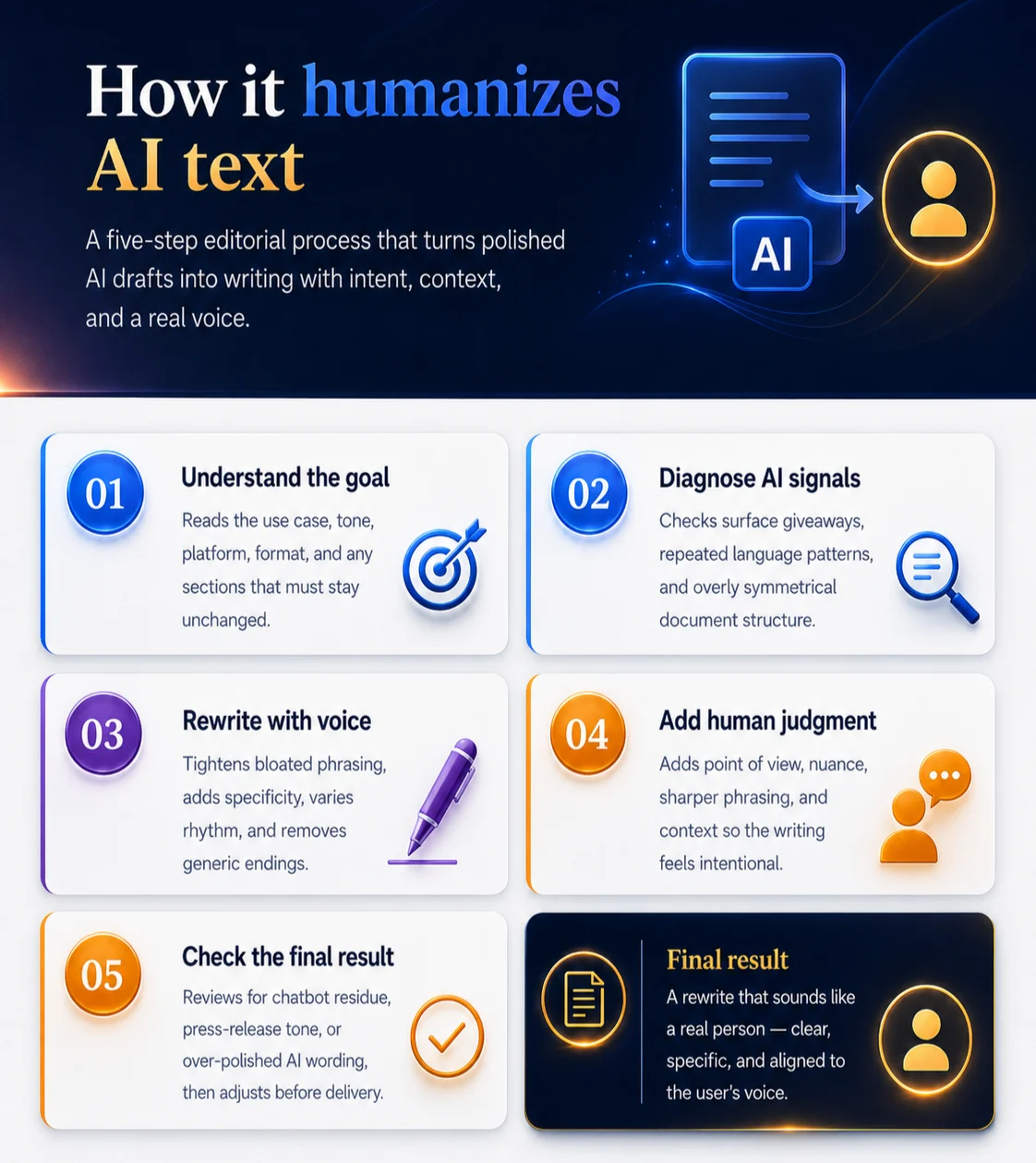
- 🔍 It diagnoses AI writing before rewriting, catching surface giveaways, repeated language patterns, and document-level structure issues.
- 🎙️ It adds voice, opinion, rhythm, specificity, and natural imperfection instead of only making the text less robotic.
- 🎛️ It adapts to platform, tone, format, preserve-zone, and voice instructions instead of applying one generic humanizing style.
- 📝 It returns a change summary, so users can see what was fixed and why the original text felt AI-generated.
How the rewrite happens
See it in action
Example: Software update announcement
📥 Input:
Great question! Here is a comprehensive overview. The new software update serves as a testament to the company's commitment to innovation. Moreover, it provides a seamless, intuitive, and powerful user experience — ensuring that users can accomplish their goals efficiently. It's not just an update, it's a revolution in how we think about productivity. Industry experts believe this will have a lasting impact on the entire sector, highlighting the company's pivotal role in the evolving technological landscape. The future looks incredibly bright. I hope this helps! 😊
📤 Output:
The update adds batch processing, keyboard shortcuts, and offline mode — three things users have been asking about for over a year. Early feedback from beta testers is positive, with most reporting faster task completion. Whether it moves the needle on market share is a different question. The last two "major updates" didn't.
🔧 Change summary:
- Removed chatbot residue: "Great question!", "I hope this helps!", emoji
- Removed significance inflation: "serves as a testament to commitment to innovation"
- Replaced copula avoidance: "serves as" became a direct statement of what changed
- Removed promotional language: "seamless, intuitive, and powerful"
- Removed negative parallelism: "It's not just X, it's Y"
- Removed superficial -ing phrasing: "ensuring that users can..."
- Removed vague attribution: "Industry experts believe"
- Removed AI vocabulary: "moreover", "pivotal", "evolving landscape"
- Replaced the generic conclusion with a specific observation
- Added concrete features, real user context, and a more honest closing line
Inputs and outputs
You can paste any AI-generated text directly into the conversation, from a single paragraph to a full document.
Supported content includes:
- blog posts, emails, reports, essays, scripts, announcements, and social captions
- school, work, marketing, product, or professional drafts
- optional direction for platform, tone, preserved sections, formatting, word count, or voice constraints
There is no strict input format. Paste the text and, if needed, add a short instruction for tone, platform, or constraints.
📦 You get back:
- the rewritten text
- a brief change summary explaining what was fixed and why