AI Business Network Manager
AI Business Network Manager
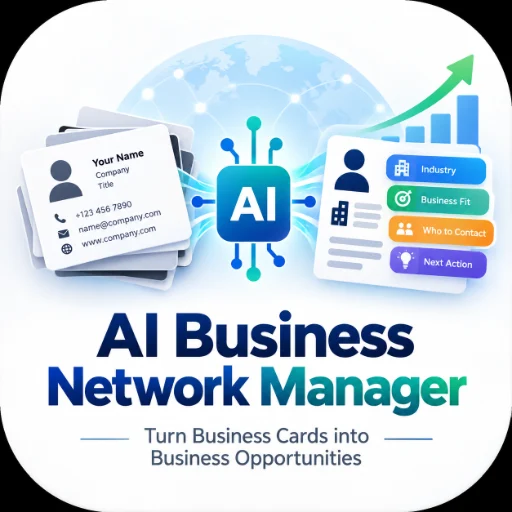
Turn Business Cards into Business Opportunities.
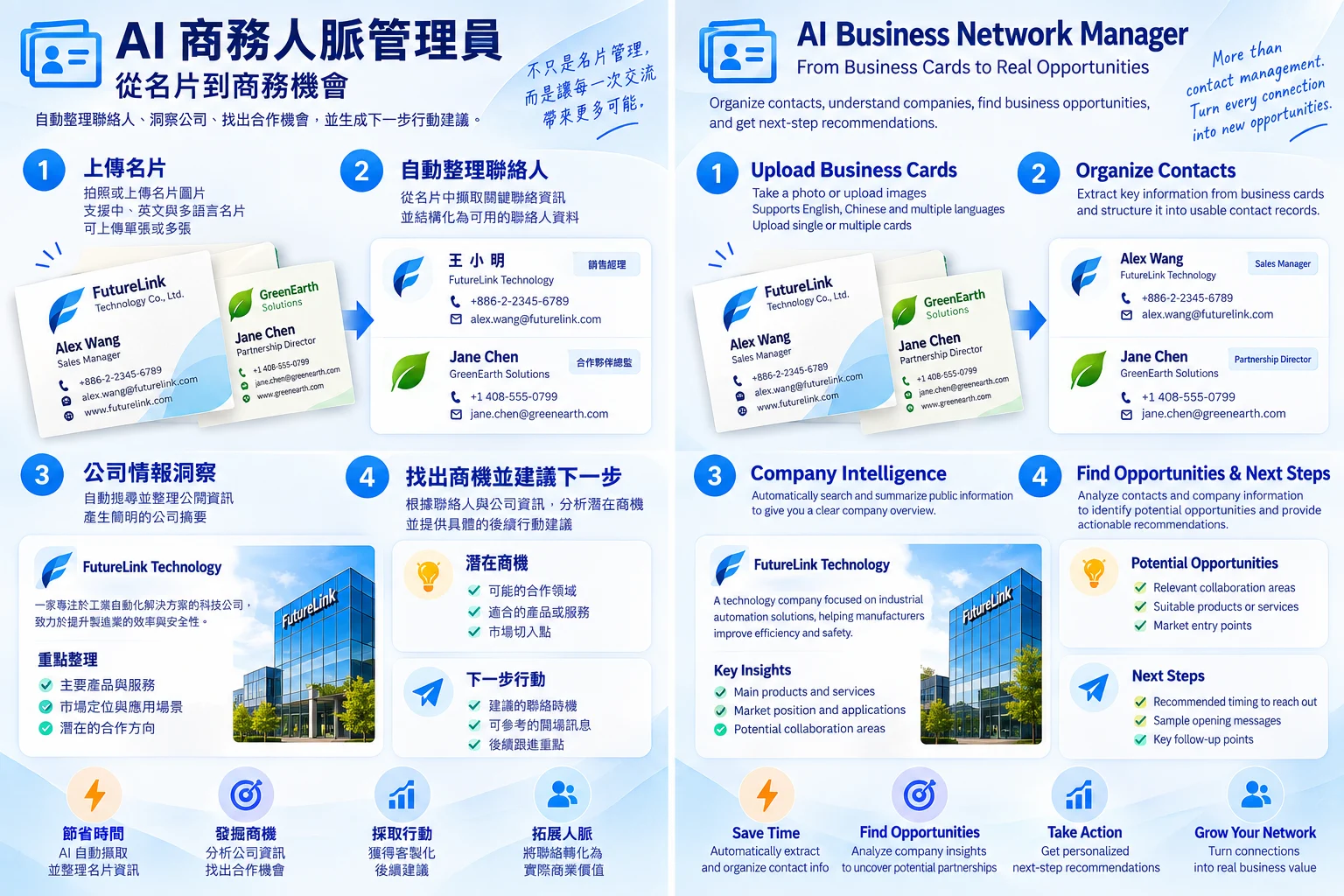
AI Business Network Manager goes beyond basic business-card extraction. It helps turn business cards into structured contact data, company intelligence, and actionable business follow-up.
What It Can Do
Organize Business Cards
- Extract structured contact information from business card images and PDFs
- Process Chinese, English, and bilingual business cards
- Preserve original-language information
- Merge front and back sides of the same card
- Merge bilingual versions of the same contact
- Detect and merge duplicates using email, phone number, and contact/company information
- Flag uncertain information for manual review
- Export structured results to Excel and CSV
Understand Companies
When you request business analysis, the Agent can:
- Classify companies by industry
- Research publicly available company information
- Summarize products, services, and business focus
- Compare target companies with your own company profile
- Identify Business Fit and Opportunity Priority
- Explain the reasoning behind each recommendation
Turn Contacts into Next Actions
Based on the job title shown on the business card and company-level business information, the Agent can help identify:
- Which contact role may be appropriate to approach
- The business purpose of contacting that role
- A recommended entry point
- Suggested next actions
- A follow-up draft
Two Working Modes
Organize
Use this mode when you want to turn business cards into clean, structured contact data quickly.
Analyze
Use this mode when you want to understand companies, compare business fit, prioritize opportunities, and plan your next business action.
Company research is performed only when you request analysis.
Privacy by Design
This Agent is designed to analyze business relationships without profiling individuals.
It may process contact information that you provide on business cards and may research publicly available information about companies and organizations.
It does not:
- Research private information about individual contacts
- Build personal background profiles
- Score personal influence, personality, or persuasiveness
- Automatically send emails
- Create hidden cross-user contact databases
No business-card data is sent to publisher-owned servers. Processing may involve the AI/model provider used to run this Agent.
Output
Depending on the task, results may include:
- Structured contact data
- Excel / CSV files
- Company intelligence
- Business Fit analysis
- Opportunity priorities
- Contact-purpose recommendations
- Suggested next actions
- Follow-up drafts
Important results are also summarized directly in the conversation.