CloneCut — Viral Clone, Seedance2.0
#CloneCut
CloneCutturns ideas and existing footage into ready-to-publish short-form videos with Seedance 2.0. Generate something new from text, a script, product images, character references, or visual starting points—or remix a source video by changing selected elements while preserving the parts you want to keep.

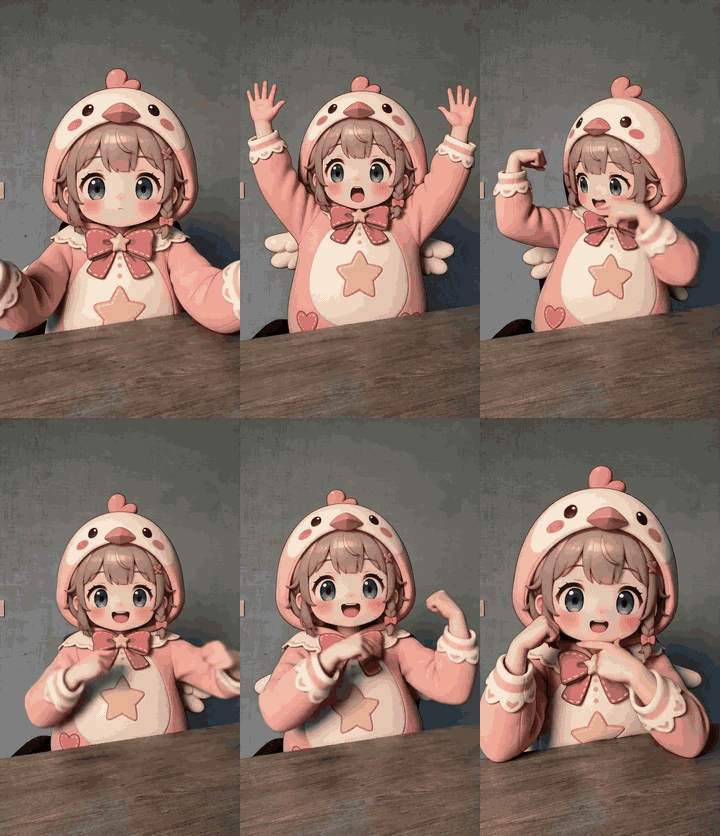
Create a New Video
Start with a simple idea or a complete brief. CloneCut can turn it into a clear story, shot progression, camera plan, audio direction, and finished video.
Use it to:
- Generate a video from text or a script
- Animate a product, character, or reference image
- Create product ads, demos, branded social clips, and short stories
- Build a video around first-frame or first-and-last-frame references
- Create a new video inspired by the readable structure or rhythm of another clip
- Choose High-completion video mode for a longer generation process and a stronger finished result
Vague prompts are welcome. The Agent helps clarify the subject, action, scene, shots, camera, audio, format, and reference roles before generation.
Remix a Source Video
Upload a source clip and say what should change. CloneCut can replace one or more characters, products, objects, backgrounds, logos, subtitles, or other on-screen text while aiming to preserve untargeted actions, cuts, camera movement, timing, and scene details.
Multiple replacements and grouped reference images are supported. A character or product may use several views or detail images as one shared reference set.
How It Works
Step 1 — Send your goal and materials: describe the video you want, then add any script, product image, character reference, source video, or link you want to use.
Step 2 — Get one clear video plan: Viral Clone turns the request into a concrete generation or remix plan, including references, action, shots, camera, audio, duration, and anything that must stay unchanged.
Step 3 — Confirm once: approve the combined plan or state your changes. Unchanged work does not go through repeated confirmation rounds. Customer-supplied real-person inputs require confirmation that you have the necessary authorization or consent.
Step 4 — Receive the video: each reply can produce one 4–15 second video. Longer projects are planned as multiple clips across later replies and can be joined when requested.
Examples
Generate from scratch
“Create a 10-second vertical ad for my sports bottle. Start with the bottle bursting through ice water, then have an athlete catch it and take a drink.”
CloneCut develops the shot and audio plan, uses the supplied product image as the identity reference, and generates the finished short-form video.
Remix an existing video
“Replace the shampoo bottle in this clip with my product and remove the corner logo. Keep the person, actions, cuts, and scene unchanged.”
CloneCut maps the requested edits, prepares a direct source-video edit, and returns the generated result for review and download.
Why CloneCut
- Generate or remix: create a completely new video or transform an existing one from the same Agent.
- From vague idea to executable plan: get help with story, action, shots, references, camera, audio, and prompt clarity.
- Finished video output: receive an actual video, not only advice, a script, or a prompt.
- Built for reference-driven work: use products, characters, visual references, multi-view sheets, and source footage.
- Designed for short-form publishing: create TikTok, Reels, Shorts, product demos, paid social ads, and brand campaigns.
Best For
Creators, marketers, e-commerce sellers, founders, social media teams, product teams, and paid-ad teams that need new video concepts, product-led short-form content, story-driven clips, or targeted source-video remixes.
Externe API’s
openai · deepseek