Tiktok Visual Studio
Tiktok Visual Studio
Your video. Its original voice. Ready for a vertical screen.
Turn an existing video into a vertical MP4 with its original audio, synchronised speech captions and a smooth fade to black. Tiktok Visual Studio adapts your footage for TikTok and YouTube viewing while keeping the source's spoken language and message.
What you receive
- A rendered vertical MP4 from your accessible source video.
- Original audio, rather than a newly narrated voiceover.
- Captions transcribed with Google in the language actually spoken.
- A final fade to black lasting at most three seconds, included within the output duration.
How it works
- Paste a public YouTube link or upload a video you have permission to use.
- The agent checks the duration and transcribes the speech with Google.
- The footage is formatted vertically, captioned and rendered for download.
- Review the video, caption accuracy and timing before posting it to your channel.
Clear duration limits
Up to 10 minutes of source content per video. A six-minute original is processed in full. A fifteen-minute original is limited to its first ten minutes. The closing fade is included in the duration; it does not add an extra three seconds beyond the limit.
This is a complete-video formatting workflow within that limit. It does not automatically select a collection of highlight clips, translate the dialogue or publish to your social accounts. Private or inaccessible links may not be processable.
Real example · NASA Artemis II
The NASA demonstration converts a source of approximately 2 minutes 21 seconds into a vertical video with English captions. These frames come from the actual test output.
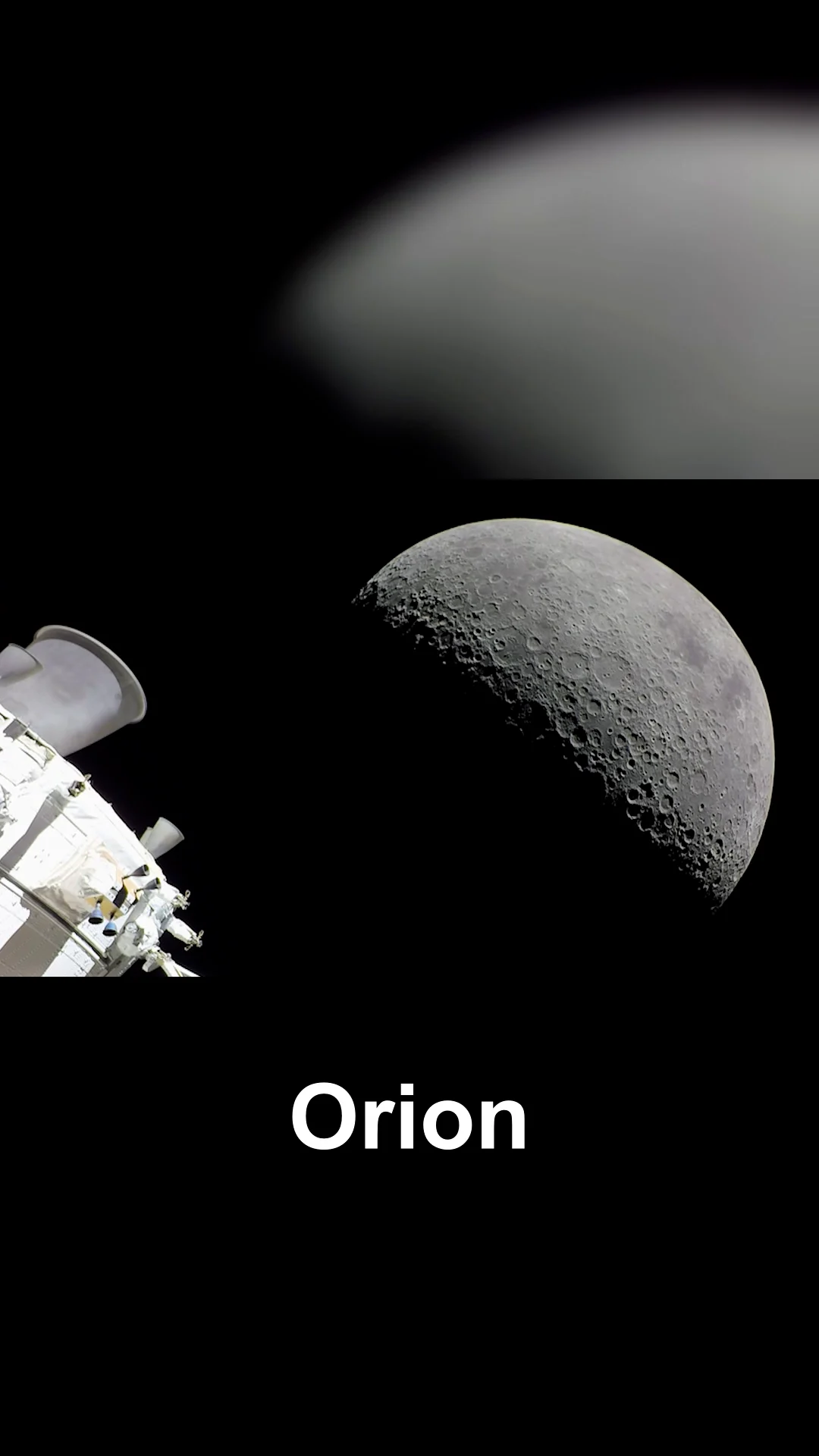
The blurred background retains visual context while the foreground and captions remain clear.
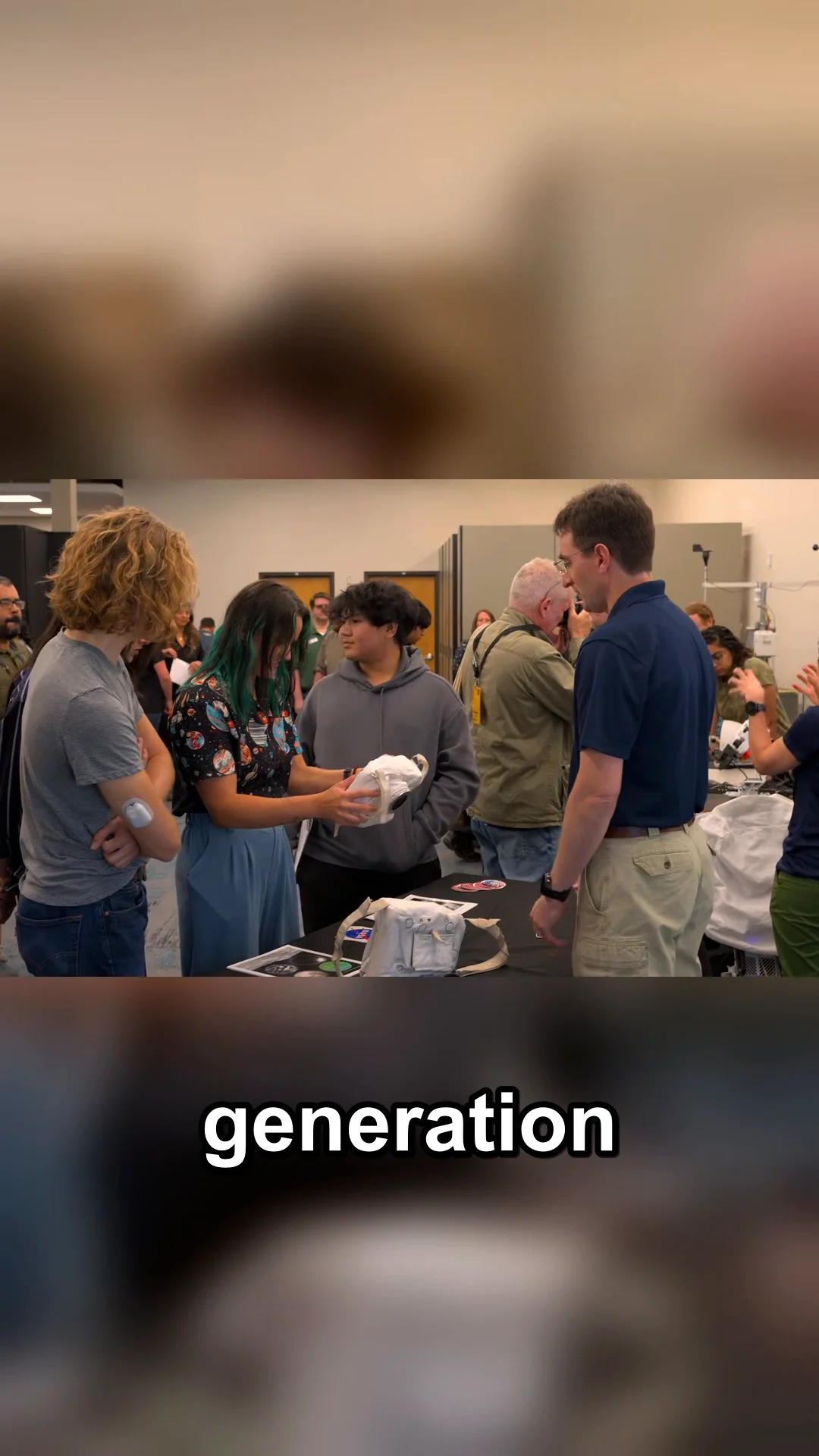
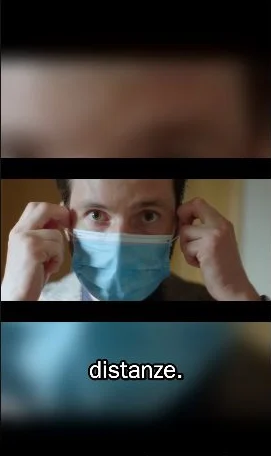
Real example · Italian speech
A 50-second Italian-language source was formatted vertically, captioned in Italian and given a closing fade. Source: Italian Government, “Per tornare tutti insieme a sorridere”, via Wikimedia Commons, CC BY 3.0. Changes: vertical formatting, captions and fade. This demonstration does not imply endorsement by the original author.
Start with your source
“Here is my video. Keep the original audio and add captions in the spoken language. Prepare a vertical version for TikTok.”
The promise: a downloadable vertical version of your accessible video, with the original voice, speech captions and a finished ending. Transcription and synchronisation can contain errors, so review the result before publishing. Use only footage and audio you have the necessary rights to use.