Glowrock: 10-Second Craft Glowing Resin Waterfall
Get a ready-to-use kit for a satisfying 10-second hands-only craft video: translucent resin poured down a rock, wood or metal piece and lit from within by LED. Includes 5 image prompts, a Google Flow prompt, a Veo version under 900 characters, A/B captions, hashtags and a QA checklist. Made for short, loop-friendly Reels, Shorts and TikTok. Download once, reuse for every episode.
#Redes sociais#Vídeo#Design
Avaliação
São necessárias mais avaliações
Vendas
0
Como usar
Baixar
Glowrock: 10-Second Craft Glowing Resin Waterfall
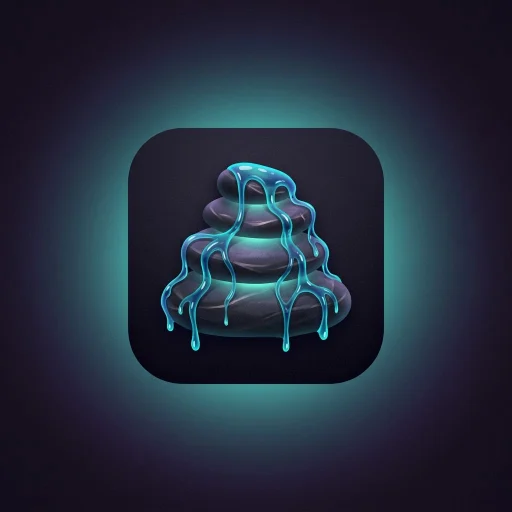
A ready-to-use kit for a satisfying 10-second, hands-only craft video: translucent blue resin poured down a rock, wood or metal piece, finished by hand, then lit from within by LED.
What you get
- 5 image prompts, one per stage (bare piece, LED, pour, finishing, final)
- Google Flow video prompt (10 seconds, 9:16, 6 cuts, all locks written in)
- Veo version under 900 characters (template + a counted example)
- A/B captions and 6 hashtags
- 9-point QA checklist and a troubleshooting table
- A short intake with defaults, so you can start in one message
The 10-second structure
| Shot | Time | Action |
|---|---|---|
| 1 | 0-1.3s | LED strip pressed into the carved channel, already glowing |
| 2 | 1.3-3s | Pre-tinted resin poured from the top, flowing down the contour |
| 3 | 3-4.8s | Soft brush smooths the flowing zone |
| 4 | 4.8-6.3s | Rotary tool carves thin vein lines into the drip tips |
| 5 | 6.3-8s | Pull back to the full wide view |
| 6 | 8-10s | One switch click, the light glows through the resin |
Three formations
- A - Rock tiers (default, most reliable)
- B - Live-edge wood slab
- C - Black or stainless metal frame
How to use
- Answer the short intake, or accept the defaults.
- Generate the five images.
- Paste the video prompt into Google Flow, or the short version into Veo.
- Check the frames with the QA list.
- Post with the caption and hashtags.
Good to know
- Hands only. No faces, no figures, no music, no voice.
- No API key or subscription needed: it is a prompt kit you run in your own video tool.
- Results vary between generations. The QA checklist helps you find and fix what drifted.
- Includes a safety note for anyone who wants to build a real one.
- Add your platform's "AI-generated" label where it is required.
FAQ
Which tools does it work with? Built for Google Flow and Veo; the idea also works in similar image-to-video tools.
Can I change the colors and size? Yes. Change the intake values, keep the rules.
Is it one video per kit? One kit, unlimited episodes: swap the formation, glow color or setting each time.