GOFENBET Coloring Page Studio
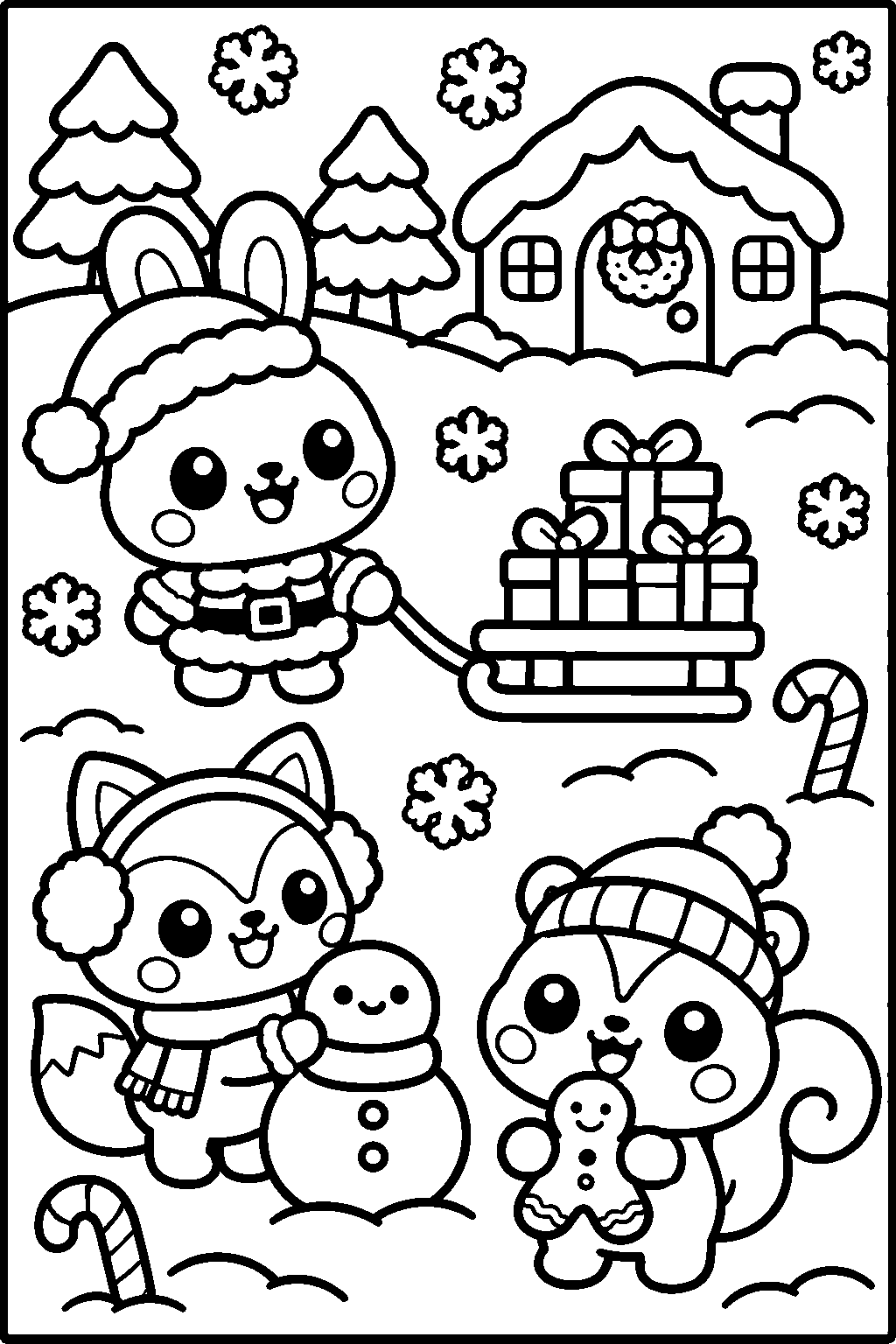
GOFENBET Coloring Page Studio
A coloring-page prompt studio: age and difficulty control, a 2×3 master prompt, and pure black line-art prompts for your own image model.
From GOFENBET STUDIO. This skill is for creators who want control over the prompt, not a black-box book factory. It plans and writes paste-ready English coloring-page prompts — festive or everyday, one sheet or a series, including a route that turns an existing colored illustration into colorable line art.
Capafy already has many coloring-book and PDF makers, often sold as subscriptions. It does not claim to be the only tool that can ask for pure black lines.
What it does
Give it a theme (and a character, if you have one) plus a difficulty tier. It returns a fixed Markdown package of English line-art prompts plus planning notes. The default is prompt-only text, so it still works when the host has no image tool.
Every coloring prompt asks, up front, for:
- Pure solid black #000000 line art on a pure white #FFFFFF background
- Uniform, bold (or evenly weighted) closed outlines
- High contrast, no gray, no soft pencil, no shading, no color fill
- PNG as the preferred file type
Post-process thresholding is a fallback cleanup, not the plan. If you later generate an image and the model still leaves gray JPEG edges, convert to binary black-and-white and re-export as PNG, then note that the fallback was used.
Three difficulty tiers stay consistent across a sheet or series:
| Tier | Best for | Line and detail |
|---|---|---|
| Toddler (ages 1–3) | Very young children | Very thick, simple shapes, almost no interior detail |
| Kids (ages 4–8, default) | Children | Bold, even lines, moderate detail, open color areas |
| Adult (stress-relief) | Older kids and adults | Finer but still solid black lines, denser closed patterns |
The skill also enforces closed colorable regions, face-connection rules (ear arcs, cheek arcs, nose-to-mouth bridge), and a pupil rule: open eyes get filled pupils; closed smiling arcs do not get a pupil added.
Features
- Age and difficulty control: toddler, kids, or adult
- Festive or everyday themes (animals, objects, holidays, and similar)
- One 2×3 collection sheet (default) or a multi-page series
- A master 2×3 sheet prompt that describes all six designs inline and repeats the pure-black standard
- An existing-illustration-to-line-art route, with a source reading and a conversion prompt
- Paste-ready English prompts you can run in Midjourney, FLUX, Seedream, GPT Image, Stable Diffusion, or KLING
- A shared negative list (including gray lines, soft pencil, and halftone) and a QA checklist
- Optional image generation only if your host has a tool and you ask for pictures (inspect and repair, at most two attempts; thresholding only as fallback)
What you get
For a new sheet or series, a Markdown package with:
- A resolved brief (theme, character, tier, layout, and any defaults used)
- A variation grid or series table
- A shared English style contract (including the pure-black standard and the tier rules)
- Numbered English prompts for each design or page
- A master 2×3 sheet prompt (or a six-page sampler for a series)
- A shared exclusion / negative list
- A QA checklist
For an existing illustration, you get a source reading, identity notes, a conversion prompt, a face / pupil checklist, exclusions, and QA.
This is not a finished printable PDF book, a guaranteed perfect binary PNG, or approval by KDP, Etsy, or any other marketplace.
Who it is for
Creators, parents, teachers, and small sellers who want coloring pages, holiday or everyday line art, or a conversion of their own colored characters into colorable outlines — and who prefer a prompt workflow they can reuse, rather than a subscription book factory. You do not need to write English prompts from scratch. You do need access to your own image model when you want pictures.
How to use
- Install or load the skill in your Agent client (Claude Agent, Codex, or another client that can run Skills), or run it where you bought it.
- Name a theme (or festival), optionally a character, and a difficulty: toddler, kids, or adult. Say whether you want one 2×3 sheet or a series. To convert an existing colored picture, attach it or describe pose, expression (open or closed eyes), and props.
- Copy the per-design prompts or the master 2×3 prompt into your image model (Midjourney, FLUX, Seedream, GPT Image, Stable Diffusion, KLING, or another tool you use).
- Prefer PNG output. If the result still has gray edges, threshold to pure black and white and save as PNG.
- Ask the skill to generate pictures only if your environment can do so. Otherwise use the text package as-is.
If you omit details, the skill continues with defaults: six designs, one portrait 2×3 sheet, kids tier, no words in the artwork, prompt-only, no brand name.
Example
Input: "Make six Halloween animal coloring pages for ages 5 to 7, one sheet, no words."
Output (summary): a kids-tier brief; a six-row variation grid; a style contract that demands #000000 lines on #FFFFFF; six English cell prompts with friendly Halloween tokens (no gore); one master 2×3 prompt that repeats the pure-black standard and describes all six cells; a negative list; and a QA checklist. No images unless you ask and a tool is available.
The packaged tests also cover a toddler duckling sheet, an adult forest-animal series (prompts only), and converting an existing illustration that has closed eyes (the conversion must keep the smiling arcs and must not add pupils).
Limitations
- Text / prompt output only by default. The skill does not ship a finished coloring-book PDF or a set of print-ready files.
- To get pictures, paste the prompts into your own image model. Many models still return JPEG or slightly gray anti-aliased edges even when the prompt asks for pure black. Use the PNG cleanup step (threshold to binary) as a fallback; do not expect every model to be perfect on the first try.
- Prompts are shared English instructions, not separate Midjourney / FLUX / Seedream syntax packs.
- It does not clear trademarks or publishing-platform review for you. Do not use trademarked characters or celebrity likenesses unless you have clearance. Removing a watermark does not grant a license.
- Optional generated images, when they exist, are AI-generated. After two repair attempts, remaining issues are reported instead of looped.
This package was tested against 4 English test cases included in tests/. That is a functional check of the text package, not a sales result or a KDP acceptance rate.
APIs externas
api.openai.com (OpenAI)