Photo Atelier · 一照成艺
Photo Atelier
Your photos, reimagined as collectible art.
A favorite portrait. A quiet garden. A place worth remembering.
Photo Atelier transforms your photographs into artworks with distinctive textures, shapes, and visual character. Explore seven styles, then see your original photo alongside its artistic interpretation in a carefully composed comparison poster.
From photograph to something personal
Each treatment responds to your subject, composition, and original colors. Sculpted paint, stitched thread, cut paper, and geometric shapes offer different ways to tell the same visual story.
The original-photo panel comes directly from your source image. The artistic panel is generated separately, and both are assembled with precise proportions.
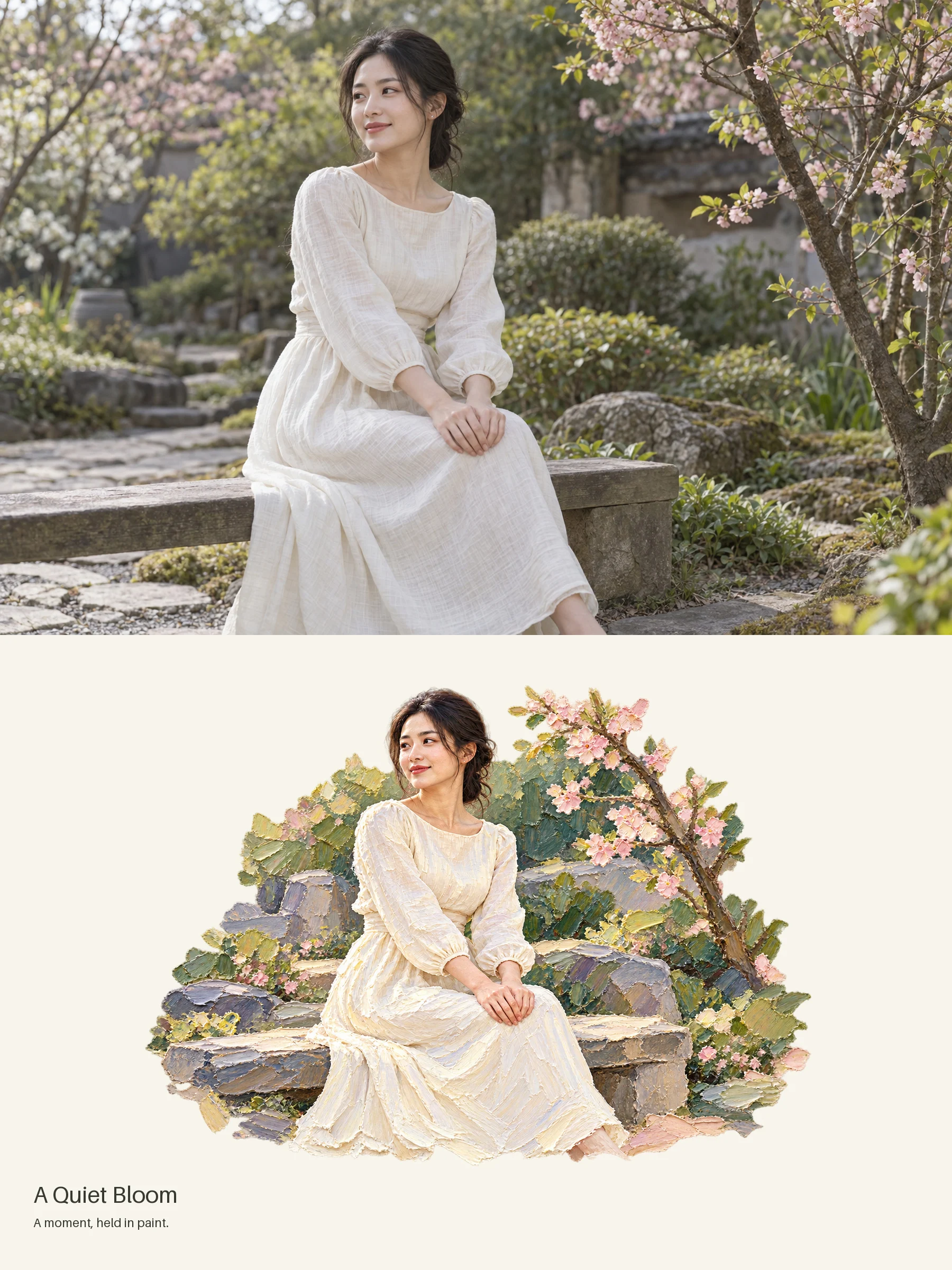
01 · Impasto Oil Painting
A moment held in paint.
Rich palette-knife textures, sculpted highlights, and expressive color bring a painterly dimension to portraits, flowers, and landscapes. For portraits, the workflow prioritizes expressions, gestures, and clothing colors while introducing stronger paint textures into the surrounding scene.
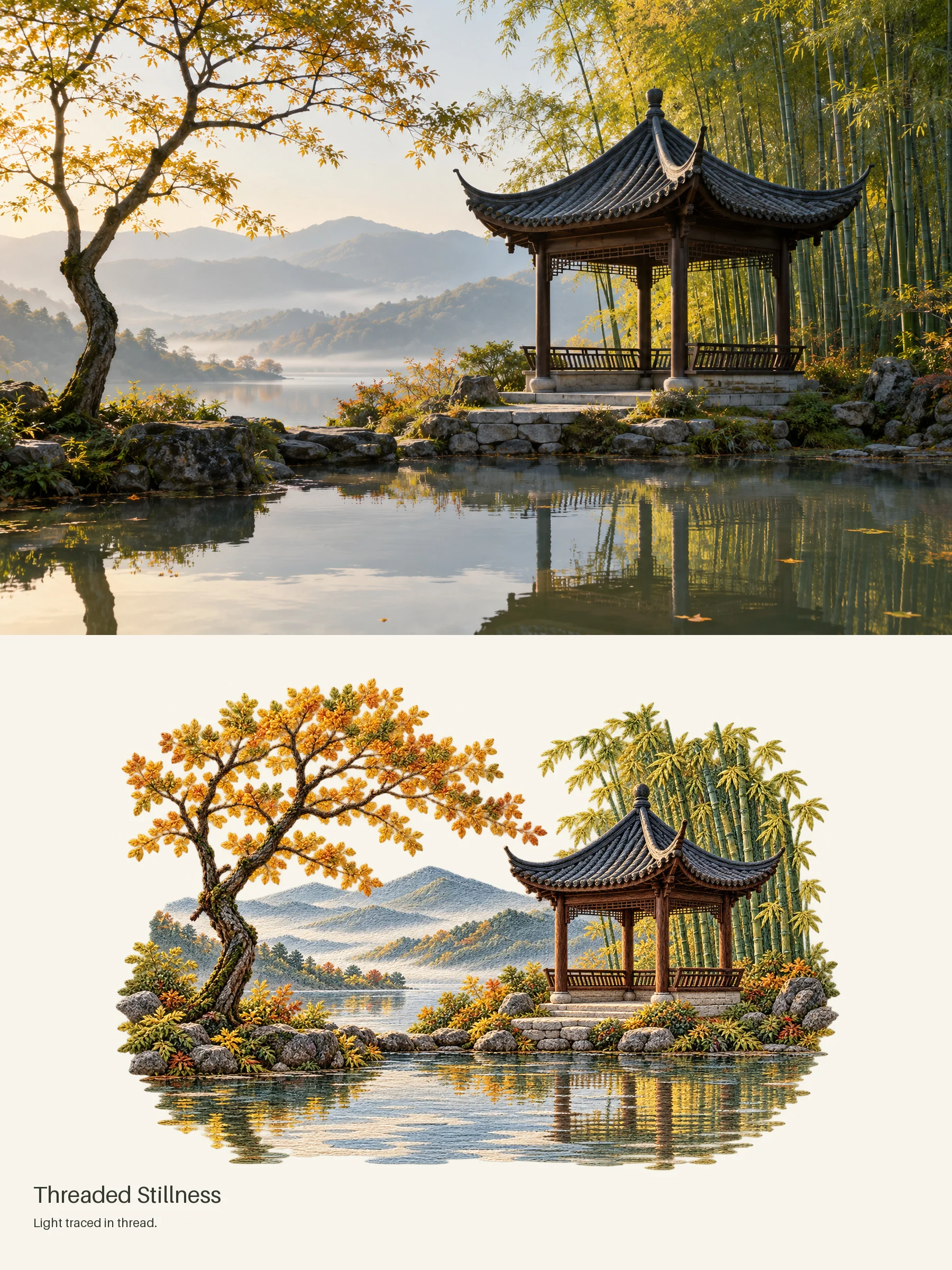
02 · Textile Embroidery
Light traced in thread.
Visible stitches, layered thread, and woven textures turn a garden into a tactile miniature world. A distinctive choice for flowers, pets, clothing, and botanical scenes.
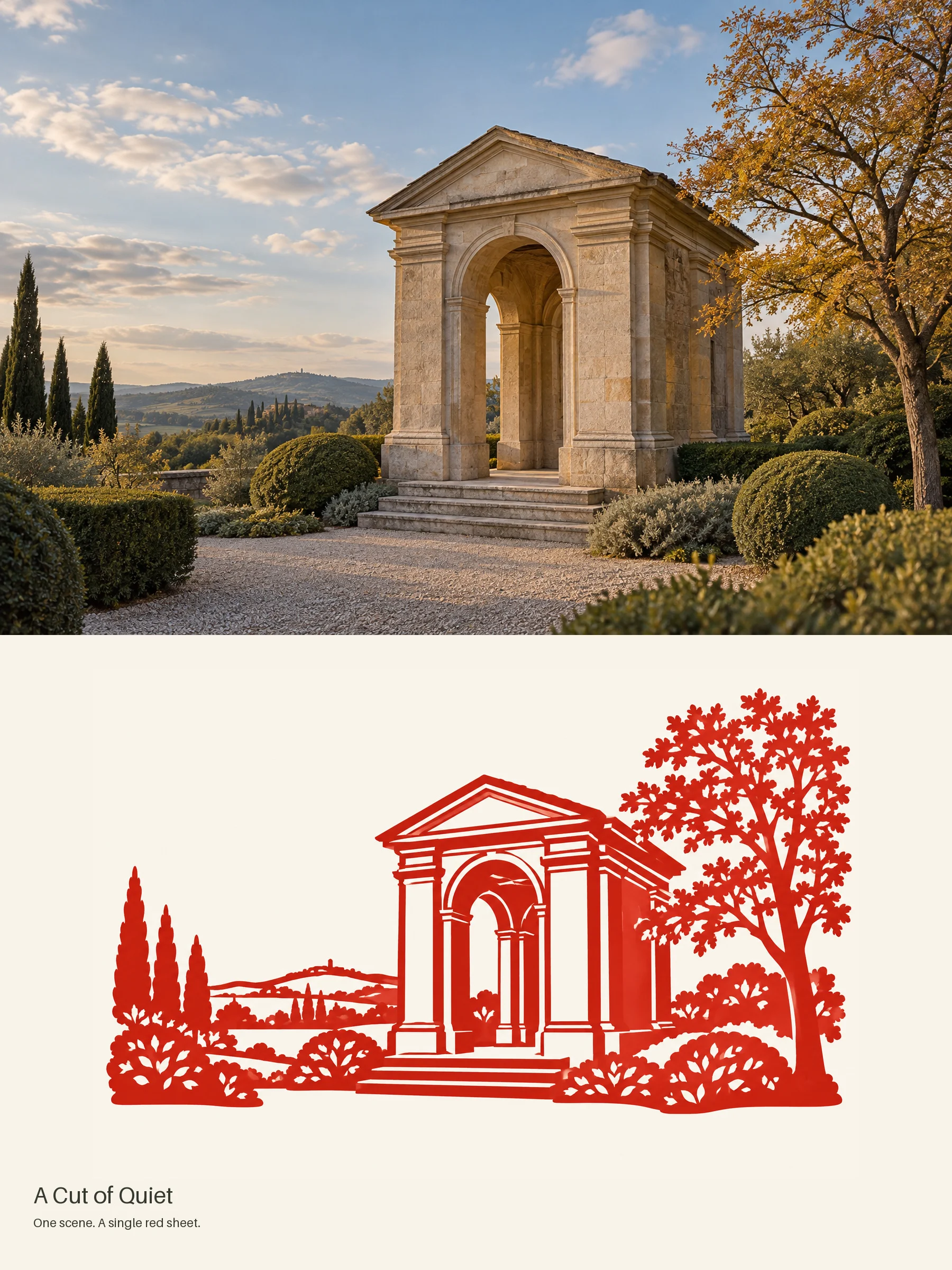
03 · Papercut
One scene. A single red sheet.
Bold silhouettes and delicate negative space reinterpret architectural details and natural forms in striking red and paper white. Ideal for buildings, trees, and subjects with recognizable outlines.
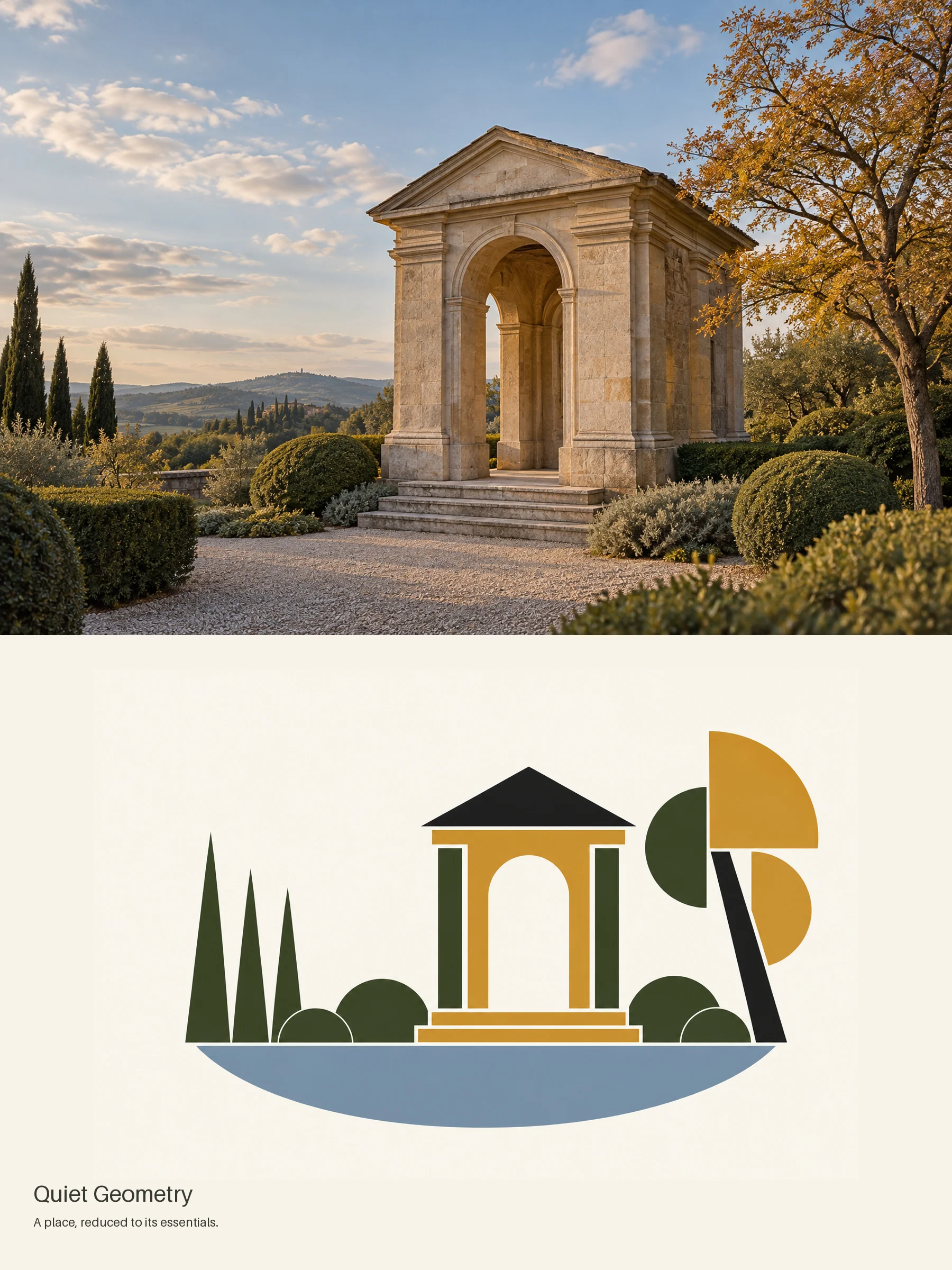
04 · Bauhaus Geometry
A place, reduced to its essentials.
Circles, planes, and a restrained palette transform familiar architecture into an abstract graphic composition. Choose this style for a stronger visual departure, where shape and balance take priority over fine detail.
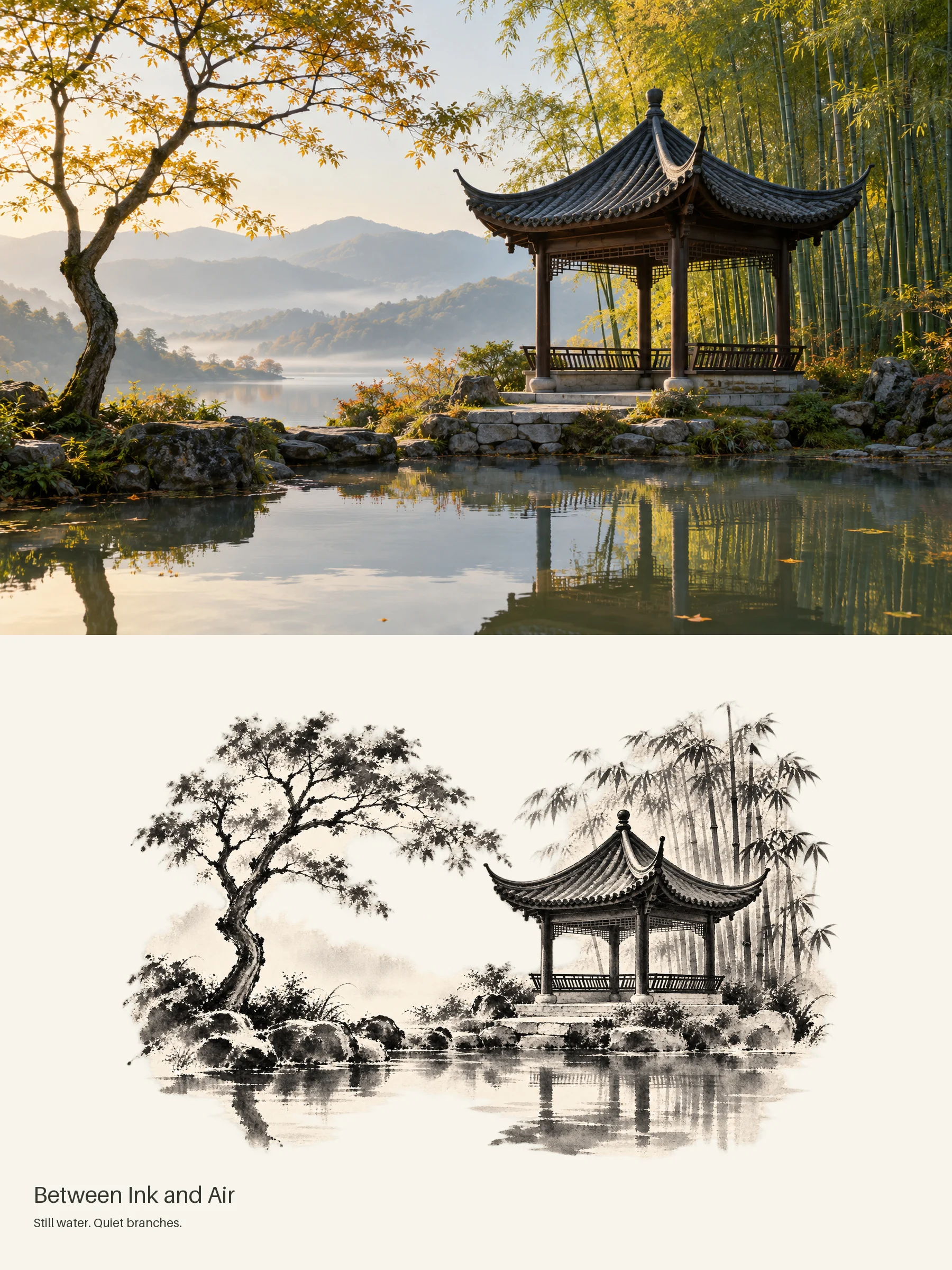
05 · Ink Wash
Between ink and air.
Expressive brushwork, soft washes, and generous white space create a quieter interpretation of mountains, bamboo, trees, and traditional architecture.
All images above are AI-generated demonstrations, including the source images. They are not customer photographs. Results vary with the source photo and image model.
Two more styles to explore
Layered Paper — Cut-paper shapes and delicate shadows create miniature scenes from buildings, objects, and landscapes.
Stone Mosaic — Individual stone-like pieces and visible grout lines reinterpret architecture, gardens, and rocky scenery.
What you receive
For each photo, the default workflow produces:
- A 1800 × 2400 PNG comparison poster, with equal photo and art sections.
- A standalone artwork PNG.
- A production and quality-check record.
An optional 1800 × 1200 side-by-side layout is also available. Multiple photos are treated as separate works, each with its own artistic interpretation.
How to use it
- Install Photo Atelier in a compatible AI agent client.
- Attach your photo and choose a style—or ask for a recommendation.
- Request an artwork or comparison poster, then review the result.
Try these prompts
Use $photo-atelier to turn this portrait into an impasto oil painting comparison poster. Preserve the expressions, hand gestures, and clothing colors.
Use $photo-atelier to reimagine this garden as textile embroidery, with visible stitches and an ivory background.
Use $photo-atelier to recommend the best style for this photo and create one comparison poster.
Before you begin
Photo Atelier is a downloadable Skill. It requires an AI agent client with:
- A reference-image generation or editing tool.
- Python 3.10+ and Pillow 11–12.
Image-generation access and credits are not included. A text-only client cannot produce the image deliverables.
Layout and likeness
The source photo is fitted proportionally into the comparison panel. A solid-color fill may be used when needed to preserve the full image.
Artistic interpretation can change details. More abstract styles—especially Bauhaus geometry—prioritize visual expression over facial likeness or exact structural reproduction.
Output format
Deliverables are raster images. They are not editable vector files, embroidery machine files, or fabrication plans.
Results
Results depend on your photo, image tool, and model version. Exact matches to the examples and identical results across models are not guaranteed.
Make something worth keeping.
Choose a photo that matters to you. Give it a new artistic expression.
Support: [email protected]
APIs externas
Reference-image generation/editing service in your AI client