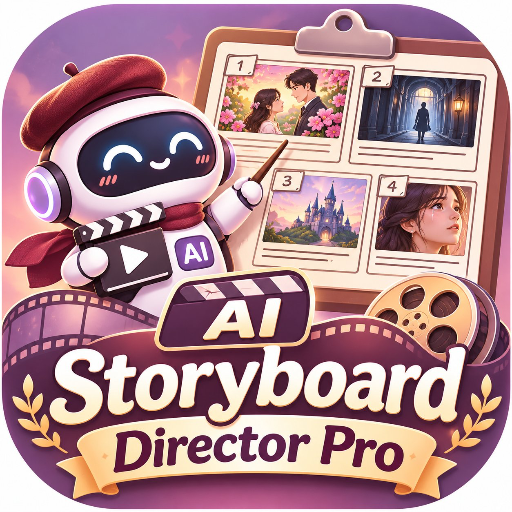
AI Storyboard Director Pro
AI Storyboard Director Pro
Transform your drama ideas and scripts into organized cinematic storyboard plans.
AI Storyboard Director Pro acts as your personal storyboard director, helping you plan every shot before production begins.
Features
- Script-to-storyboard breakdown
- Cinematic shot lists with estimated durations
- Camera framing, angles, and movement instructions
- Character positioning and emotional direction
- Storyboard image-generation prompts
- Scene, prop, costume, and character continuity tracking
- Story pacing and cliffhanger planning
- Step-by-step beginner lessons
- Storyboard review and correction guidance
- CapCut editing handoff instructions
Supported genres: Romance, mystery, thriller, horror, fantasy, comedy, family drama, action, science fiction, historical drama, and more.
Ideal for: AI filmmakers, short drama creators, storytellers, beginners, and video editors.
Version 1.0.0: Creates professional storyboard plans, prompts, and production guidance. It does not independently generate completed storyboard images or videos.
How to Use AI Storyboard Director Pro
Step 1 — Start Your Project
Enter your drama concept or paste an existing script. Choose the genre, episode duration, visual style, and video format.
Step 2 — Review Story Beats
The AI breaks your story into an opening hook, setup, conflict, emotional turning point, and ending.
Step 3 — Create Your Storyboard
Receive a numbered shot list with scene descriptions, camera angles, character positions, lighting, estimated durations, and visual prompts.
Step 4 — Prepare Storyboard Images
Use the provided prompts in a compatible external image-generation tool to create storyboard frames.
Step 5 — Submit Work for Review
Share your completed prompts, scene descriptions, or supported storyboard images. The AI provides feedback based on the evidence it can inspect.
Step 6 — Correct Continuity Problems
Review character appearance, clothing, props, location layout, camera direction, and scene timing.
Step 7 — Prepare for Video Editing
Receive a shot sequence and beginner-friendly editing instructions for tools such as CapCut.
Beginner Mode: Request one task at a time. The AI will guide you through each step and wait for your work before moving forward.
Important: This version generates storyboard plans and prompts, not finished image or video files.