Video Subtitle Translator — Local Kit (Download)
Video Subtitle Translator
What you're buying: a download package (skill instructions + Python scripts) that runs on your own computer inside your own AI agent — it is not a cloud service.
You need: an AI agent that supports skills (e.g. Claude Code or Codex) — its subscription or API costs are yours; Python 3.9+ (plus ffmpeg and faster-whisper for transcription / burn-in).
Third-party services: none. Transcription runs locally; translation is done by your own AI agent. The Whisper model (~500 MB) downloads free on first run.
One video in, subtitles in many languages out — subtitles people can actually read. Timing stays put, lines never overflow, and viewers can keep up.
What you get
- 🌏 SRT and VTT for every language — works with YouTube, Vimeo, course platforms and editing software
- 🔤 Bilingual subtitles: translation and original stacked (original on top or bottom)
- 🎬 Burned-in video (optional): font picked per language and OS (Microsoft JhengHei, PingFang, Noto Sans CJK, Yu Gothic, Malgun Gothic…), size scaled to frame width — never runs off screen in 16:9 or 9:16
Example
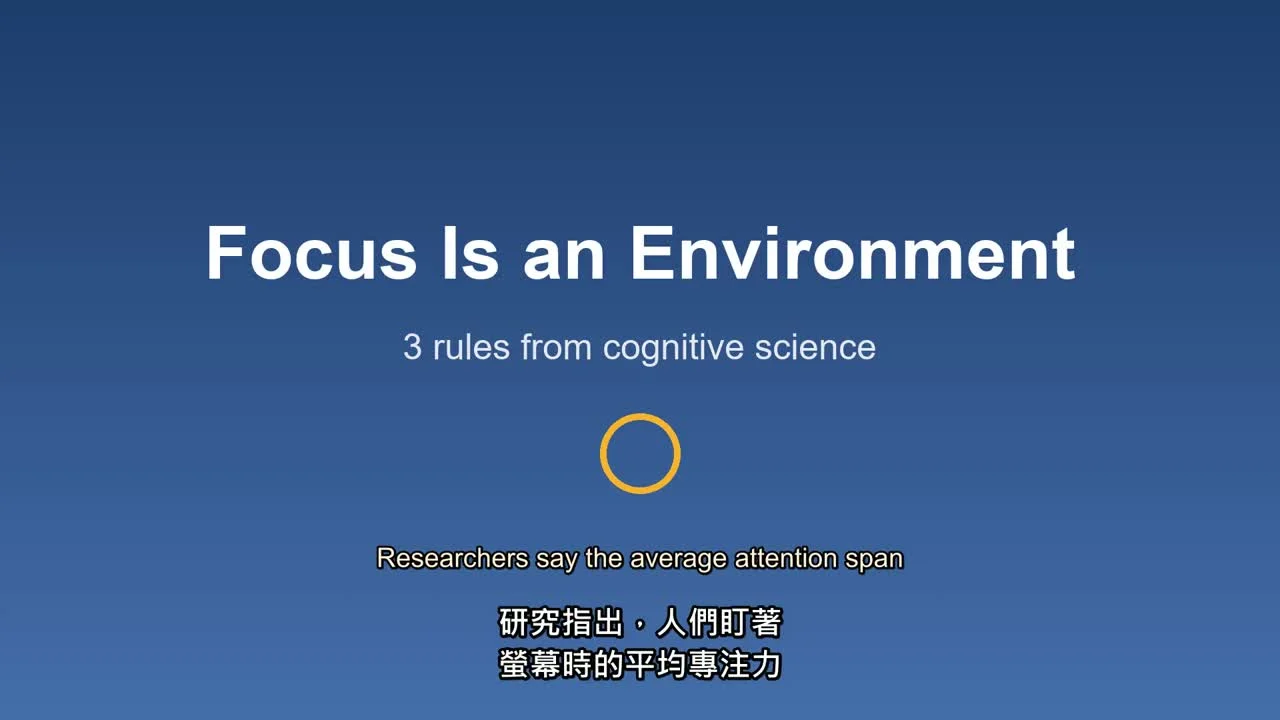
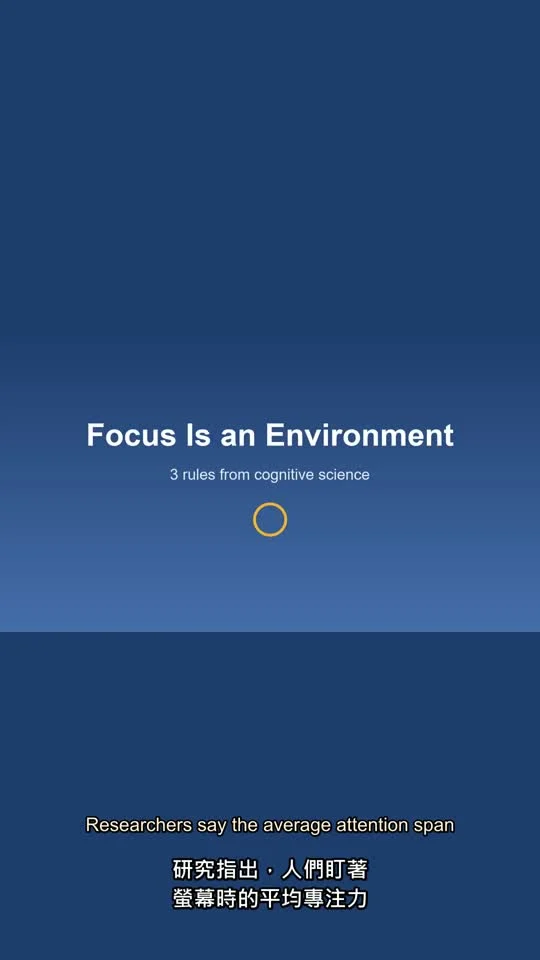
A 72-second English talk was translated into Traditional Chinese and Japanese: same cue count and timing as the original, reading speed and line-length checks passed, glossary terms applied. Outputs included a bilingual Chinese + English burned-in video in both landscape and vertical 9:16.
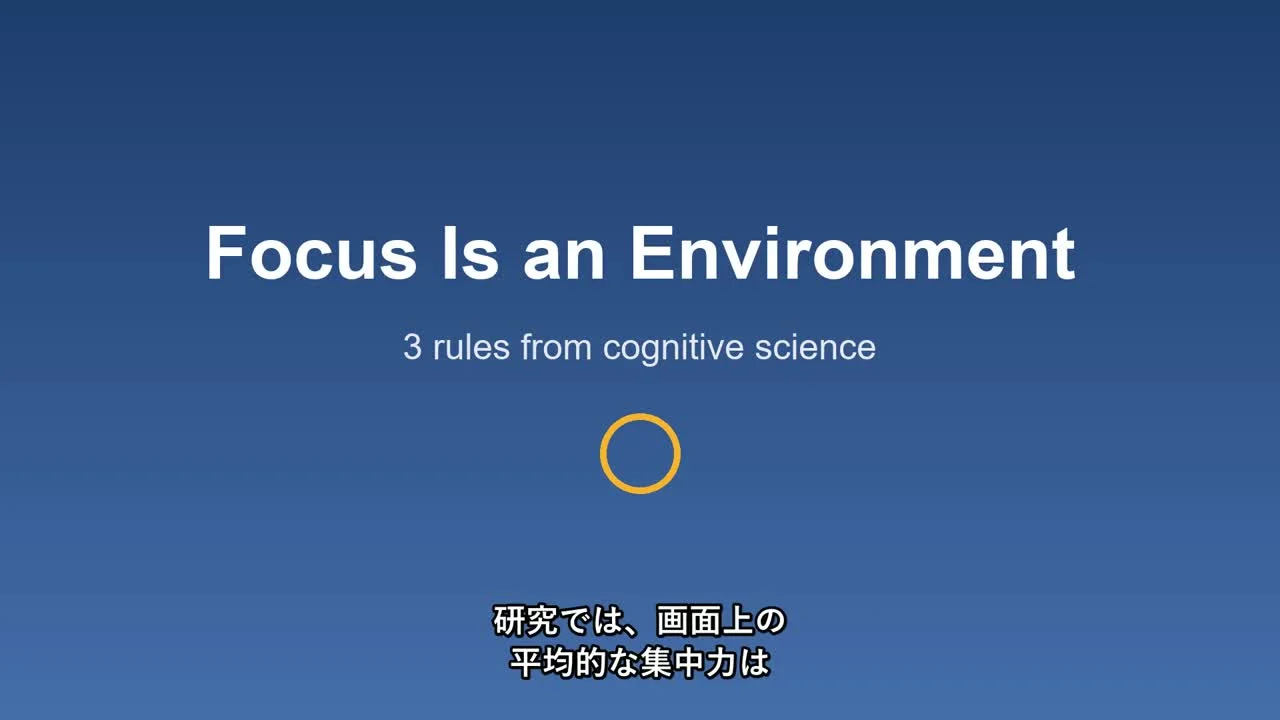
Japanese subtitles, same timing:
Vertical 9:16 for Shorts / Reels — lines never run off screen:
Try it — copy a prompt
- "Translate the subtitles of
talk.mp4into Traditional Chinese and Japanese, and burn bilingual Chinese + English into a vertical version." - "Here's my SRT — translate it to Spanish, keep 'LazyAI' untranslated, and check reading speed."
Why buy it
One payment, translate as many videos and languages as you like — no per-minute fees.
Who it's for
YouTubers going global, course creators, marketing teams and anyone localising video.
How it works
- Source subtitles: local Whisper transcribes the video (99 languages) and splits it into readable cues by sentence, pause and comma — or import an existing SRT/VTT.
- Cue-by-cue translation: your agent follows built-in subtitle translation rules; each cue shows how long it stays on screen and how many characters fit.
- Automatic checks (fixed and re-checked until there are 0 errors):
- cue count and numbering must match the source one-to-one
- glossary: required terms must be translated as specified; locked names and brands must not be translated
- per-line character limit, max two lines, balanced line breaks (never inside a word, number or katakana term)
- reading speed: if too fast, it first borrows idle time before/after the cue; only then asks the agent to condense
- Export: subtitle files per language, bilingual subtitles, burned-in video.
Language rules built in
Traditional Chinese (Taiwan usage), Simplified Chinese, Japanese, Korean, English, Spanish, French, German, Portuguese, Italian, Indonesian, Vietnamese and Thai have built-in line-length and reading-speed rules; other languages use general rules.
Requirements
- Python 3.9+ (importing subtitles, translation checks and export need only Python)
- To transcribe video:
pip install faster-whisper(first run downloads a model, small ≈ 500 MB; works offline afterwards) - To burn in: ffmpeg (the skill checks your setup and tells you what to install)
- A normal CPU is enough: the small model transcribes a 72-second video in about 20 s
Limitations (please read)
- Translation is done by AI — have a fluent speaker review anything important (legal, medical, contracts, brand slogans).
- Speech recognition can mishear names and numbers; the skill has the agent check the source before translating.
- Reading speeds follow common web-video practice; streaming-platform specs may be stricter (e.g. 4 Japanese characters per second) and can be adjusted.
- No dubbing, speaker labels, positioned subtitles or karaoke effects.
- Only translate videos you own or have the right to translate and republish.
Files
SKILL.md— agent workflowscripts/make_source.py— local transcription or SRT/VTT import, source cue splittingscripts/subtool.py— translation template, checks and reflow, SRT/VTT/bilingual export, burn-inscripts/subcommon.py— per-language rules, line-breaking algorithm, subtitle file I/Oreferences/subtitle-rules.md— subtitle translation rules and language notesreferences/glossary-example.json— glossary examplereferences/example.source.json,example.tr.zh-TW.json— examples