

PPT Slide Professional
This Agent turns existing content into a structured, polished PowerPoint deck. It is made for users who already have notes, documents, outlines, reports, research, course content, or content produced by another skill, and want to turn that material into a clear presentation without starting from a blank slide.
This skill supports the full presentation workflow. It organizes the message, creates a slide-by-slide structure, recommends a visual direction, builds the deck, previews key slides, and delivers a ready-to-use PowerPoint file.
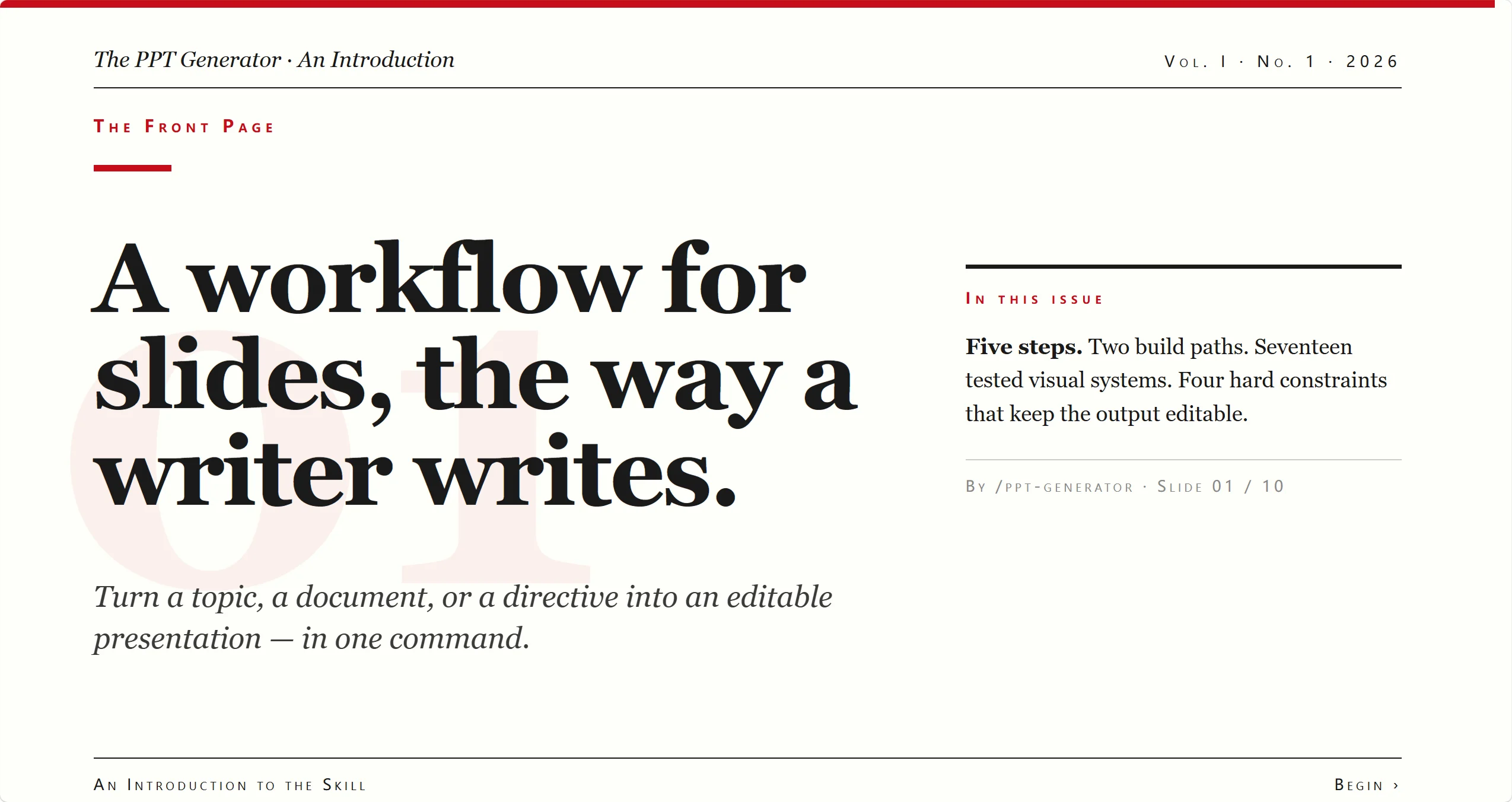
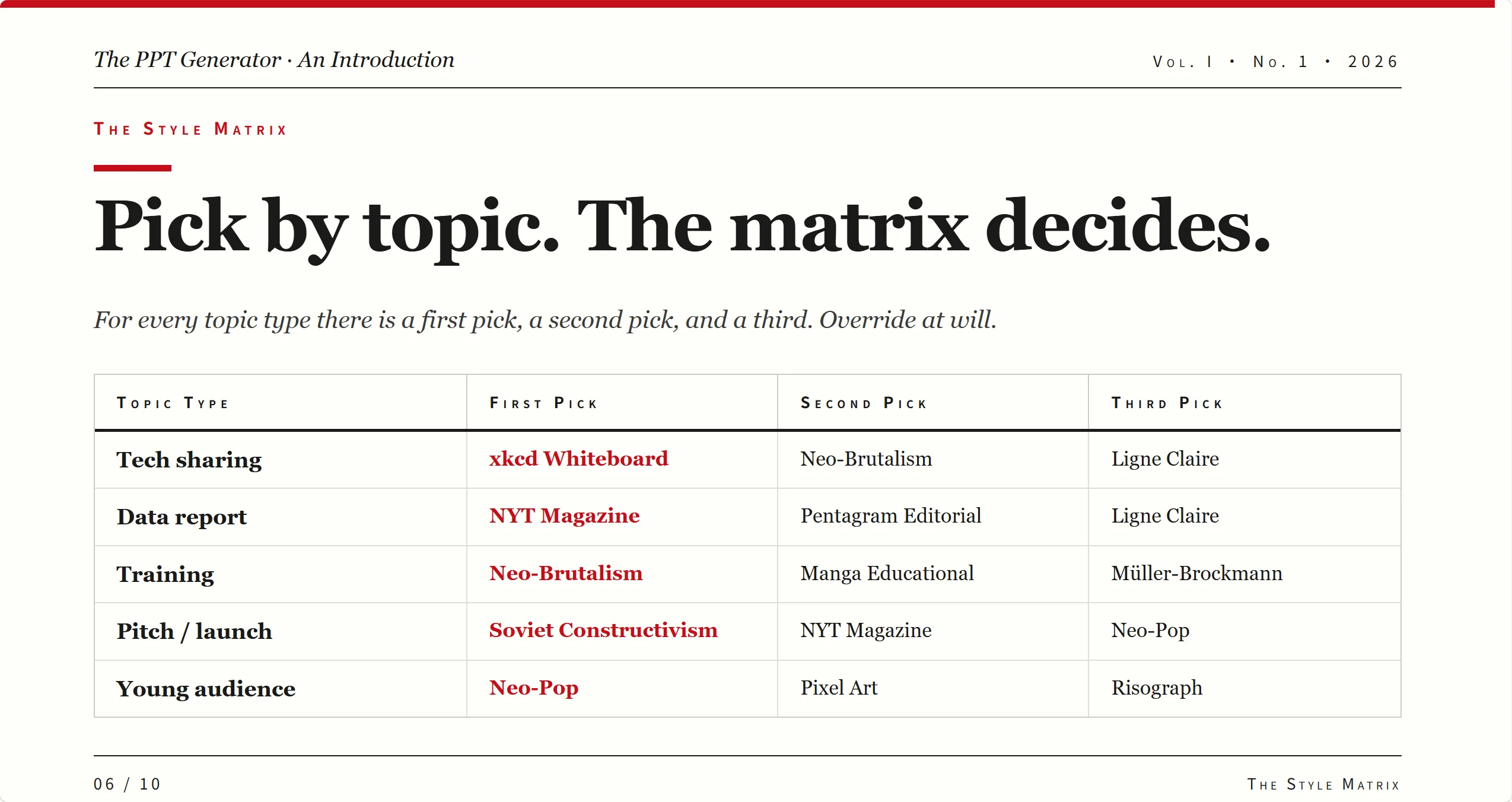
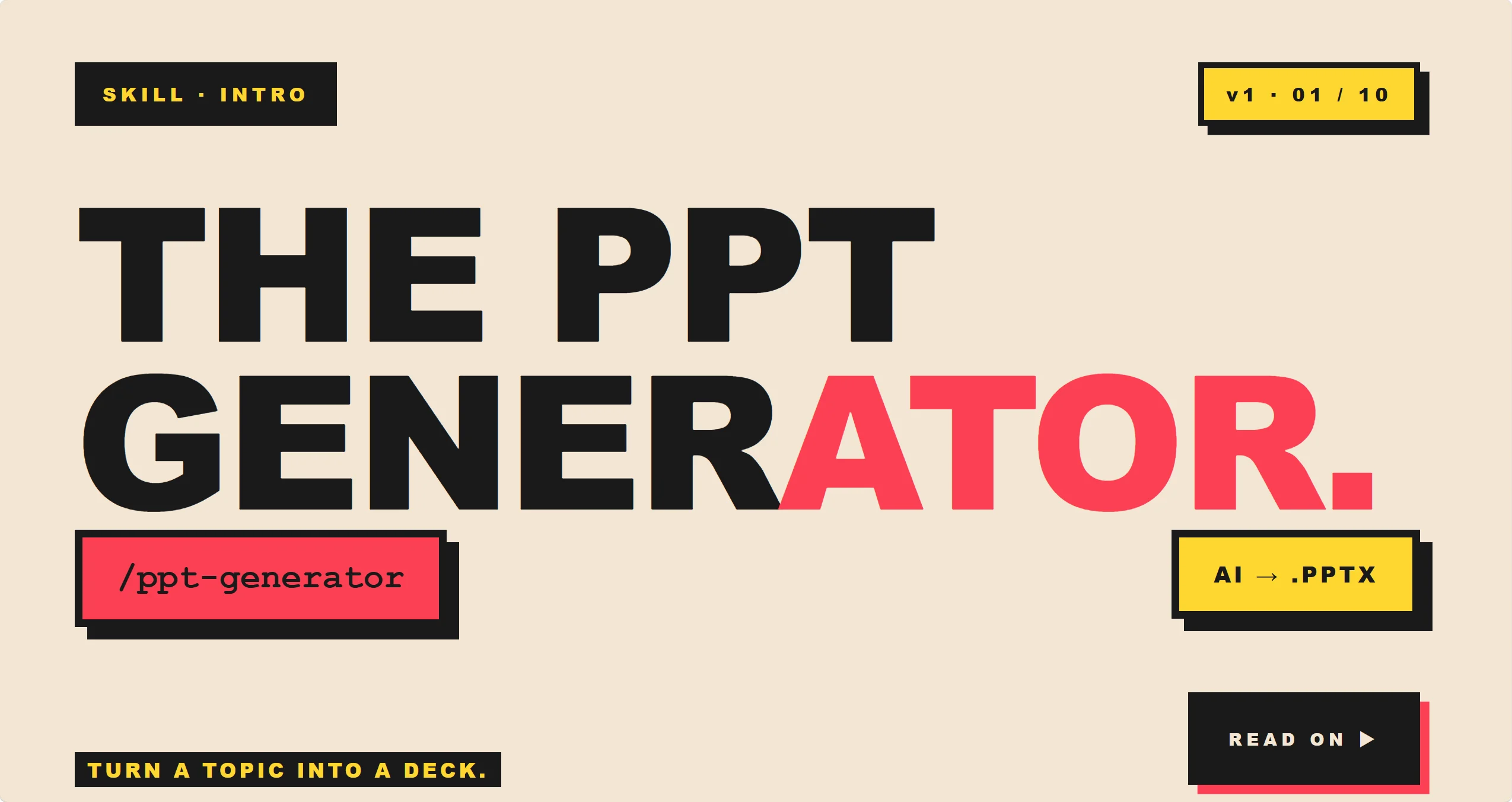
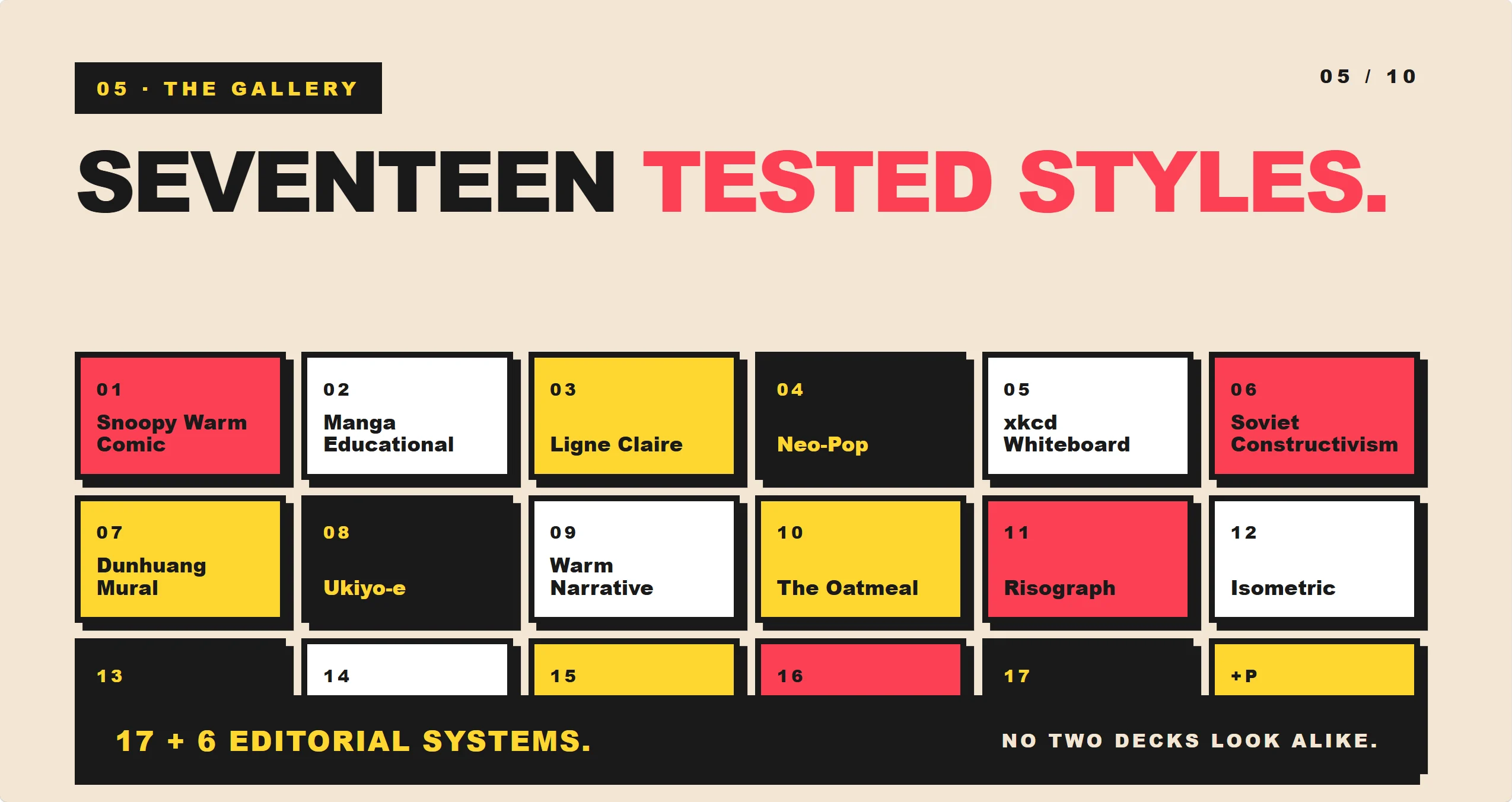
Visual and design style example
What It Is For
Use this skill when you have information but need a presentation that is easier to follow, better organized, and more visually consistent.
It works well for:
- Business reports
- Training materials
- Product introductions
- Industry analysis
- Internal sharing decks
- Course or lecture slides
- Pitch and launch presentations
- Research summaries
- Educational explainers
It can also work as the presentation layer for other specialist skills. A finance, legal, medical, travel, marketing, or education skill can create the subject content first, and ppt-generator can turn that content into a finished deck.
How It Works
The skill first understands the topic, audience, and tone. Then it turns the source material into a slide plan, chooses a suitable style, builds the slides, and prepares the final PowerPoint file.
The workflow usually includes:
- Understanding the presentation goal
- Breaking content into a logical slide sequence
- Giving each slide one clear message
- Choosing visual formats such as diagrams, charts, quotes, or illustrations
- Recommending a style that fits the use case
- Previewing key slides before delivery
This helps users move from raw material to a usable presentation without manually designing every page.
Content and Style
A key strength of the skill is turning information into a presentation narrative. It does not simply split text across slides. It decides what each slide should communicate and how it fits into the overall story.
Each slide is built around:
- A clear message
- A focused title
- A small number of key points
- A suitable visual role
The skill favors statement-style slide titles. “New users drove most of Q3 growth” is stronger than “Q3 Growth” because it gives the audience a conclusion, not just a topic label.
ppt-generator also recommends styles based on the type of presentation. A business report may need a clean editorial style. A training deck may need a warmer educational style. A product launch may need a bolder look. A technical explanation may work better with a whiteboard or diagram-led style.
The style is chosen to support the message, audience, and use case of the deck.
Flexible Collaboration
Different users need different levels of control. This skill can support quick automatic production, guided checkpoints, or closer slide-by-slide collaboration.
For simple tasks, the user can provide the content and let the skill handle the rest. For important decks, the user can review the outline, choose a style, and approve the direction before the final deck is built.
Key Features
Key features include:
- Turns existing material into a complete PowerPoint deck
- Creates a clear slide-by-slide structure
- Writes stronger slide titles as message statements
- Recommends suitable visual styles by topic
- Supports business, education, product, research, and creative decks
- Works with content created by other specialist skills
- Supports different levels of user involvement
- Delivers a presentation-ready PowerPoint file
Best Fit Users
This skill is useful for founders, teams, consultants, educators, trainers, marketers, analysts, and creators who often need to turn knowledge or written material into slides.
It is especially helpful when the user knows what they want to say but does not want to spend hours organizing and designing the deck manually.
Final Result
The final output is a complete PowerPoint presentation with a clear flow, focused slide messages, consistent visual direction, and pages that are ready to review, edit, or present.
In short, it helps users turn existing content into a structured, polished, and usable slide deck faster.
外部 API
Nano Banana 2


