Sticon | 24 sticker drafts from your video's faces
Sticon | 24 sticker drafts from your video's faces
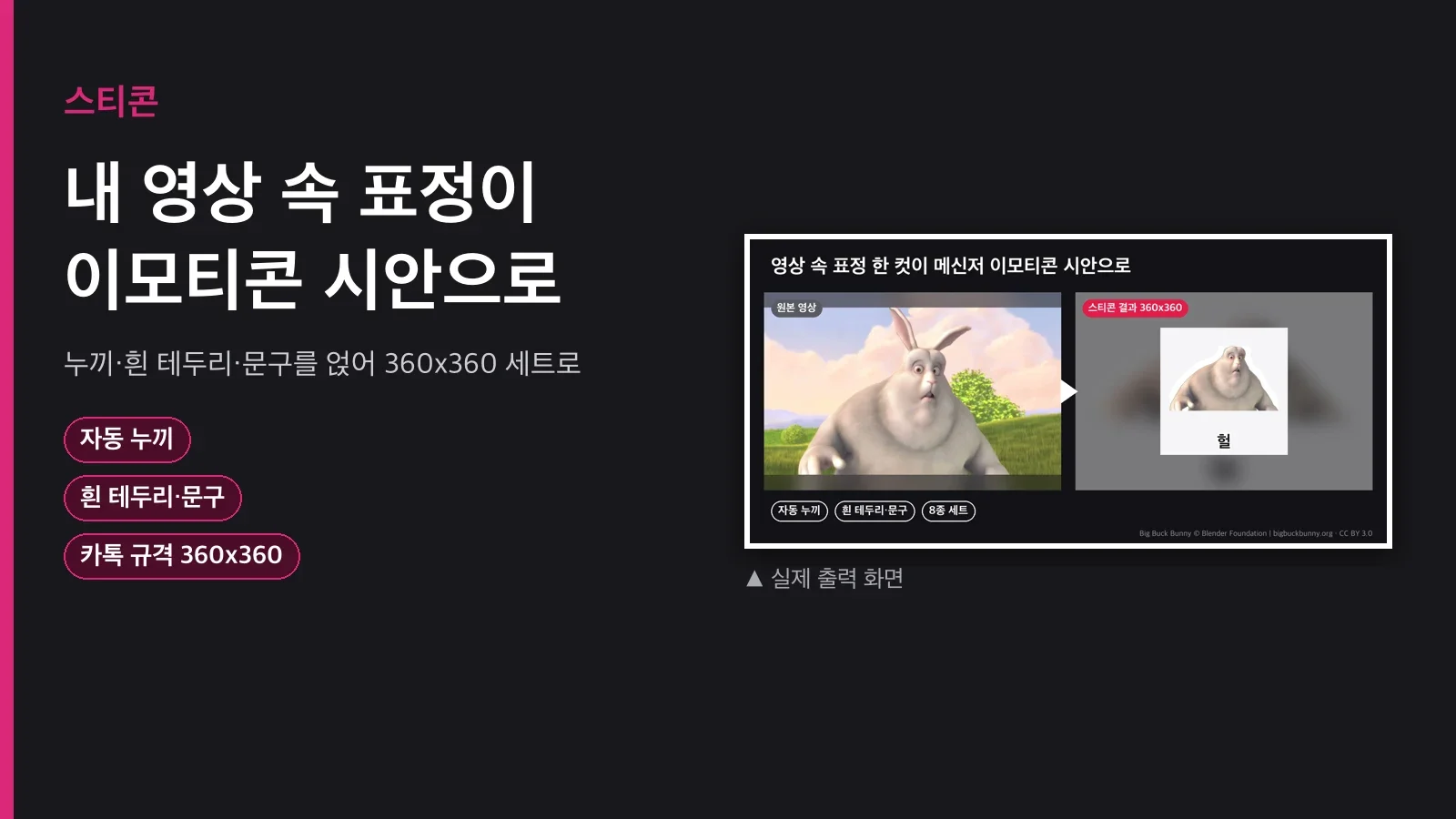
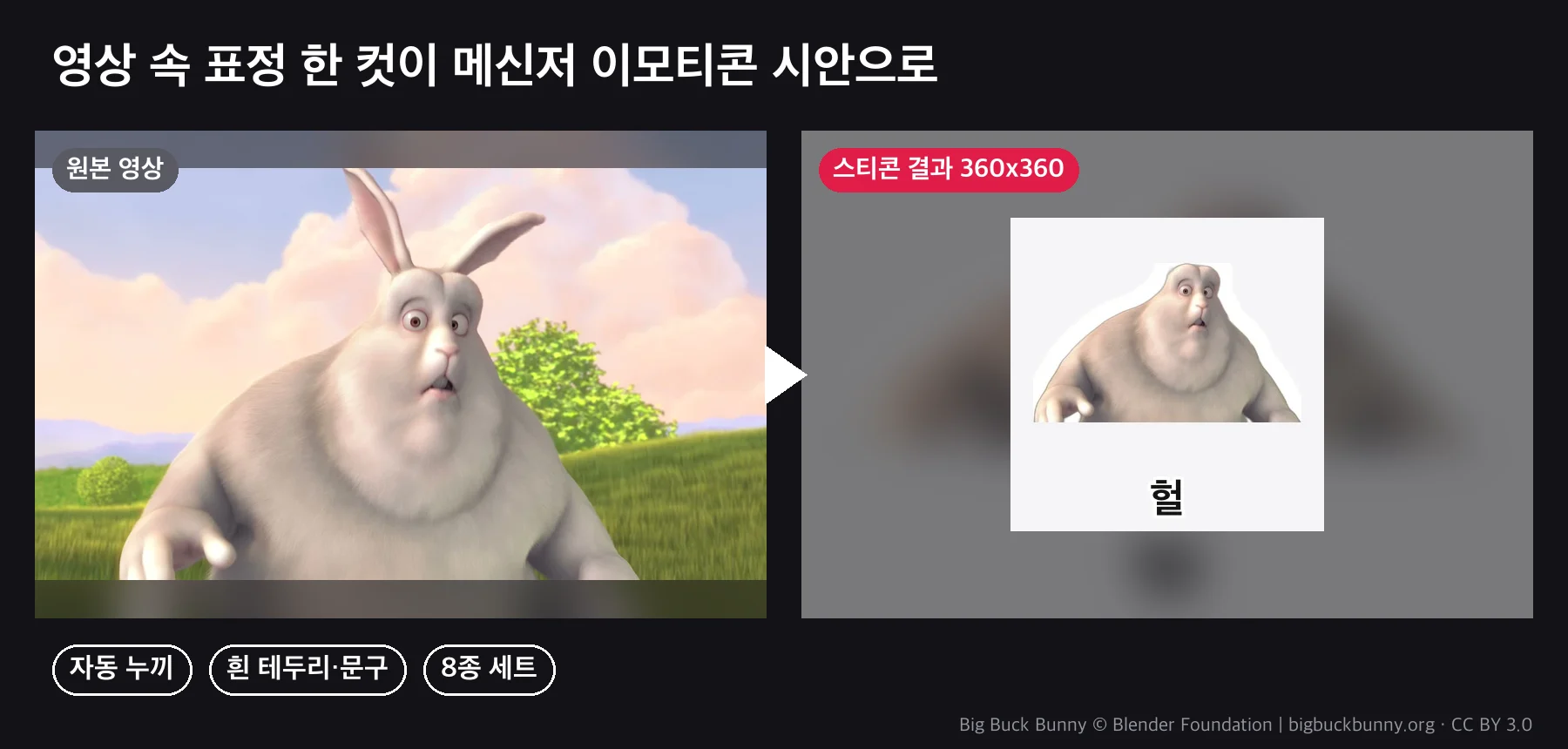
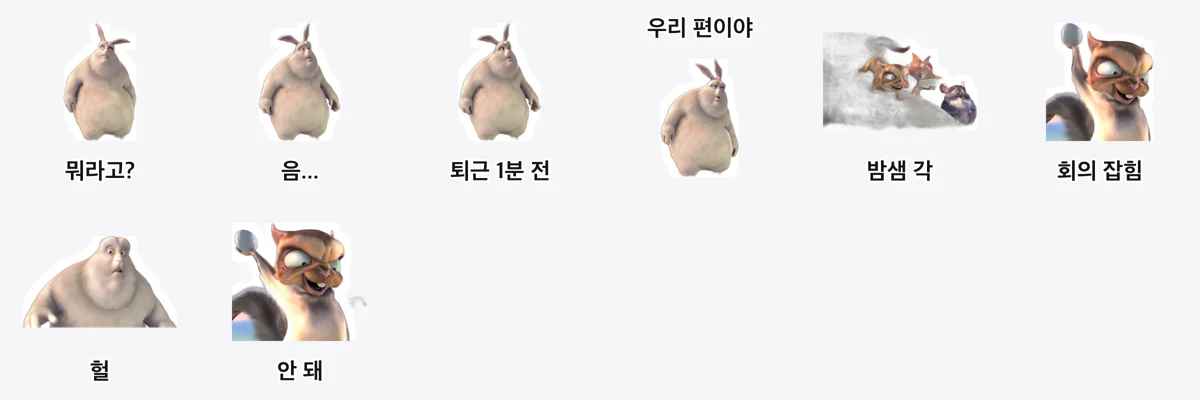
Say you want to make stickers from your dog's expressions. Doing it by hand, cutting out the background, adding an outline, and dropping in text, 24 times over, eats a whole day. With Sticon you just note the timestamps and captions from a video, and it handles the cutout, outline, text, and sizing in one pass to build the whole set.
Pipeline
stickers.json(timestamps·captions) → extract frames → rembg cutout(local) → white outline·caption → 360x360 PNG + preview sheet
uv run scripts/stickers.py --spec stickers.json --out-dir out/stickers --sheet
{"size": 360, "outline": 14, "items": [
  {"video": "in.mp4", "t": 9.6, "text": "Wait, what?"},
  {"video": "in.mp4", "t": 26.3, "text": "No way"},
  {"image": "face.jpg", "text": "On our side", "text_pos": "top"}
]}
What's included
| File | What it does |
|---|---|
scripts/stickers.py |
Frame extraction, rembg cutout, white outline (adjustable thickness), captions (top/bottom, auto-shrink), size and background options, preview sheet |
SKILL.md |
Tips for picking timestamps, the specs, review criteria, and a note on likeness rights |
How you'd use it
1. Pet sticker pitch: Pull 24 expressions from a walk video at Kakao's 360x360. Check the sheet and change the timestamp only on the cuts whose edges came out rough.
2. Team chat stickers: Use photos your teammates signed off on, add captions like "1 minute till clock-out" or "Meeting just got scheduled," and post them to Slack or Discord.
3. Character merch drafts: Pull expressions from your own character animation and use them as drafts for merch and stickers.
What you'll need
uvandffmpeg. The cutout model (u2net, about 170MB) downloads on first run and works offline after that. No API key.- For Korean captions, it automatically finds the bold gothic font on your OS.
Who it's for / not for
For: anyone making sticker drafts from a pet, their own character, or their own face. Stickers for internal team use.
Not for: anyone trying to make stickers from a celebrity's or someone else's face without permission (that violates likeness rights, so it isn't supported). Or video where the subject is small or close in color to the background (the edges come out rough).
FAQ
Q1. Does it match Kakao's specs?
The draft default is a 360x360 transparent PNG. Always check the official guidelines in effect when you submit (animated stickers, file counts, and so on). Change the size with --size.
Q2. How good is the cutout?
It's local rembg (u2net). It separates all the way down to the edges of fur, but it can get rough when the background is close in color, so we recommend reviewing the sheet and swapping out those cuts.
Q3. Can I use just a photo?
Yes. Point to the file with image.
Q4. Can I get just the image, with no caption?
Leave text empty. You can also turn off the outline with --outline 0.
Q5. All 24 at once?
List 24 entries in items and it makes them in one pass. 8 took about 25 seconds.
Purchase
Price: $5 (one-time download). Not a monthly subscription.
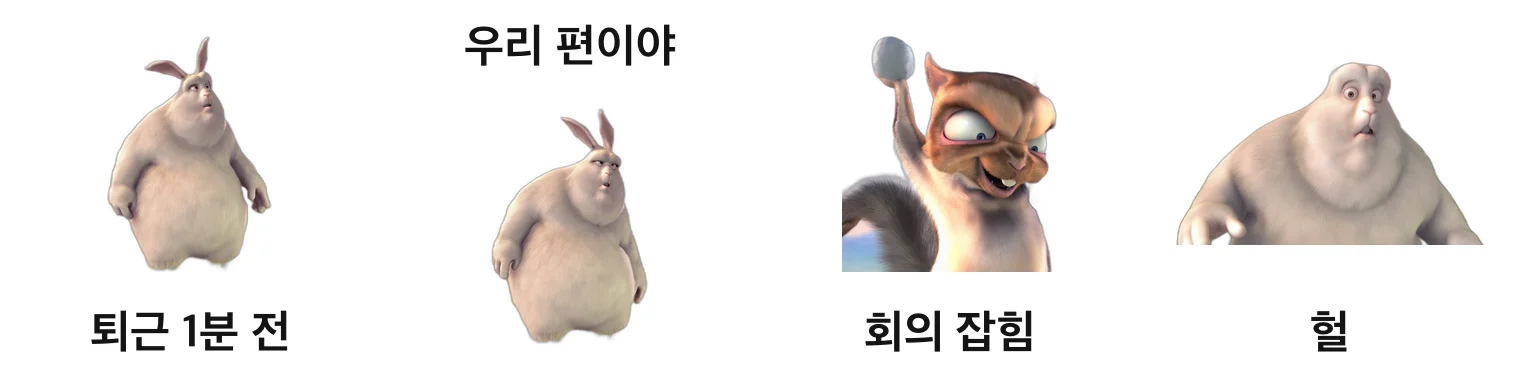


The examples are real output, made from 8 expressions in the trailer for the Blender Foundation's open movie Big Buck Bunny (CC BY 3.0, bigbuckbunny.org).